
Overview
- Tool name: Microsoft Designer
- Developer: Microsoft
- Official website: https://designer.microsoft.com
- Category: AI Design
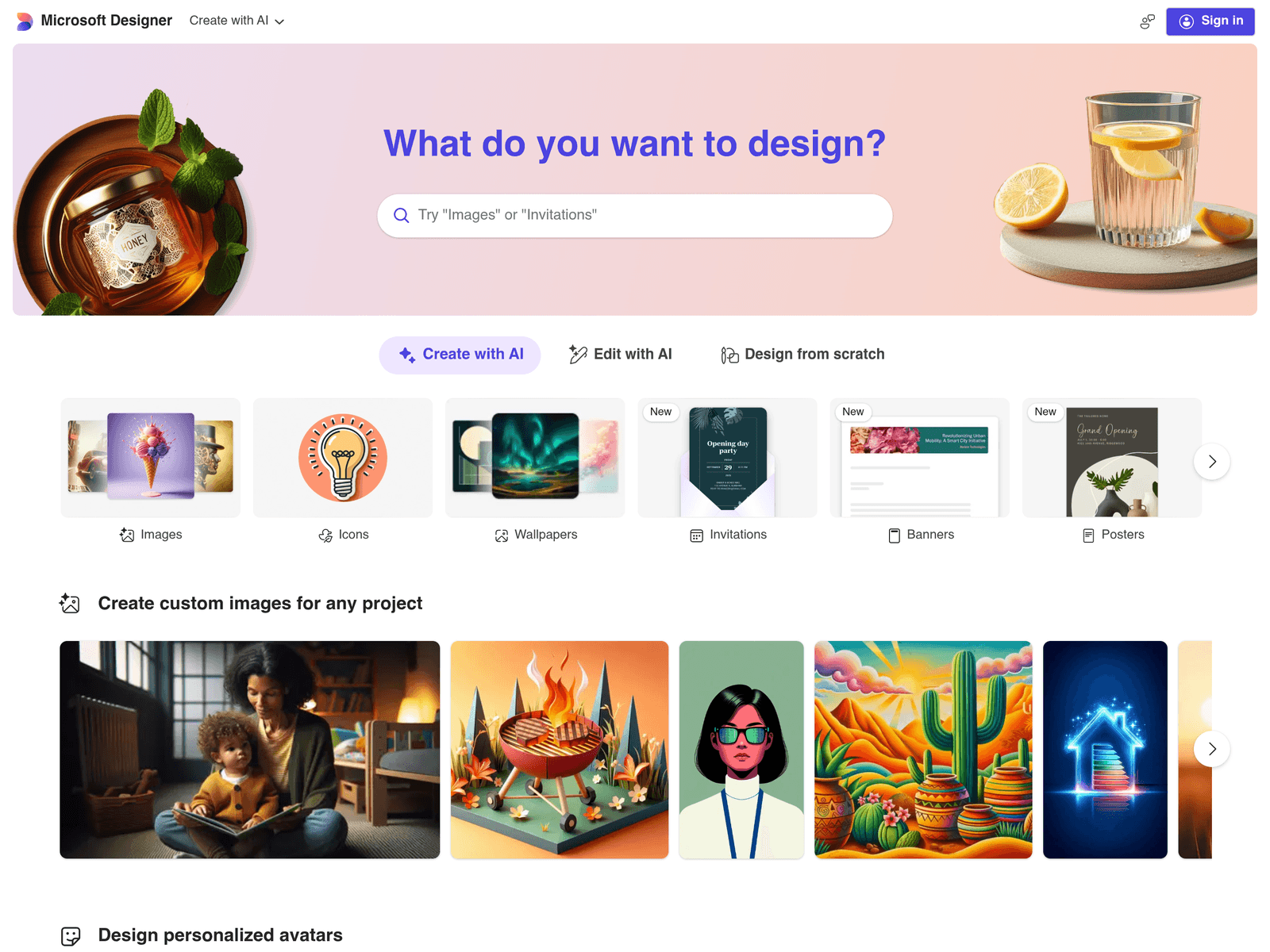
Microsoft Designer is an online graphic design tool by Microsoft that turns text prompts into social posts, invitations, posters, and marketing graphics. It also offers AI-powered image editing, background removal, and generative erase for quick visual creation.
Key Uses
- Create platform-specific social media visuals: Supports formats like Instagram square posts, Instagram Stories, Facebook ads, LinkedIn posts, Pinterest ad pins, and Twitter headers.
- Design invitations and cards: Enables creation of square or portrait invitations, folded cards, postcards, gift certificates, and greeting cards for personal or promotional events.
- Generate custom digital assets: Users can produce wallpapers, avatars, backgrounds, clip art, emojis, stickers, monograms, coloring book pages, and collages from text descriptions.
- Edit existing images: Includes tools to edit images, remove backgrounds, add frames, and use generative erase to remove unwanted objects.
- Produce office and document graphics: Offers templates for Outlook email headers, Teams headers, SharePoint banners, Word headers, PowerPoint covers, and Eventify headers.
Who It Is For
- Individuals making personal cards or invites: Ideal for users without design experience who want to create holiday greetings, party invitations, or digital postcards quickly.
- Small business owners creating marketing materials: Useful for producing flyers, posters, Facebook ads, and gift certificates without hiring a designer.
- Content creators managing multiple social channels: Preset dimensions for Instagram, Facebook, LinkedIn, Pinterest, and Twitter help maintain visual consistency across platforms.
- Office workers enhancing internal communications: Supports branded or themed headers for Outlook emails, Teams pages, SharePoint sites, and presentation covers.
Tips for Best Results
- Write detailed prompts: Specify subject, style, color palette, and composition elements to guide the AI toward more accurate outputs.
- Start with a preset canvas: Choose built-in sizes like Instagram Story, A4 portrait, or phone landscape to avoid manual resizing.
- Refine with editing tools: Use generative erase, background removal, or framing to adjust generated images before finalizing.
- Mix asset types creatively: Combine generated wallpapers, clip art, or emojis into posters or invitations for a distinctive look.
Limitations
- Requires internet access: As a web-based tool, it cannot be used offline.
- Export and licensing details unclear: The site does not specify high-resolution export options, commercial usage rights, or batch download capabilities; check official pages for current terms.
- AI output needs review: Generated designs may contain visual inaccuracies, so verify text and layout before public or professional use.
Frequently Asked Questions
How do I start using Microsoft Designer?
Visit the official website, choose a design type such as social post, invitation, or poster, then enter a text description to generate a draft. Some features may require signing in with a Microsoft account.
Is Microsoft Designer free to use?
The website does not state pricing or free-tier details. Availability may depend on your Microsoft account status, so check the latest information after signing in.
What platforms and sizes are supported?
It includes presets for major social networks like Instagram, Facebook, LinkedIn, Pinterest, and Twitter, plus print and mobile formats such as A4, US Letter, 4x6 photo, and phone orientations.
Can I edit my own images?
Yes. The tool provides image editing, background removal, generative erase, and framing options for both uploaded and AI-generated visuals.
How does it differ from Canva?
Microsoft Designer emphasizes prompt-to-design generation and includes templates tailored to Microsoft 365 contexts like Outlook, Teams, and Word headers, making it suitable for users blending social content with office workflows.