
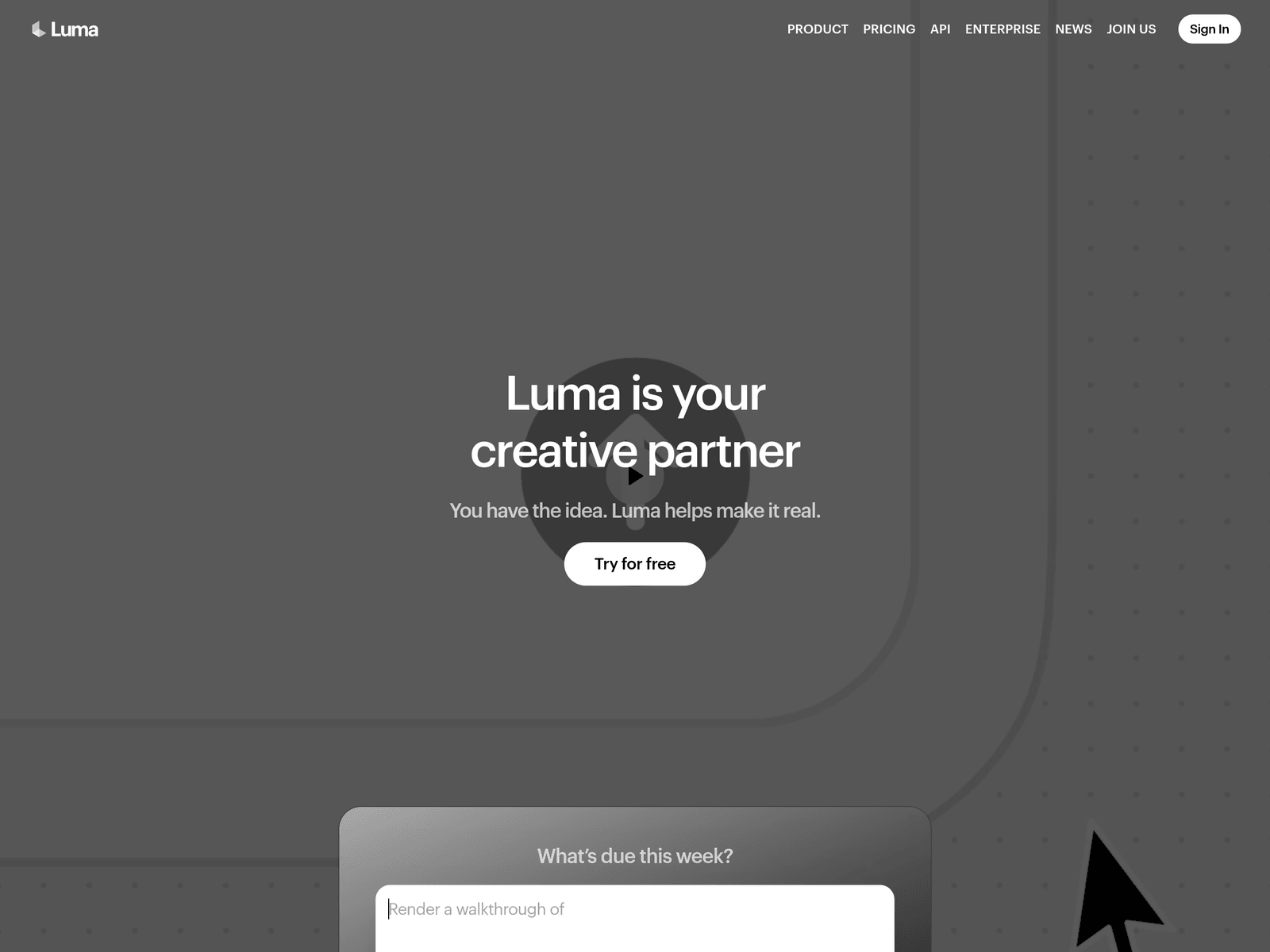
Overview
- Tool name: Luma AI
- Official website: https://lumalabs.ai
- Category: AI Design
Luma AI is a creative AI platform for video generation and image creation built around its Ray and Uni models. Luma AI also offers creative agents and reusable workflows for brand, advertising, and production teams.
Key Uses
- Generate video and image assets: Luma AI can turn creative ideas into visual material for proposals, previews, and later editing, supporting both video generation and image creation workflows.
- Create product visuals and ad variants: The site lists tasks such as Product Hero Shots, Paid Social Variants, and teaser cuts, making it useful for producing multiple directions from one product brief.
- Direct video with Ray 3.2: Ray 3.2 is designed for directing video like a shoot, giving control over individual frames while maintaining continuity across cuts and finishing with cinematic quality.
- Maintain brand consistency with Uni-1: Uni-1 focuses on brand intelligence at the model level, carrying style references, character references, and visual grounding into generated assets.
- Build repeatable creative workflows: Luma Skills lets teams build a creative workflow once and run it repeatedly, which suits recurring content formats such as social ads or campaign variants.
- Access generation through APIs: The website includes API and Enterprise options, and recent updates mention Ray3.2 Model & API and Uni-1.1 API for teams that need programmatic access.
Who It Is For
- Brand and marketing teams: Teams that need ongoing video, image, and campaign assets can use Uni-1 to keep style references and brand identity consistent across outputs.
- Creative agencies: Agencies preparing client presentations can generate multiple visual directions, social variants, and teaser concepts before a meeting instead of starting from blank canvases.
- Video creators and pre-production teams: Ray 3.2 is relevant for testing shot direction, frame-level control, and continuity when exploring short-form video or cinematic sequences.
- Product content teams: Teams producing hero shots, paid social images, or teaser assets can use Luma AI to generate several versions for review and selection.
- Developers and enterprise users: Organizations that want to embed video or image generation into internal tools, pipelines, or automated workflows can evaluate the API and Enterprise paths.
Tips for Best Results
- Match the model to the task: Use Ray 3.2 when the priority is video direction, frame control, and continuity; use Uni-1 when brand style, character consistency, and visual grounding matter more.
- Prepare brand references before generating: For Uni-1 workflows, collect style guides, character references, color direction, and visual examples so the output aligns with existing brand assets.
- Start with a small set of directions: Generate a few variants first, review them internally, and then expand the number of outputs once the visual direction is approved.
- Use Luma Skills for recurring formats: If the team repeatedly produces the same asset type, such as weekly social variants or product teasers, build the workflow once and reuse it.
- Check API and Enterprise details officially: Before integrating Luma AI into production systems, review the official API documentation, pricing, and enterprise terms shown on the current website.
Limitations
- Pricing and free-tier details need verification: The site mentions Try it free, but the excerpt does not specify quotas, paid plans, or enterprise pricing, so current official pages should be checked.
- Generated assets still need human review: Before using outputs in campaigns or client deliveries, teams should verify continuity, brand consistency, and suitability for the intended channel.
- Capabilities vary by model and workflow: Ray 3.2 and Uni-1 serve different purposes, so users should not assume one model covers every video, image, or brand-consistency requirement equally.
- API scope and enterprise terms require confirmation: Although API and Enterprise entries appear on the site, access limits, supported features, and service terms should be confirmed through official documentation.
Frequently Asked Questions
How do I start using Luma AI?
Visit the official Luma AI website and sign in or create an account. The homepage provides a Try for free entry point, after which users can choose video generation, image creation, or an existing workflow based on the project goal.
Does Luma AI have a free trial?
The homepage includes Try it free and Try Free buttons, indicating that a free trial entry is available. The exact quota, available models, and upgrade terms should be confirmed on the official pricing page.
What types of content can Luma AI create?
Luma AI supports video generation and image creation, and its agents are described as working across video, image, audio, and text. The best workflow depends on whether the task is a hero shot, ad variant, teaser, or brand-consistent campaign asset.
What is the difference between Ray 3.2 and Uni-1?
Ray 3.2 is focused on video generation with frame-level direction, continuity across cuts, and cinematic finishing. Uni-1 is focused on brand intelligence, using style references, character references, and visual grounding to keep assets aligned with a brand.
Does Luma AI offer an API?
The website includes an API section, and recent updates mention Ray3.2 Model & API and Uni-1.1 API. Developers should review the official API documentation for integration methods, available endpoints, and pricing.