
Overview
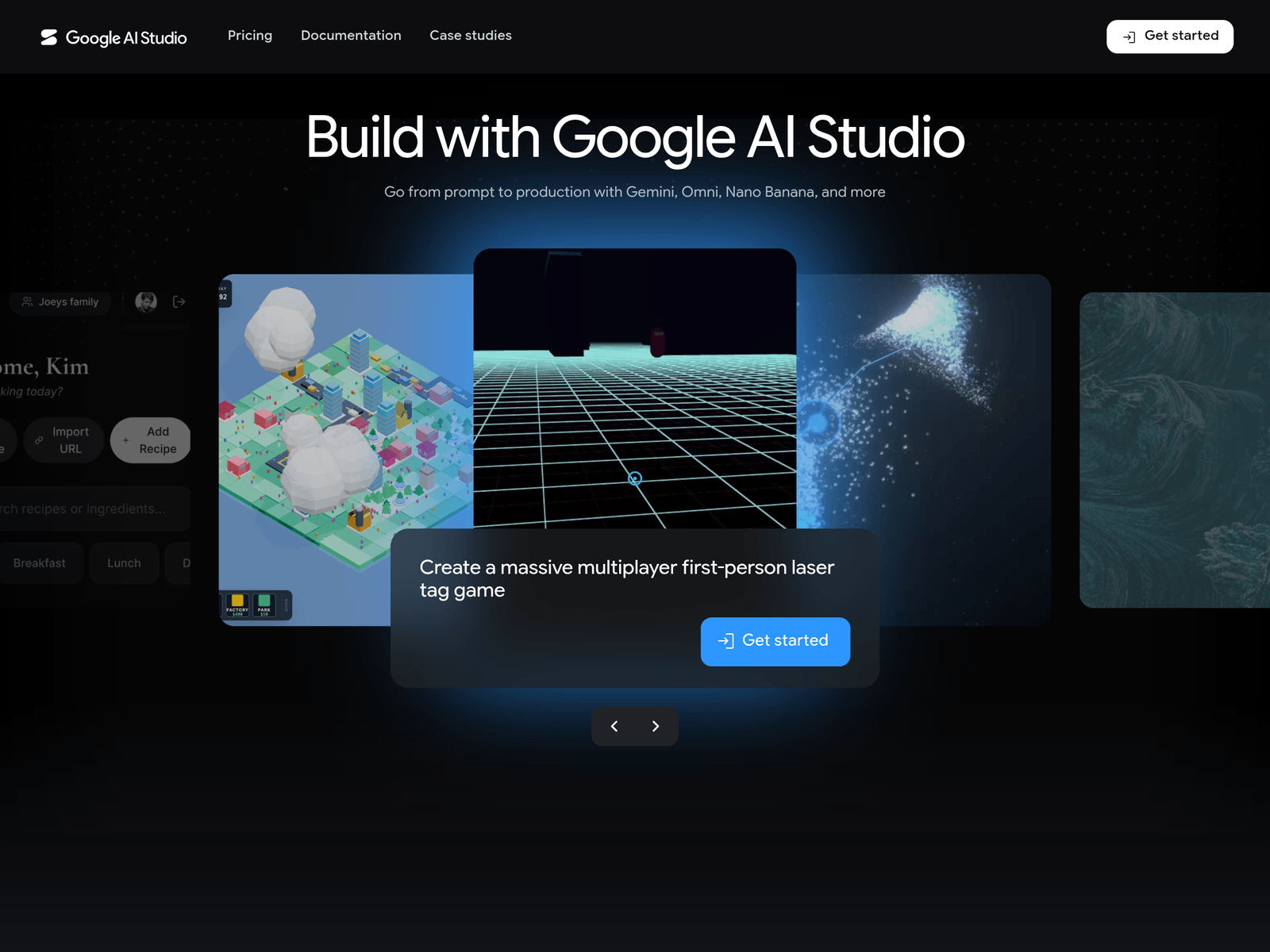
Google AI Studio provides a web-based entry point for working with Gemini models without first setting up a full development environment. The page material describes it as a route from prompt to production, which suggests it is aimed at early experimentation, prompt iteration, and evaluation before deeper integration. Because the available material does not list model versions, pricing tiers, or a complete feature set, those details should be confirmed on the official site.
Key Uses
- Use Google AI Studio to try Gemini models directly after signing in with a Google account, without preparing a local environment first.
- Test how Gemini responds to different prompts, instructions, output formats, and context lengths before connecting it to an application.
- Iterate on prompt wording as part of an early development workflow, keeping track of which phrasing produces more stable or useful results.
- Evaluate whether Gemini is suitable for a specific text, code, or multimodal task before committing engineering resources to integration.
- Prepare for a move from prototype to production by validating prompt behavior in Google AI Studio before using it in a live workflow.
Who It Is For
- Developers who want to check whether Gemini can handle basic generation or reasoning tasks before building a larger project around it.
- Product teams running early proofs of concept who need to compare prompt results without immediately investing in backend development.
- Technical leads evaluating AI platforms who want a simple way to observe model behavior, response style, and general usability.
- Learners exploring Gemini who prefer a direct official entry point instead of starting with extensive documentation or environment setup.
Tips for Best Results
- Define the task first, such as text generation, information extraction, code assistance, or multimodal understanding, then write prompts accordingly.
- Change only one variable at a time, such as instruction wording, example count, or output format, so it is easier to identify what changes the result.
- Keep multiple prompt samples and their outputs when testing important tasks, which helps compare stability before production use.
- After initial validation in Google AI Studio, review official developer documentation for API access, quotas, deployment options, and integration requirements.
Limitations
- The available page material does not provide a full list of supported model versions, feature boundaries, free quotas, or paid usage terms.
- Access requires a Google account, and actual availability may depend on account status, regional policies, and network conditions.
- The page mainly presents a sign-in entry point and a short positioning statement, so enterprise deployment, security compliance, and data handling details should be confirmed separately.
Frequently Asked Questions
How do I start using Google AI Studio?
Visit https://aistudio.google.com/ and sign in with a Google account. After signing in, you can access the Gemini experience and begin testing prompts. If the page shows additional steps, follow the current official interface.
Is Google AI Studio free?
The available material says users can try and test Google's latest AI models for free, but it does not list full free quotas, restrictions, or later billing terms. For production use or long-term access, check the official page or related billing documentation.
Which languages does Google AI Studio support?
The sign-in page lists many interface languages, including English, Simplified Chinese, Traditional Chinese, Japanese, Korean, French, German, and Spanish. Interface language support and model output language capability are not necessarily the same, so details should be confirmed officially.
How is it different from calling the Gemini API directly?
Google AI Studio appears more suited to quick experimentation and prompt testing, while direct API access is usually more relevant for projects already in development. The provided material does not detail differences in permissions, quotas, or features, so official documentation should be consulted.
Are there alternatives?
Other large model platforms from OpenAI, Anthropic, or Mistral may serve as alternatives depending on the task. For Gemini specifically, Google AI Studio is one official entry point, but the best choice depends on model capability, integration needs, and compliance requirements.