
Overview
- Tool name: n8n
- Developer: n8n
- Official website: https://n8n.io/
- Category: AI Platforms
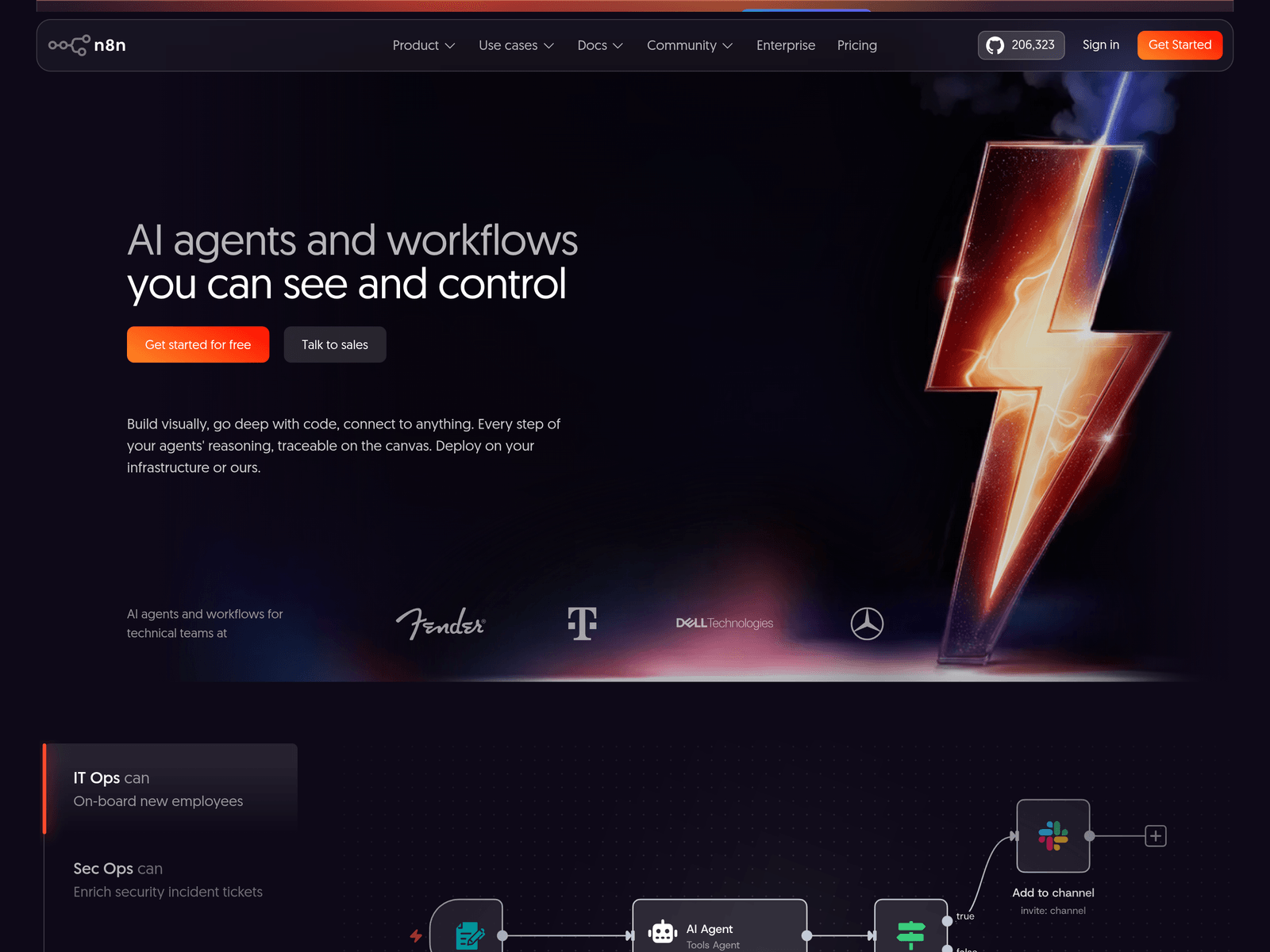
n8n is an open source low-code AI workflow automation platform for technical teams. It combines visual workflow building, code extensions, integrations, and AI steps for controlled automation.
Key Uses
- Build AI workflow automation: n8n can connect AI steps with business logic to move and transform data, trigger actions, update records, and automate follow-up tasks across connected systems.
- Create traceable AI agents: Teams can build AI agents and inspect reasoning steps on a canvas, making it easier to understand how decisions are made and where outputs come from.
- Connect apps and internal data: The platform provides more than 500 integrations and supports custom API connections, allowing AI steps to work with business data and external services.
- Support RAG and multi-agent systems: n8n can be used for retrieval-augmented generation workflows and more complex multi-agent setups where several steps retrieve, reason, and act.
- Deploy in different environments: It can run on user-selected infrastructure, including self-hosted deployments, Docker-based setups, and a hosted version for teams that prefer managed operation.
Who It Is For
- Technical automation teams: n8n is aimed at teams that want low-code speed but still need code-level flexibility, custom logic, and visibility into workflow execution.
- IT operations teams: It can support onboarding workflows, ticket handling, update checks, rollback processes, and notifications when automated checks fail or require attention.
- Security operations teams: Security teams may use it to enrich incident tickets and move relevant information between monitoring, ticketing, and response systems.
- Developers and AI application builders: Developers can use n8n for backend prototyping, embedding automation into products, and building workflows connected through MCP-compatible AI apps.
Tips for Best Results
- Start from templates: n8n mentions more than 10,000 workflow automation templates. Starting with a relevant template can reduce setup time and help teams understand node structure before customization.
- Structure AI inputs and outputs: Enforcing structured data around AI steps helps control what enters and leaves the model, reducing unstable outputs and making downstream actions more reliable.
- Add human approval for sensitive actions: For actions such as creating tasks, updating tickets, or calling external APIs, combine rule-based automation with human-in-the-loop approval to contain risk.
- Inspect executions before scaling: Review prompts, responses, and subsequent actions during testing. For complex workflows, roll out changes gradually instead of modifying many nodes at once.
Limitations
- Best suited to technical users: n8n is designed for teams comfortable with automation logic and technical configuration. Non-technical users may need training or support for advanced workflows.
- Complex AI workflows need governance: Multi-agent systems, RAG pipelines, and external integrations can increase operational complexity, so permissions, logging, approvals, and rollback plans matter.
- Pricing and enterprise details need verification: The provided website excerpt does not specify detailed pricing tiers, service levels, or enterprise feature boundaries, so these should be checked on official pages.
Frequently Asked Questions
How do I get started with n8n?
Users can start through the official website, documentation, or template library. Teams that want self-hosting can review Docker deployment options, while others may prefer the hosted version.
Is n8n open source?
The website references source code access, GitHub, and licensing information. Users should review the official license documentation to understand permitted use, deployment, and commercial terms.
Which integrations and AI models does n8n support?
n8n provides more than 500 integrations and supports custom API connections. It can also connect different AI models and work with systems that support MCP, depending on the workflow design.
How is n8n different from simple no-code automation tools?
n8n combines visual building with code access, making it more suitable for complex logic, custom integrations, and technical teams that need deeper control than basic no-code tools provide.
Can n8n be self-hosted?
Yes. n8n can be deployed on infrastructure chosen by the user, including self-hosted and air-gapped environments according to the website. A hosted version is also available for managed use.