
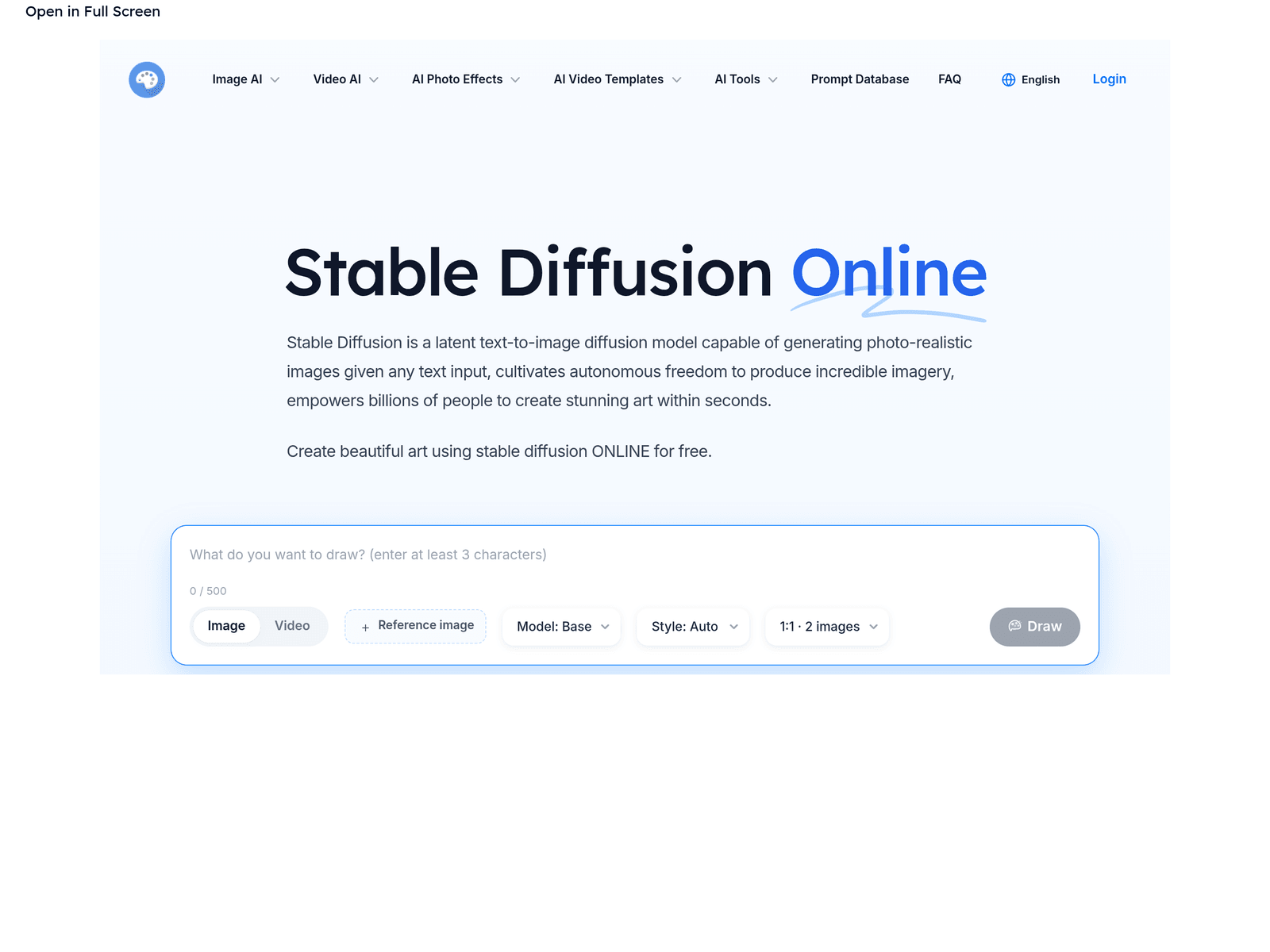
Overview
- Tool name: Stable Diffusion
- Developer: Stability AI
- Official website: https://stable-diffusion.io/online
- Category: AI Image
Stable Diffusion is a text-to-image generation tool based on latent diffusion models, designed to create vivid visual images from natural language text prompts. It translates abstract descriptions into digital art, illustrations, or photo-style imagery to help users quickly visualize creative concepts.
Key Uses
- Text-to-Image Generation: Renders visual scenes directly based on user-input text prompts.
- Style Transformation: Adjusts artistic styles, color palettes, and compositions to fit diverse aesthetic requirements.
- Concept Sketching: Provides rapid visual references for design, advertising, and game conceptualization phases.
Who It Is For
- Digital Artists: Illustrators and digital creators looking for inspiration, background assets, or creative assistance.
- Content Creators: Marketers and bloggers who need unique visual assets for social media posts, articles, or online campaigns.
- Product Designers: Industrial designers and game developers visualizing early-stage concept ideas.
Tips for Best Results
- Write Detailed Prompts: Use specific, clear adjectives and subject descriptions to guide the AI toward expected results.
- Utilize Negative Prompts: Exclude unwanted elements, artifacts, or distortions by specifying what you do not want in the frame.
- Iterate and Adjust: Experiment with multiple generations and parameter tweaks, as AI output inherently involves some randomness.
Limitations
- Complex Details: May struggle with intricate structures such as human hands, legible text, or complex symmetrical patterns.
- Copyright Considerations: Commercial rights depend heavily on the specific platform terms and local legal jurisdictions; users should verify licensing carefully.
- Platform Dependency: Online access relies on server availability and active internet connection.
Frequently Asked Questions
Is Stable Diffusion free to use?
The online platform provides web-based access, though specific free tiers, trial limits, or subscription models are subject to change. Please check the official website for current pricing details.
How long does it take to generate an image?
Generation time typically ranges from a few seconds to half a minute, depending on current server load and the chosen resolution settings.
Can generated images be used for commercial purposes?
Commercial usability depends on the specific platform's terms of service and relevant copyright laws in your region. It is recommended to review the official licensing agreement before commercial deployment.
How can I improve the quality of generated images?
Quality can be enhanced by writing more descriptive prompts, specifying distinct artistic styles, tuning sampling steps, and applying negative prompts to filter out imperfections.