
Overview
- Tool name: SeaArt
- Developer: SUNRISEAI PTE. LTD.
- Official website: https://www.seaart.ai/
- Category: AI Image Tools
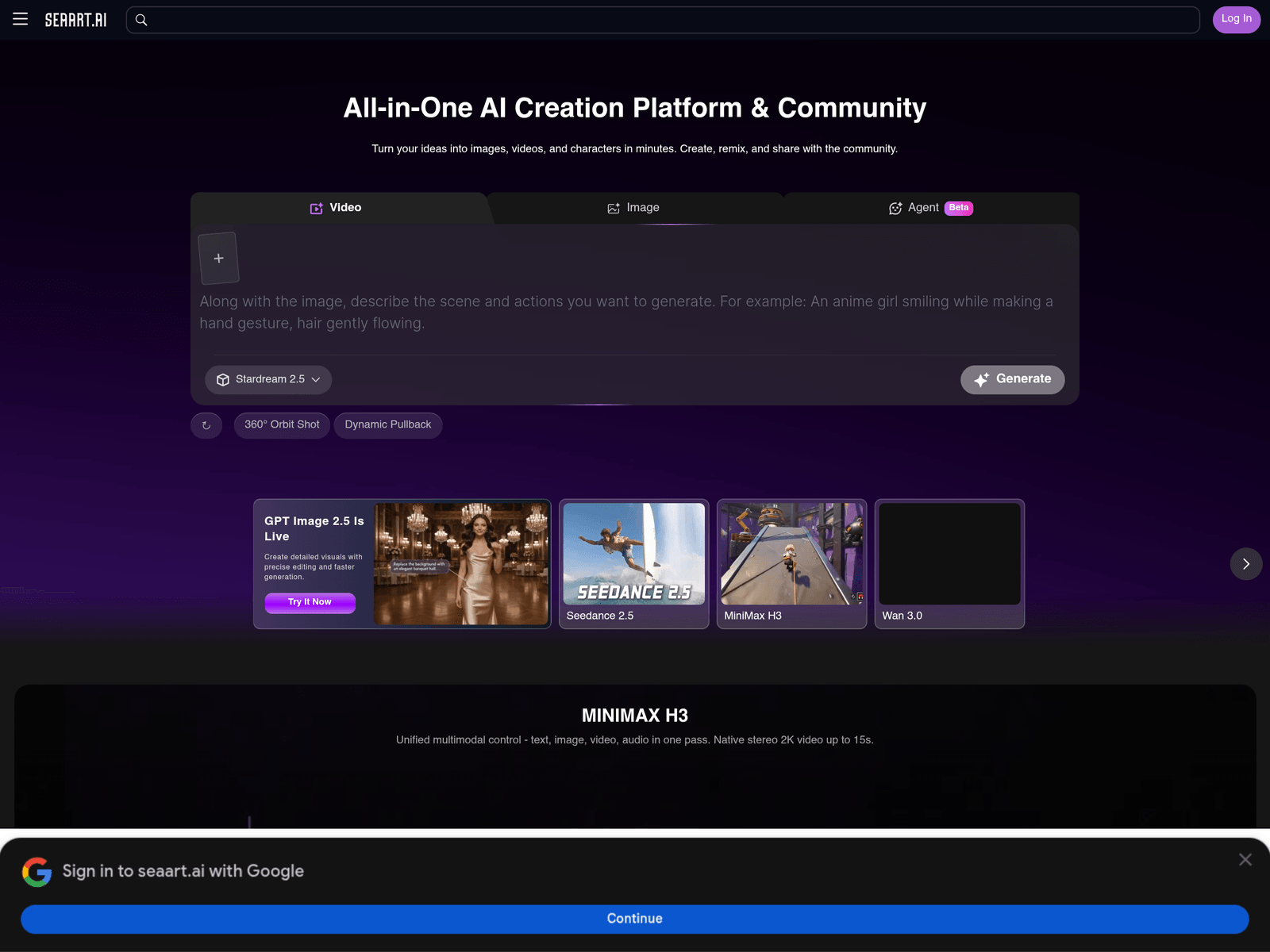
SeaArt is an online AI art platform that aggregates many image models to help users generate digital artwork efficiently. It provides a collaborative creative environment where users can explore diverse models, create visual content, and share ideas.
Key Uses
- Online image generation: Users can input text prompts to create detailed visual artworks and illustrations directly through the platform.
- Multi-model experimentation: The platform aggregates various image models, allowing creators to explore different artistic styles in one place.
- Community sharing and interaction: Users can share their creations, explore trending community works, and draw inspiration from others.
- Creative remixing: The platform supports remixing existing creations, enabling users to build upon templates and community assets.
- Tool exploration: Users can discover and test a variety of AI creation tools and templates hosted within the ecosystem.
Who It Is For
- Digital artists: Suitable for illustrators and creators looking to quickly sketch concepts, explore styles, and gather visual references.
- Hobbyists and enthusiasts: Ideal for individuals who enjoy experimenting with AI art generation for personal creative projects.
- Community creators: Designed for users who want to share their generated artwork and engage with a global community of digital creators.
- Design researchers: Useful for those seeking rapid visual brainstorming and looking at how different models handle prompts.
Tips for Best Results
- Test different models: Since the platform aggregates multiple models, try switching between them to find the best aesthetic fit for your specific project.
- Explore community prompts: Review trending creations in the community to understand effective prompt structures and styling techniques.
- Utilize remix features: Take advantage of remixing tools to modify existing templates or your previous outputs rather than starting from scratch.
- Stay updated on tools: Check the platform regularly for newly added models and specialized creation features to expand your workflow.
Limitations
- Requires internet connectivity: As an online web-based platform, stable internet access is necessary to generate images and browse the community.
- Varying model outputs: Different aggregated models yield distinct styles, requiring some trial and error to master specific desired visual outcomes.
- Generation randomness: AI-generated images can occasionally produce unexpected artifacts, requiring iterative prompt refinement for precise details.
Frequently Asked Questions
How do I start using SeaArt?
Users can simply visit the official website and sign up for an account to access the online creation tools and community features directly through a web browser.
Is there a free tier available?
The platform generally offers basic free generation credits for everyday use, though specific limits and feature access may vary based on platform updates.
What platforms and languages does it support?
As a web-based service, it is accessible via standard desktop and mobile browsers with multi-language support catering to an international user base.
How does it differ from other AI art tools?
Its primary distinction lies in aggregating a wide variety of image models into a single ecosystem combined with an active creator community for sharing and remixing.