
Overview
- Tool name: Notion AI
- Developer: Notion
- Official website: https://www.notion.so/product/ai
- Category: AI Productivity
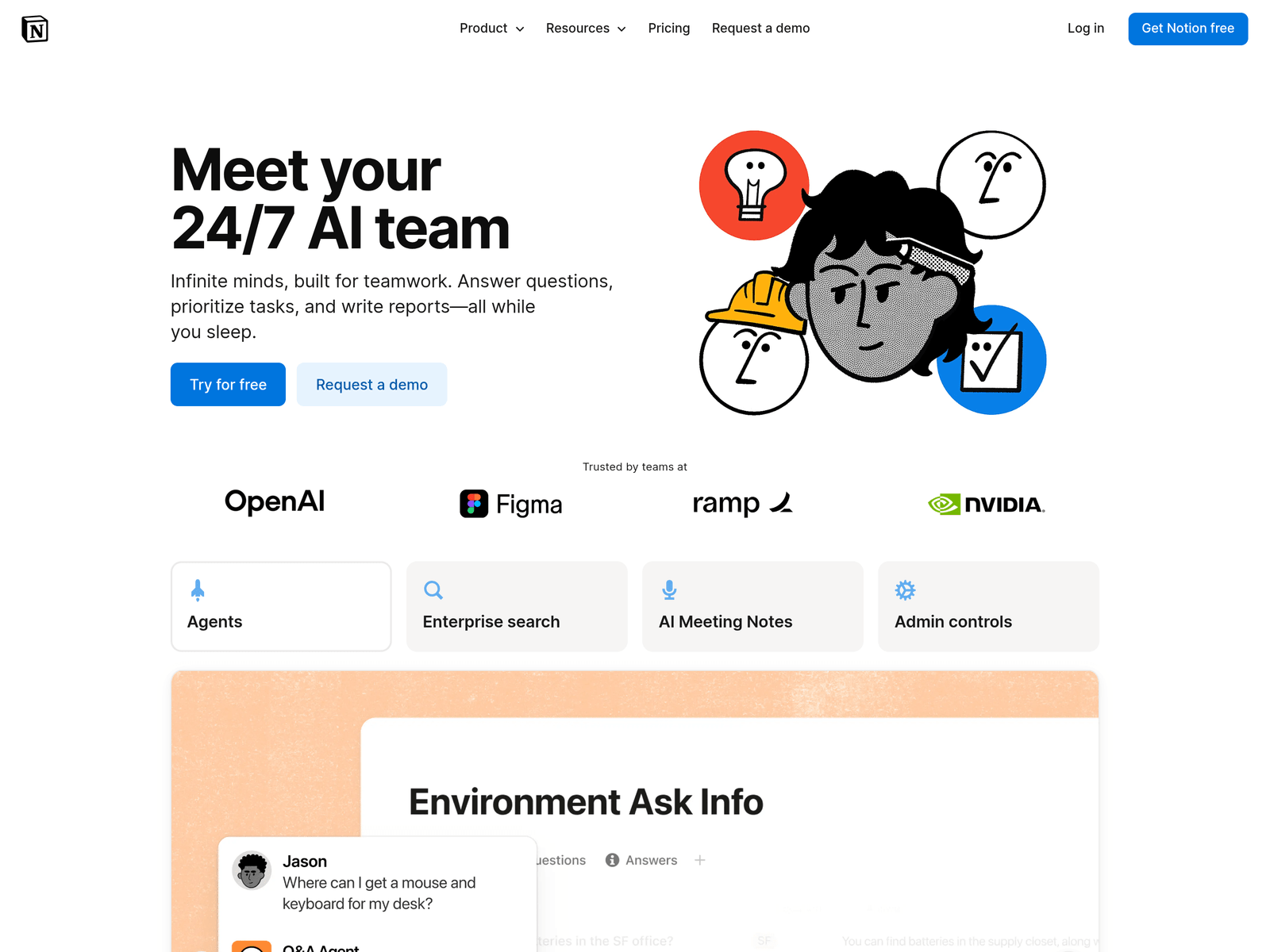
Notion AI is an intelligent workspace assistant built right into Notion. It helps users search, generate content, analyze data, and chat within a unified interface. By connecting external apps and automating repetitive tasks, the tool streamlines daily team collaboration and knowledge management.
Key Uses
- Generate documents, email drafts, outlines, and summaries directly within the workspace.
- Search across all connected external apps to find answers instantly from unified knowledge bases.
- Build custom agents to automate repetitive tasks and execute routine workflows automatically.
- Summarize meeting notes accurately to create a reliable and searchable team meeting memory.
- Connect third-party applications to centralize business data and break down internal silos.
- Answer team questions on demand and assist with prioritizing tasks and planning schedules.
Who It Is For
- Remote and distributed teams that need to centralize documentation and search across multiple apps.
- Project managers and operators who want to automate routine administrative and repetitive workflows.
- Knowledge workers seeking to streamline document creation, meeting notes, and daily planning.
- Individuals and growing businesses utilizing Notion as their primary digital workspace.
Tips for Best Results
- Utilize the inline AI writing prompts to quickly draft initial outlines and expand meeting notes.
- Configure custom agents carefully to ensure automated workflows align with your team processes.
- Connect frequently used external apps to Notion to maximize the scope of enterprise search.
- Review AI-generated documents and summaries manually before sharing critical updates with stakeholders.
Limitations
- AI-generated outputs may occasionally contain inaccuracies and require human verification.
- Deepest utility depends on adopting Notion as your primary document and workspace ecosystem.
- Advanced enterprise features, search scopes, and agent capabilities may vary by subscription tier.
Frequently Asked Questions
Is there a free trial available for Notion AI?
The platform typically offers free trial options to let users test core capabilities within their workspace. Specific free allowances and usage limits vary based on current subscription plans, so checking the official pricing page is recommended for precise details.
How do I start using Notion AI in my workspace?
Users can launch the assistant by logging into their account, opening any Notion page, and triggering the AI prompt command. Workspace settings also provide options to configure custom agents and integrations according to team needs.
What external applications can be connected to Notion AI?
The tool supports connections with various third-party productivity and communication applications to enable enterprise-wide search. The list of supported integrations expands regularly, which can be verified directly in the official connection settings menu.
How does Notion AI protect team data security?
The platform implements enterprise-grade security protocols and data privacy standards to safeguard your workspace knowledge. It also provides customizable permission controls to restrict data access to authorized team members and agents.
How does Notion AI differ from standalone AI writing tools?
Unlike standalone generators, this assistant is deeply integrated directly inside your Notion workspace, allowing you to combine documentation, search, meetings, and automation in a single platform without switching apps.