Overview
- Tool name: iFlytek Zhizuo AI Audio
- Developer: Hefei Kexun Chuangxiang Software Development
- Official website: https://xfzhizuo.cgref.cn/s/p3kq507kol
- Category: AI Audio & Voice
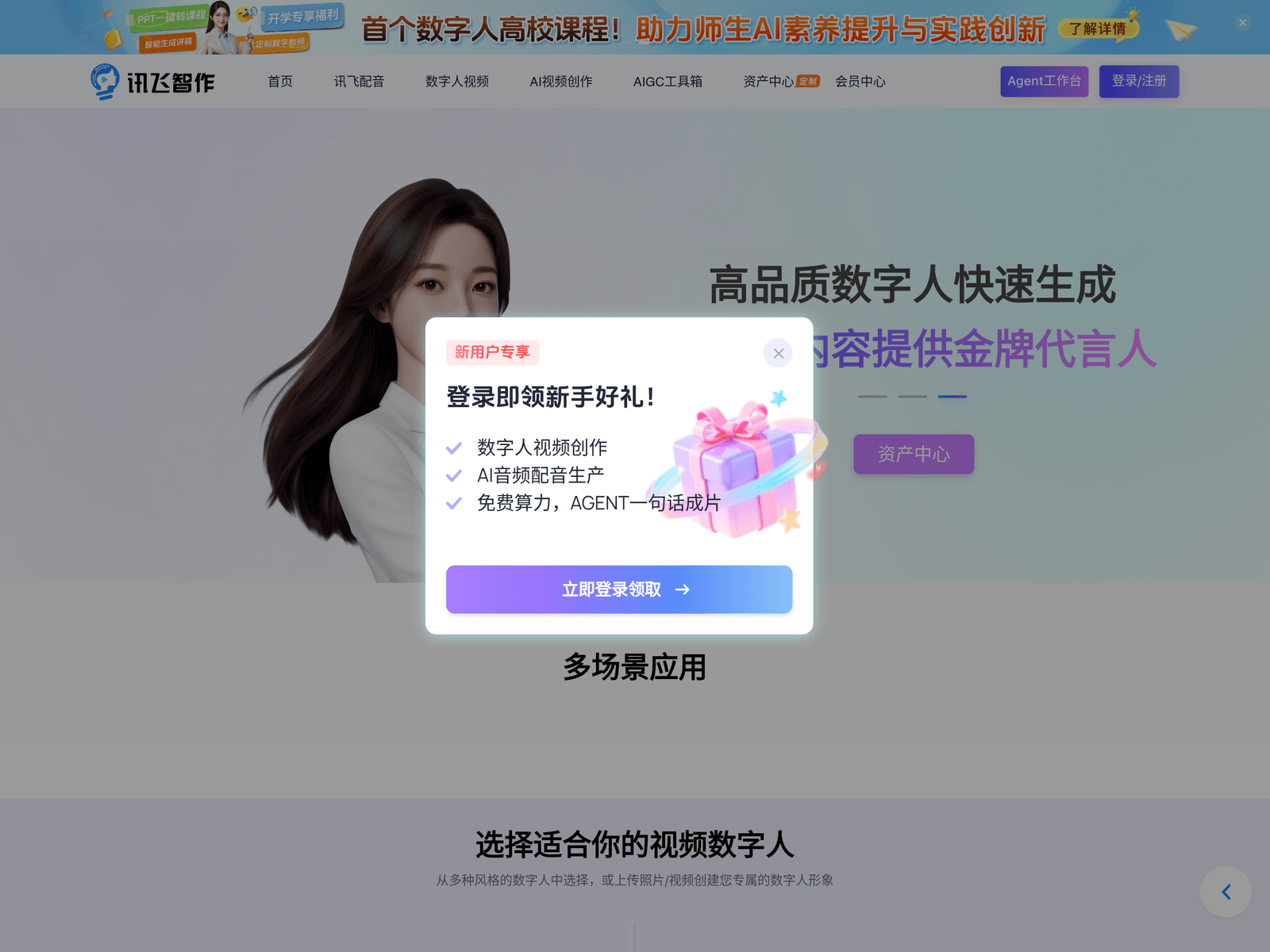
iFlytek Zhizuo AI Audio is an AI avatar video and voiceover tool. It converts a script or slide deck into a narrated avatar video. The site describes Zhizuo as a product under iFlytek (科大讯飞), and the creative workspace is organised around a voiceover module, an avatar video module, an AI video creation area and an AIGC toolbox.
Key Uses
- Script and slide-to-video conversion: Paste in a written script or import a slide deck, choose one of the available presenters, and the platform assembles a narrated video with an on-screen avatar in a single pass.
- AI voiceover synthesis: The voiceover module covers multiple voice styles and multiple languages, aimed at tasks such as short-video narration, course audio and product walkthroughs.
- Custom avatar creation: Beyond the built-in avatar library, users can upload a photo or a video clip to build a personalised presenter that matches their own look or brand.
- Custom voice creation: A voice can be built from a short text description, or by uploading audio, image or video assets, which helps keep a consistent brand voice across a content series.
- Enterprise production support: The enterprise offering adds longer digital-human video quotas, company accounts, dedicated avatar customization, API integration and priority technical support.
Who It Is For
- Course creators and trainers who need narrated explainer videos without setting up a camera or a studio.
- Marketing and product teams producing short spoken-word explainers for launches, features and campaigns.
- Social media creators who publish talking-head content on a regular schedule and want to keep production to writing.
- Organisations that need branded avatars, shared company accounts and API access rather than one-off manual exports.
Tips for Best Results
- Write scripts in short, spoken-style paragraphs. Long sentences give the synthesiser less room to breathe and make it harder to align captions with the finished video.
- Start with the built-in avatar library to test the workflow end to end, then decide whether a custom presenter is worth the extra preparation.
- For a custom avatar, upload clear, evenly lit footage. Output quality tracks the source material closely, so dim or shaky clips will show in the result.
- Keep generated avatars and voices together in the asset center with consistent naming, so colleagues reuse the same brand assets instead of creating duplicates.
Limitations
- Pricing and any free allowance are not published on the homepage, so cost and trial availability should be checked on the official page or with the vendor before planning a budget.
- The site states that voiceover supports multiple languages but does not list which ones; confirm a specific language with the vendor first if it is essential to a project.
- Custom avatar results depend heavily on the uploaded photo or video, and the platform does not guarantee a particular likeness quality from a given input.
- Users are responsible for obtaining permission before uploading someone else's face or voice, and for checking the terms that apply to commercial use of generated output.
Frequently Asked Questions
How do I get started with iFlytek Zhizuo AI Audio?
Register and sign in on the official site, then open either the avatar video area or the voiceover area and start a new project. Upload a script or slide deck, pick a presenter and a voice, and generate the video. A support hotline, 4000-199-199, is listed on the site for workflow questions.
Is there a free tier or free trial?
The homepage does not publish plan prices or a free trial allowance. Whether a free experience is offered, and how usage is billed, should be confirmed on the official page. Checking the member center after registration is the quickest way to see what applies to a new account.
Which languages does the voiceover support?
The site says the voiceover module supports multiple styles and multiple languages, but it does not enumerate the individual languages. If a project depends on one particular language, ask the vendor to confirm coverage before committing to a production schedule.
How is this different from a plain AI voice generator?
A typical voice generator returns audio only. Zhizuo combines narration with an on-screen avatar, so a script becomes a presenter-led video rather than a soundtrack. Teams that only need narration can stay inside the voiceover module, while teams that need a visible presenter can use the full pipeline.
Can enterprises get a dedicated avatar and API access?
Yes, an enterprise tier is listed that includes longer digital-human video quotas, enterprise accounts, dedicated avatar customization, API integration and priority technical support. Scope and activation are arranged through the vendor's contact channels, and pricing is not disclosed on the homepage.