
Overview
- Tool name: Noiz AI
- Official website: https://noiz.ai/landing
- Category: AI Audio & Voice
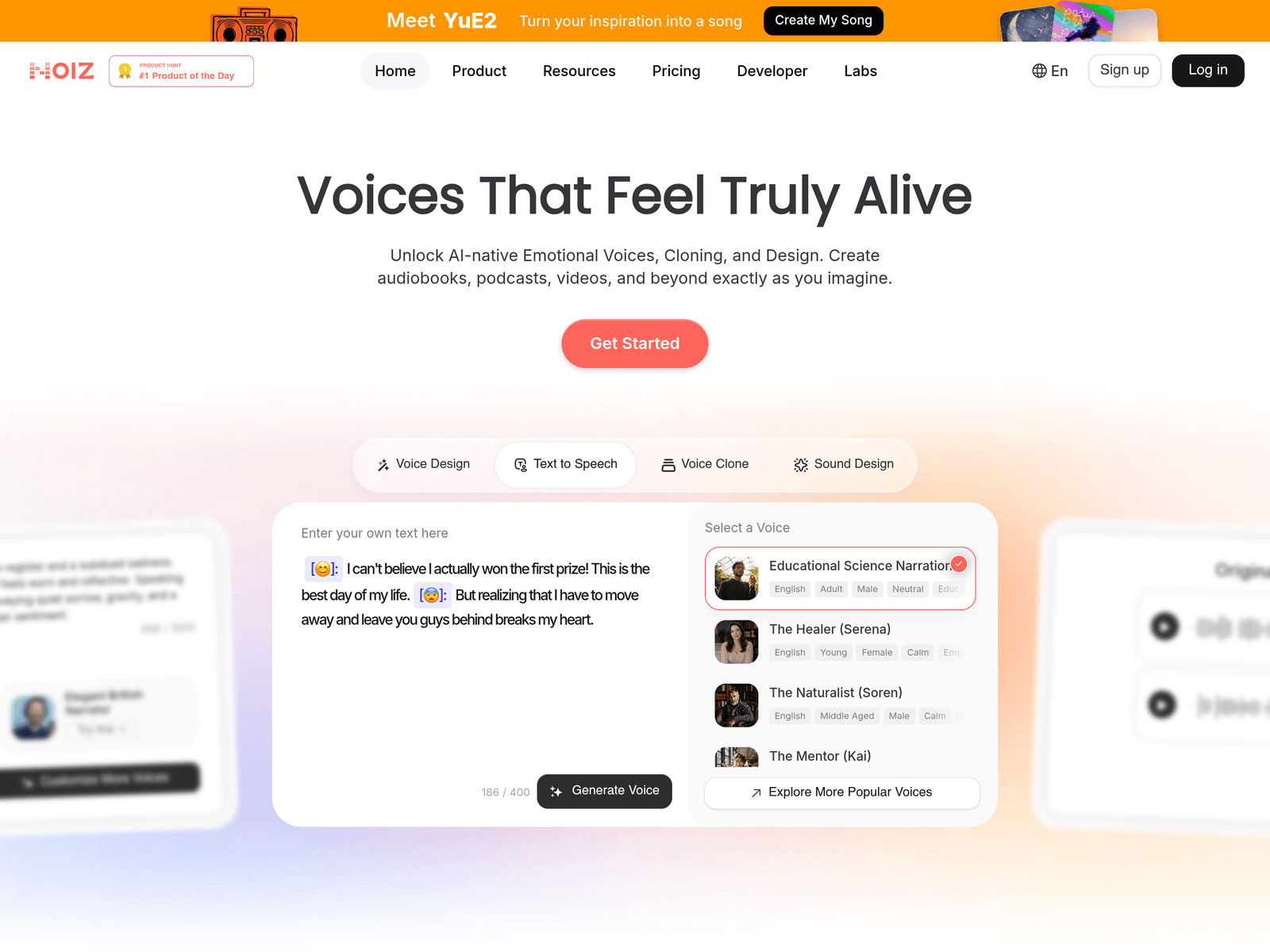
Noiz AI is an AI audio and voice tool for text-to-speech, voice cloning, voice design, and multilingual video dubbing. It helps creators produce expressive narration for audiobooks, podcasts, videos, education, and brand content while simplifying voice reuse and localization.
Key Uses
- Text-to-speech generation: Convert written scripts into spoken audio for narration, storytelling, videos, podcasts, and educational content, with options for emotional expression.
- Voice cloning: Create a cloned voice from around three seconds of audio, which can help creators reuse a consistent voice across episodes, characters, or branded audio series.
- Multilingual video dubbing: Translate and dub videos into multiple languages while aiming to preserve the original voice characteristics and emotional nuances.
- Voice design: Generate new voices from text prompts or image-plus-text inputs, which is useful for fictional characters, virtual presenters, and concept audio projects.
- Emotion control: Adjust or enhance emotional delivery using emoji-based controls or emotion tags, making the output more suitable for dramatic narration, ads, and character voices.
- Voice library selection: Choose from more than 200 built-in voices for different narration styles, character types, and content formats.
Who It Is For
- Audiobook and podcast creators: Suitable for producing narration, episode intros, story segments, and long-form spoken content without scheduling repeated studio sessions.
- Video creators and localization teams: Useful for translating existing videos into other languages while trying to keep a recognizable voice and emotional tone.
- Game, animation, and character creators: Helpful for designing distinct character voices and adding emotional variation to scripted dialogue or narrative scenes.
- Educators and training content teams: Suitable for course narration, explainer audio, language-learning material, and instructional content that needs clear and consistent voices.
- Marketing and brand teams: Useful for advertisements, product explainers, campaign audio, and building a reusable voice identity across channels.
Tips for Best Results
- Choose voices by content type: For long-form narration, prioritize a stable and natural voice; for character work, test voices with stronger emotional range before finalizing the project.
- Prepare clean source audio for cloning: Use a short, clear recording with minimal background noise, natural pacing, and consistent pronunciation to improve cloning stability.
- Break long scripts into sections: Shorter paragraphs and clear punctuation can help the model produce better pauses, rhythm, and emotional transitions.
- Add emotion gradually: Emoji or emotion controls can make speech more expressive, but it is best to test small sections first so the delivery does not become exaggerated.
- Preview multilingual dubbing in small clips: Before processing a full video, test a short segment to check translation accuracy, voice preservation, pacing, and pronunciation.
Limitations
- Pricing and free-tier details are not confirmed: The available page information does not clearly state whether there is a free plan, trial, or subscription pricing, so current website terms should be checked.
- Voice cloning requires permission: Cloning another person’s voice should only be done with proper authorization, especially for commercial or public-facing content.
- Dubbing quality depends on source material: Original audio quality, background noise, accent, speaking speed, and language pair may affect translation and dubbing results.
- Emotional voices may not fit every use case: Highly expressive voices work well for stories and characters, but formal news, legal explainers, or serious training content may need a more neutral tone.
- API details are not fully specified: The site mentions developer-ready APIs, but the scope, limits, and integration requirements are not fully detailed in the landing page excerpt.
Frequently Asked Questions
How do I start using Noiz AI?
Visit the official website and choose a workflow such as text-to-speech, voice cloning, voice design, or video dubbing. Enter text or upload audio, select a voice or language, and generate a short preview before using it in a full project.
Does Noiz AI offer a free plan?
The provided page information does not confirm a free plan, trial quota, or pricing structure. Check the official website or account dashboard for the latest access terms before relying on third-party descriptions.
Which languages does Noiz AI support?
Noiz AI highlights multilingual dubbing and translation, with examples involving English, Japanese, and Chinese. The full list of supported languages and voice availability should be confirmed on the official site.
How is Noiz AI different from basic AI voice generators?
Noiz AI combines text-to-speech with voice cloning, voice design, emotion control, and multilingual dubbing. This makes it more focused on expressive narration and content localization than tools that only convert plain text into speech.
Are there alternatives to Noiz AI?
Yes. For simple narration, a basic AI text-to-speech tool may be enough. For video translation with lip-sync, dedicated localization tools may fit better, while developers may need to compare API documentation and supported voice features.