Overview
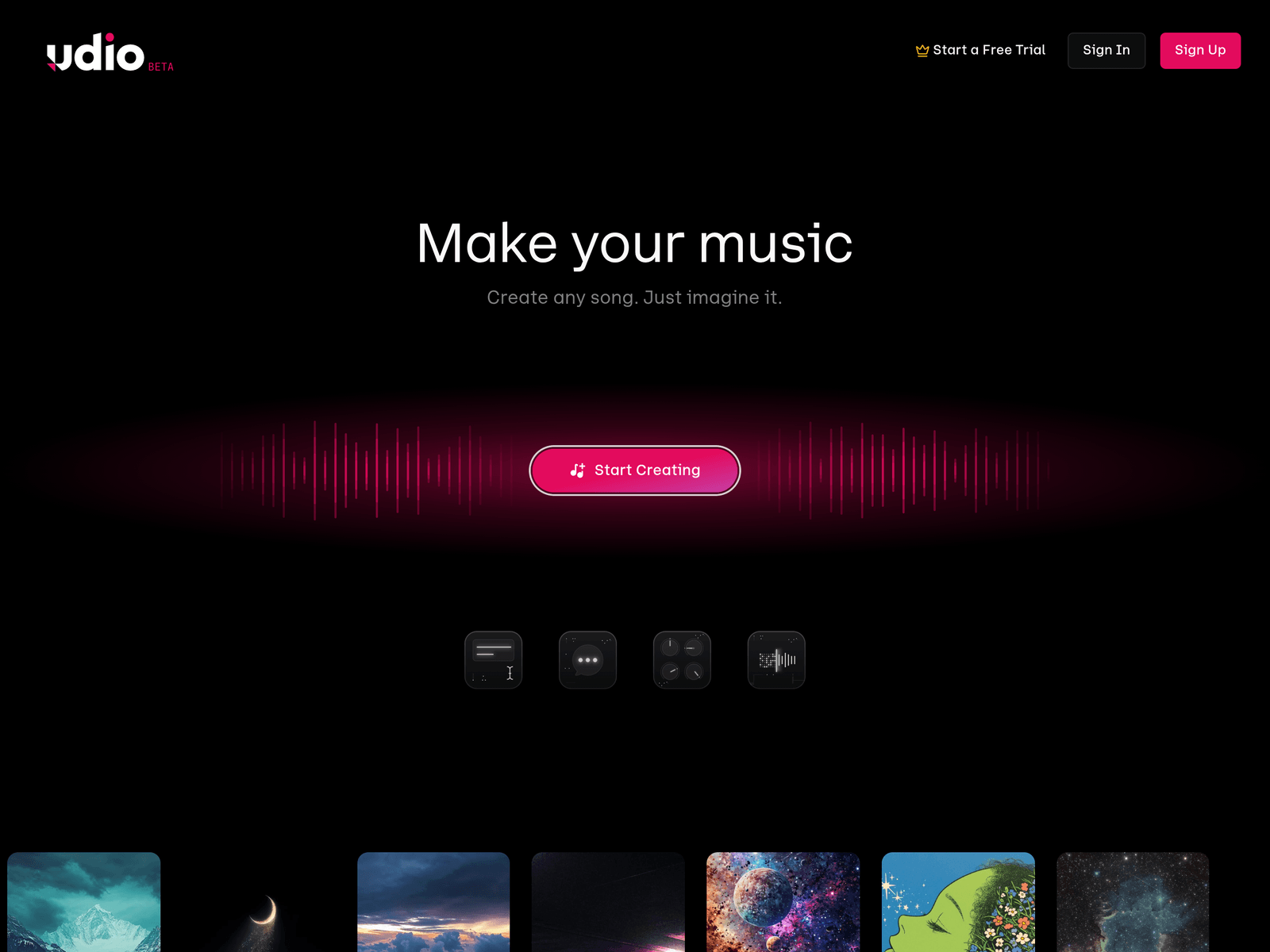
Udio is an AI music generation tool where users describe a song in text and receive a generated track. The homepage presents creation options such as Extend, Inpaint, Remix, and Upload Song, alongside a feed for publishing and discovering music. It is positioned for both professional musicians and amateur creators who want generated music as a starting point.
Key Uses
- Generate songs from text prompts: Users can describe a mood, occasion, or style and produce a matching track, such as a romantic ballad, an upbeat party song, or a lo-fi piece for meditation.
- Create personalized life soundtracks: The tool can be used for date-night music, birthday songs, workout tracks, or calm background pieces, turning written ideas into playable audio.
- Edit uploaded audio with AI tools: Udio allows users to upload their own audio and apply its AI editing features, which can help refine existing ideas instead of starting from scratch.
- Extend, inpaint, and remix generated material: The creation panel includes Extend, Inpaint, Remix, and Upload Song options, giving users ways to adjust length, sections, or variations after the first result.
- Publish and discover music in a community: Finished tracks can be published on Udio for others to hear, while listeners can follow creators and explore new generated songs across styles.
Who It Is For
- Songwriters and producers seeking starting points: Udio describes generative music as a starting point, which suits creators who want quick musical ideas to develop further.
- Professional musicians and passionate amateurs: The homepage says Grammy-winning producers and emerging songwriters use Udio in their production process, alongside non-professional users.
- People making personalized gifts or event music: Users who need a custom birthday song, romantic track, or themed party music can start from a simple text description.
- Listeners and community creators: People who want to share songs, follow artists, or browse new AI-generated music can use Udio as both a creation and discovery space.
Tips for Best Results
- Write specific prompts instead of broad requests: Include genre, mood, tempo, instrumentation, or occasion details, such as “nostalgic Synthwave” rather than only “make a song.”
- Use generation as a draft stage: Treat the first output as material for selection and refinement, especially if the song needs a clear structure or final production quality.
- Combine uploads with AI editing: If you already have a melody, vocal idea, or rhythm sketch, upload it and use Udio’s editing tools to preserve your original intent.
- Iterate with Extend, Inpaint, and Remix: After generating a base track, use these controls to adjust sections, expand the arrangement, or explore alternate versions before publishing.
Limitations
- Output quality depends on prompt clarity: Vague descriptions may produce results that miss the intended style, requiring multiple attempts or more detailed instructions.
- Generated music is framed as a starting point: The homepage explicitly presents generative music as a starting point, so users should not assume every output is ready for final release.
- Free trial and quota details may change: The provided information mentions a free trial and 1200 songs per month, but current limits, pricing, and access terms should be checked on the official page.
Frequently Asked Questions
How do I start making music with Udio?
Visit the Udio website, sign in or sign up, and enter a text description of the song you want. After generating a track, you can use options such as Extend, Inpaint, Remix, or Upload Song to refine it.
Is Udio free to try?
The homepage shows a Start a Free Trial option, and the provided summary mentions 1200 songs per month. Exact free limits and any paid tiers should be confirmed on the official site.
What music styles can Udio generate?
Homepage examples include Progressive house, Electro house, Rock, Alternative rock, Dark Pop, Teen Pop, Contemporary country, and Synthwave. Users can also describe other styles in their prompts.
How is Udio different from a music streaming service?
Udio is not primarily a catalog for listening to existing songs. It focuses on generating new music from text prompts and offering editing, publishing, and community discovery features.
Can I share songs I create on Udio?
Yes, the site says users can publish their creations on Udio for others to enjoy and follow favorite artists. For commercial use or external distribution, review the latest official terms.