Overview
- Tool name: GPTZero
- Developer: GPTZero
- Official website: https://gptzero.me
- Category: AI Detection
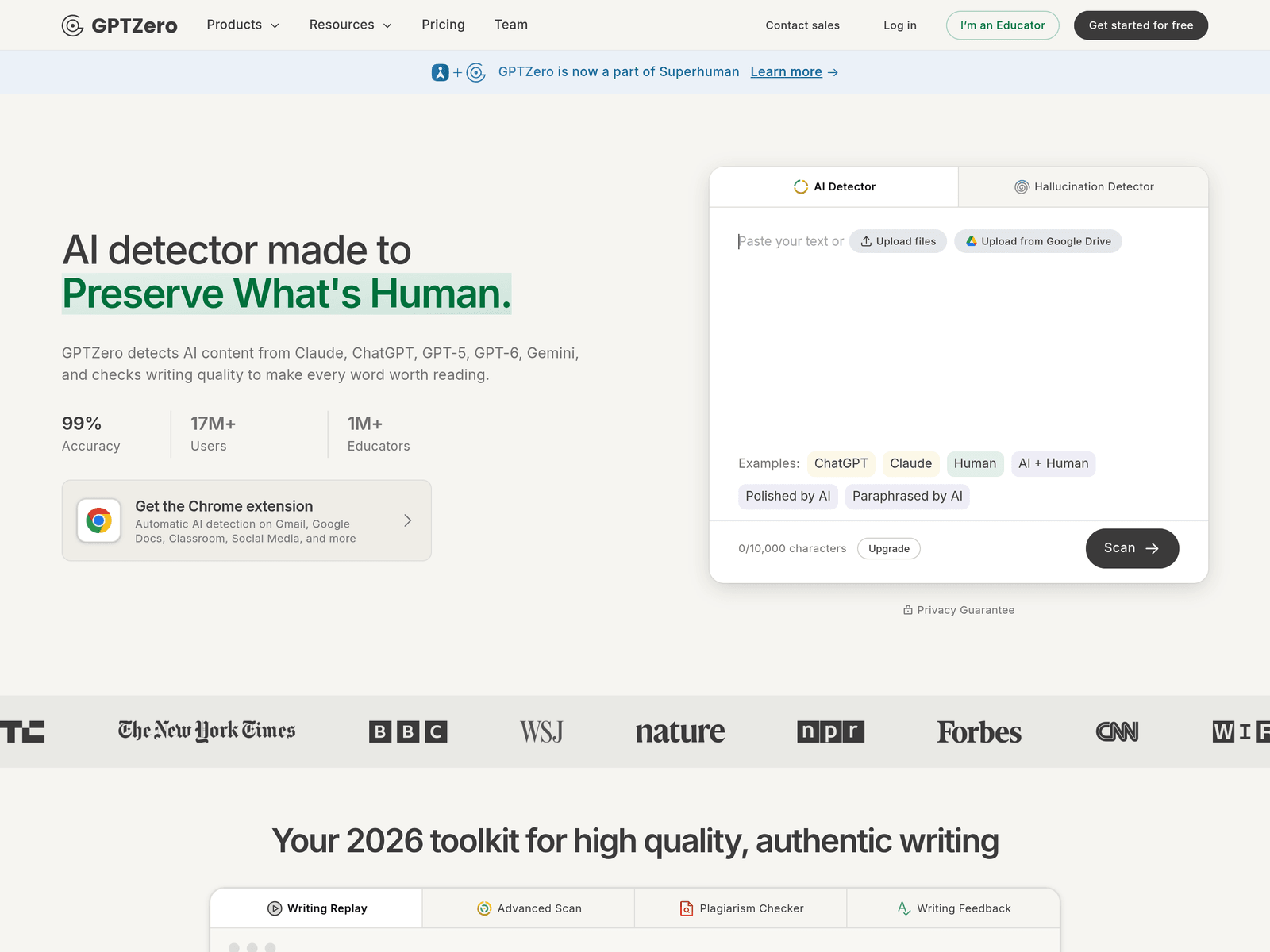
GPTZero is an AI detection tool that checks whether text may come from ChatGPT, GPT-6, Gemini, or Claude. It gives an overall AI score, sentence-level results, writing replay, plagiarism checks, and writing feedback.
Key Uses
- Detect AI-generated text: Paste text to receive an overall AI score and sentence-by-sentence detection, helping separate human writing, AI writing, and mixed content.
- Scan output from major models: The tool can classify text associated with models such as ChatGPT, GPT-6, Gemini, Claude, and Llama, which is useful when reviewers need to understand possible AI sources.
- Verify authentic writing: Writing replay and human writing verification can show how a document was produced, including copy-and-paste activity and unusual typing patterns.
- Check plagiarism: A built-in plagiarism checker helps identify whether content may have been copied from outside sources without attribution.
- Improve writing quality: Grammar checking and AI Tutor feedback can support clearer writing and more responsible drafting, rather than limiting the tool to detection alone.
Who It Is For
- Educators and teachers: Teachers can review assignments for possible AI-generated passages and use writing reports to understand how a document may have been created.
- Schools and learning teams: Materials mention integration with learning management systems such as Canvas and Google Classroom, making it relevant for structured educational workflows.
- Editors and content reviewers: Reviewers can use it as a first-pass check for articles, submissions, comments, or social media text that may have been produced with AI assistance.
- Writers checking their own work: Writers can scan drafts before submission to see whether sections might be flagged as AI-like and then revise for clarity and originality.
- Users working inside browsers and docs: The Chrome extension and Google Docs-related features are useful for people who want detection inside Gmail, Google Docs, Classroom, and other everyday tools.
Tips for Best Results
- Use the overall score as a starting point: The overall AI score is helpful for quick screening, but important decisions should also include sentence-level review.
- Look for process evidence when available: Writing replay, copy-and-paste records, and typing-pattern information can provide more context than a text-only score.
- Treat detection as evidence, not proof: AI detection can be uncertain, especially for polished, paraphrased, or human-and-AI collaborative writing, so results should be reviewed carefully.
- Set clear review rules for classrooms or teams: If used in education or moderation, define when scans are run, how scores are interpreted, and whether writers can explain their process.
- Combine detection with writing feedback: Grammar checks and AI Tutor feedback can help improve the final text instead of only labeling it.
Limitations
- Scores are not absolute proof: The site references independent benchmarking for Advanced Scan accuracy, but no detector should be treated as perfect for every text.
- Hybrid writing can be harder to judge: Text that is human-written and then polished, paraphrased, or expanded with AI may be more difficult to classify than purely generated text.
- Some features depend on environment: Chrome extension use, Google Docs features, and classroom integrations may depend on the user’s browser, account setup, and platform availability.
Frequently Asked Questions
How do I start using GPTZero?
You can paste text on the official site and run a scan to receive an overall AI score and further detection details. The site also mentions a Chrome extension for detection in tools such as Gmail, Google Docs, and Classroom.
Is GPTZero free to use?
The homepage describes it as a free AI detector and provides a free start option. The exact scope of free access, premium features, and any paid plans should be checked on the official pricing page.
Which AI models can GPTZero detect?
The materials mention detection related to Claude, ChatGPT, GPT-5, GPT-6, Gemini, and Llama. Detection results may vary depending on writing style, editing, and how the text was produced.
How is GPTZero different from a basic AI score checker?
In addition to an overall score, the tool mentions sentence-by-sentence detection, writing replay, human writing verification, plagiarism checking, and writing feedback. These features are aimed at users who need more context than a single number.
What should I do if a detection result is disputed?
Review the sentence-level details, writing replay, and any copy-and-paste evidence instead of relying only on the total score. For classrooms or teams, it is best to have a clear appeal or explanation process before using results for final decisions.