Overview
- Tool name: Originality.AI
- Official website: https://originality.ai
- Category: AI Detection
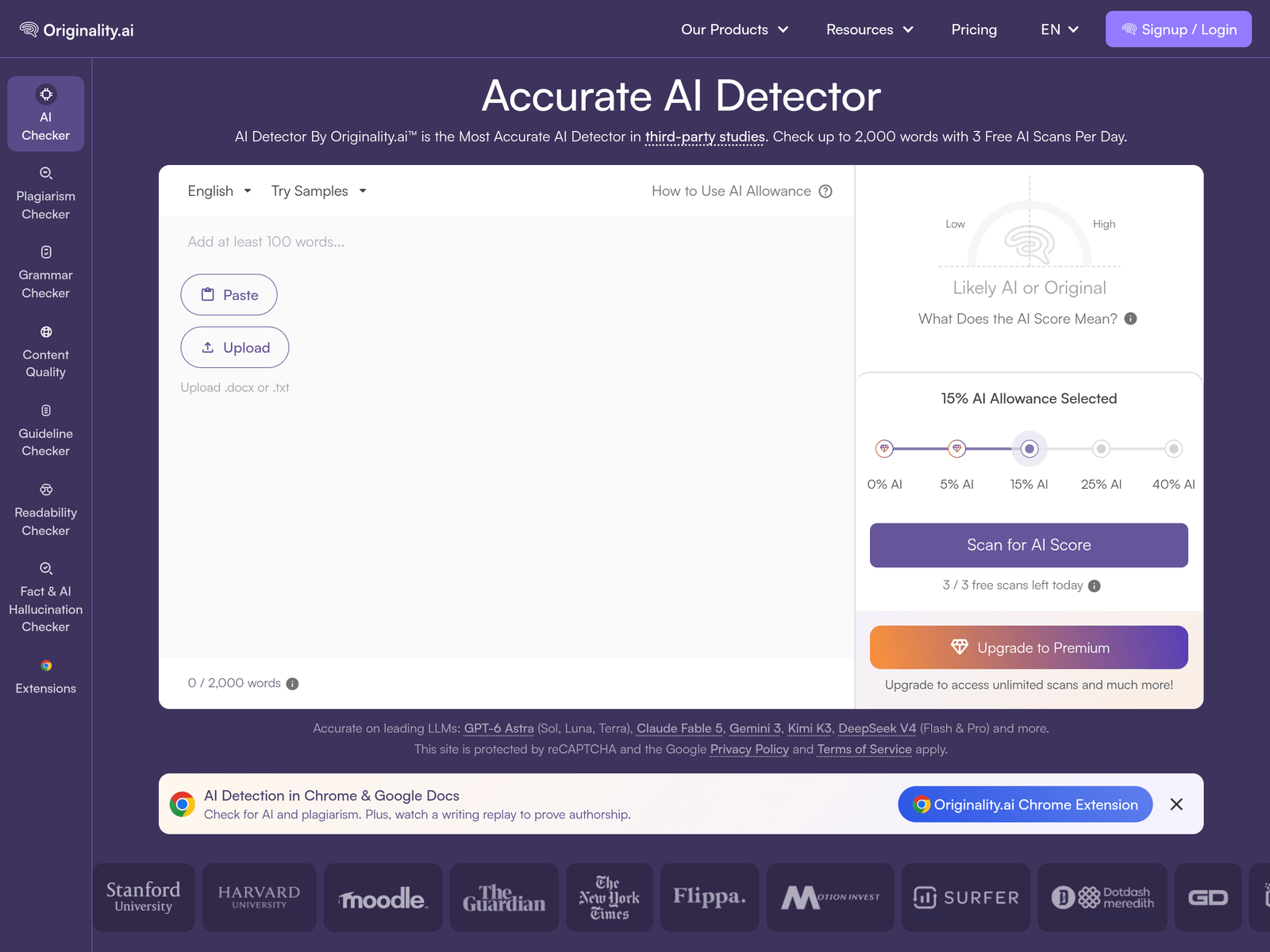
Originality.AI is an AI content detection tool for checking whether text may have been generated by platforms such as ChatGPT, Gemini, Claude, or Grok. It also offers plagiarism checking, content quality scoring, readability checks, and fact-checking features.
Key Uses
- Detect AI-generated text: Scan pasted text, uploaded files, or content imported from a URL to identify possible output from popular AI writing platforms.
- Check for plagiarism: Run plagiarism checks alongside AI detection to see whether text overlaps with existing sources.
- Scan multiple texts at once: Use bulk scanning to review several documents, articles, assignments, or web pages in one workflow.
- Review content quality and readability: Apply quality scoring, grammar checking, and readability analysis to evaluate whether writing is clear and well-structured.
- Assess factual reliability: Use the fact and AI hallucination checker to flag statements that may be inaccurate or unsupported.
- Integrate into browsers and platforms: Use Chrome, Google Docs, and Firefox extensions, a Moodle plugin, or an API to bring detection into existing workflows.
Who It Is For
- Educators and academic reviewers: Teachers, teaching assistants, and academic integrity teams can use it to review student submissions for possible AI-generated content.
- Editors and content teams: Editorial teams, publishers, and SEO reviewers can check drafts before publication to assess originality, quality, and readability.
- Schools, agencies, and platforms: Institutions that receive large volumes of submitted text can integrate the tool through plugins or API access.
- Freelance clients and content buyers: People reviewing outsourced articles or assignments can use it as one signal when evaluating whether delivered work meets originality expectations.
- Teams handling batch reviews: Users who need to check many texts at once can use bulk scanning instead of submitting each item individually.
Tips for Best Results
- Start with the free scans: The website states that users can run 3 free AI scans per day, with up to 2,000 words per scan, which is useful for testing the basic workflow.
- Combine multiple checks: Do not rely on the AI score alone. Pair it with plagiarism checking, content quality scoring, readability analysis, and fact checking for a fuller review.
- Pay attention to paraphrased text: The site notes that its detector is tested against tools that modify or edit text, such as Quillbot or Grammarly, so rewritten AI content should still be reviewed carefully.
- Use integrations where you already work: If reviewing happens in Chrome, Google Docs, Moodle, or an internal app, use the corresponding extension, plugin, or API to avoid copying text back and forth.
- Try Deep Scan when needed: If an initial result is unclear, Deep Scan can provide a deeper writing review and additional signals for further evaluation.
Limitations
- Detection results should not be treated as final proof: AI content detection is probabilistic, and heavily edited, mixed, or paraphrased text may still produce uncertain results.
- Free usage has limits: The website mentions 3 free AI scans per day and a 2,000-word limit per scan, so heavier use may require checking official pricing.
- Integrations depend on the environment: Availability of Chrome, Google Docs, Firefox, Moodle, and API access may vary depending on the user’s platform and setup.
- Human review is still important: Even though the tool is tested against AI paraphrasing tools, writing patterns change over time, so final judgments should include human context.
Frequently Asked Questions
How do I start using Originality.AI?
Users can paste text, upload a file, or import content from a URL, then choose which scans to run. The results page shows scores for AI detection, plagiarism, content quality, and other selected checks. Browser extensions are also available for Chrome and Firefox.
Does Originality.AI have a free option?
The website states that users can run 3 free AI scans per day, with each scan covering up to 2,000 words. For higher limits, bulk scanning, or API access, the official pricing page should be checked.
Which platforms and integrations are supported?
According to the website, Originality.AI offers extensions for Chrome, Google Docs, and Firefox, along with a Moodle plugin and API access. This allows it to be used both as a standalone web tool and inside existing writing or review environments.
Which AI models can it detect?
The site mentions detection for major platforms such as ChatGPT, GPT-5, and Gemini, and lists models including GPT-6 Astra, Claude Fable 5, Gemini 3, Kimi K3, DeepSeek V4, Grok 4.1 Fast, Llama 4 Maverick, and Llama 4 Scout. Coverage should be confirmed on the official page.
How is it different from a plagiarism checker?
A traditional plagiarism checker mainly compares text against existing sources, while Originality.AI focuses on identifying whether text may have been generated by AI. It also adds plagiarism checking, quality scoring, grammar checking, readability analysis, and fact checking for broader content review.