Overview
- Tool name: Meta Muse
- Developer: Meta
- Official website: https://muse.ai
- Category: AI Productivity / Personal AI Agent
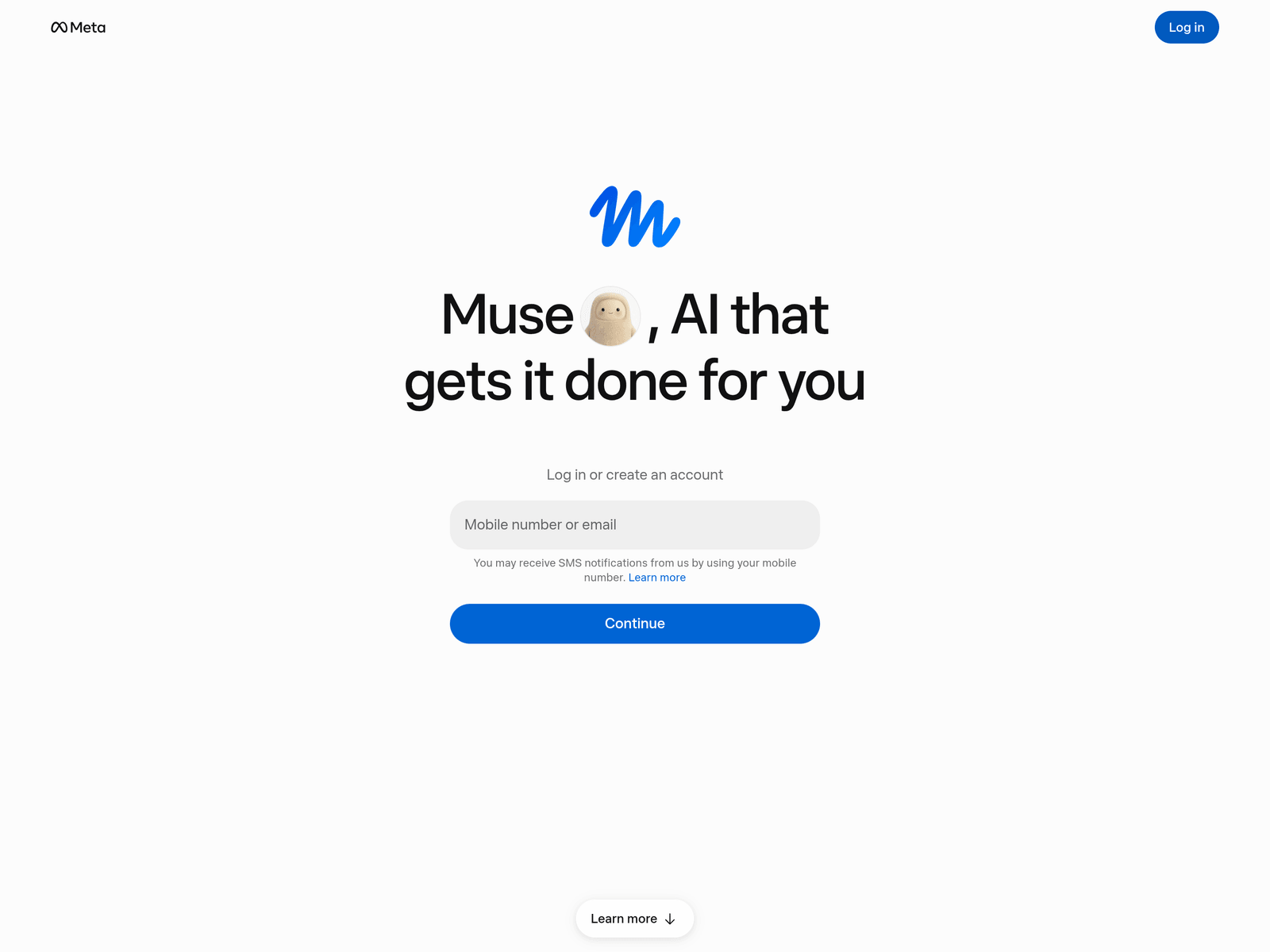
Meta Muse is a personal AI agent built by Meta. Unlike a chatbot that stops at advice, Muse takes action: it opens a browser, fills out forms, sends email, books travel and completes purchases on your behalf. It runs inside Muse Secure VM, a dedicated cloud computer with its own browser, where both the agent and your data live — isolated so no one else's agent can reach it.
Muse is powered by Muse Spark, Meta's most capable model to date, purpose-built for real-world agentic work. You talk to it the way you would message a person, in the Muse app or directly in WhatsApp, and it handles everything from one-off errands to long-term goals. Tell it you want to sell your car, lower a bill, or get back in shape, and Muse builds a plan, coordinates the steps, then keeps working in the background after you close the app — returning when something changes or when it needs your approval.
Muse also remembers what matters. Save a recipe reel on Instagram and it becomes a grocery list; mention a friend's dietary restriction once and Muse factors it in before it sends the dinner invites. It can make suggestions you did not ask for, and you can tell it to forget anything, anytime.
Key Uses
- Run multi-step errands end to end: book flights and tables, reorder essentials, file forms, and handle the follow-ups without you babysitting each step.
- Shop and negotiate on your behalf: compare prices across sites, wait for a better deal, and check out through Link by Stripe with a one-time-use card so your real card number never reaches the merchant.
- Draft and send email and messages: Muse writes in your voice and asks before anything goes out.
- Turn long-term goals into action plans: share an ambitious goal and Muse breaks it into milestones, schedules the work, and adjusts the plan when your week falls apart.
- Work in the background: close the app and Muse keeps going, then pings you when a price drops, a reservation opens up, or a decision needs your sign-off.
- Remember context you only mentioned once: preferences, deadlines, dietary restrictions, names — and act on them without being reminded.
- Connect the apps you already use: Google Workspace, Ticketmaster, OpenTable, Spotify, Apple Health and more, with 1Password support on the way.
- Automate small-business workflows: through Muse for Small Business, a set of skills and connectors aimed at owners whose to-do list has a to-do list.
Pricing
Muse is freemium, and usage is metered in Muse tokens — the chunks of text the model reads and writes while it plans, browses and fills in forms. Every plan ships the same feature set; what changes is how much weekly usage you get.
- Free: $0, a weekly usage limit (Meta has not published an exact figure), for everyday errands, planning and a few tasks a day.
- Power: $20 per month, 500 million Muse tokens per week, for daily heavy use and longer agent runs.
- Maximum: $100 per month, 3 billion Muse tokens per week, for long unattended runs that go for hours at a time.
Things worth knowing before you subscribe:
- Every tier includes the full feature set: connectors, the Mac app, WhatsApp access, long-term memory, the Sentinel approval agent and Link by Stripe checkout all work on the free plan. Upgrading buys volume, not capability.
- Billing is monthly only: there is no annual toggle and no annual discount. Subscriptions renew automatically on your original purchase date and can be cancelled at any time.
- The allowance resets weekly and does not roll over: a quiet week does not bank tokens for a busy one, and Muse warns you in-app before you run out.
- A payment card is required at signup even if you intend to stay free. The card is not charged unless you choose a paid plan.
- Availability varies: Muse and its subscriptions are in limited testing, benefits differ by country and account, and what is on offer is shown to you during onboarding.
Who It Is For
- Busy professionals who want routine coordination — scheduling, inbox triage, travel, expenses — taken off their plate.
- People who do not want a learning curve: Muse was designed for everyday users, so there is no prompting technique to master and no technical setup.
- Households managing logistics: shared calendars, grocery runs, dinner plans, renewals and subscriptions that quietly need attention.
- Small business owners juggling quoting, invoicing, customer follow-up and inventory with no assistant to delegate to.
- Privacy-conscious users who want an agent that acts for them but cannot read their passwords, will not feed their conversations into ad systems, and shows a full audit trail.
How to Use Muse
1. Check that you are eligible: Muse is opening up in limited markets and requires users to be 18 or the age of majority. Availability is confirmed during onboarding.
2. Pick your entry point: the Muse app on iOS or Android, muse.ai in a browser, or WhatsApp. All three drive the same agent.
3. Sign in with a Meta account: a Facebook or Instagram account works, as does an email address or phone number.
4. Name it and set the tone: give your Muse a name, an avatar and a communication style — this measurably improves how well its suggestions land.
5. Start with a low-risk errand: ask it to track a price, find a reservation or summarise an inbox before delegating anything that costs money.
6. Connect one app at a time: add Google Workspace, Spotify, Apple Health or whatever you actually use, granting the narrowest permission that still gets the job done.
7. Give it a goal, not a command: a broad outcome gives Muse room to plan; a single instruction does not. Muse comes back with a plan and starts working through it.
8. Use the approval prompts: before sending email, paying or sharing data, Muse pauses so you can allow once, always allow, or deny. Check the audit trail, which lists what is done and what is planned.
9. Let it run in the background: close the app and Muse keeps going. Set up monitoring for price drops or weather changes and it reports back on its own.
10. Curate its memory: tell Muse what to remember and what to forget; stale details degrade the quality of its suggestions over time.
11. Pay through Link when it buys: Muse checks out with a one-time-use card so merchants never see your real card number, and eligible purchases carry Link's protections.
12. Go further on desktop: Muse for Mac works across your files, apps and browser tabs, while Muse for Small Business adds business connectors and skills inside the same app.
Tips for Best Results
- Start with real goals, not tasks: an outcome gives Muse room to plan; a single instruction gives it less to work with.
- Grant permissions narrowly at first: connect one service, see how Muse behaves in the audit trail, then widen access. You can disconnect anything at any time.
- Name it and set the tone: giving your Muse a name, an avatar and a communication style makes its suggestions noticeably more on-target.
- Use the approval prompts as checkpoints: when Muse pauses before sending an email or making a purchase, read the audit trail — it shows what is done and what is planned.
- Tell it to forget: asking Muse to drop something keeps long-term memory accurate instead of cluttered with things that stopped being true.
- Keep the free tier in mind: heavy users hit usage limits; upgrading buys more compute rather than unlocking a different product.
Limitations
- Geographic and age restrictions: Muse is opening up gradually and is limited to users 18 and over; other regions have not been announced.
- It still makes mistakes: Meta acknowledges agents can err mid-task; the built-in safety layer reduces how often and how badly, but reviewing outputs remains necessary.
- Sensitive actions need you: email, purchases and information sharing require approval, so Muse is not hands-off for anything with consequences.
- Pricing and access are subject to change: a free tier with usage limits is offered alongside paid subscriptions; tiers and regional availability follow Meta's official terms.
- Connector coverage is uneven: depth depends on which services you connect and whether they expose a usable API.
- Not a developer tool: Muse is built for everyday life and small business, not for code generation or engineering workflows.
Frequently Asked Questions
What is Meta Muse?
Meta Muse is a personal AI agent from Meta. It goes beyond answering questions and completes tasks for you — browsing the web, filling in forms, sending email, booking travel and making purchases — running inside a dedicated secure cloud computer called Muse Secure VM.
Is Meta Muse free?
Yes. Muse is free for most of what people need, with a usage limit. If you hit the limit you can wait for it to refresh or upgrade to a paid subscription for more compute. Check muse.ai for current plan details and pricing.
How much do Muse's paid plans cost?
There are two paid tiers, and both are metered in Muse tokens rather than features. Power costs $20 a month for 500 million tokens a week; Maximum costs $100 a month for 3 billion tokens a week. Billing is monthly with no annual option, and every tier — free included — has access to the same features.
How is Muse different from a chatbot?
A chatbot answers one question at a time. Muse is agentic: it plans across multiple steps, takes real actions on the web and inside connected apps, keeps working in the background after you close the app, and returns when something changes or needs your approval.
Is my data safe with Muse?
Muse runs on its own dedicated cloud VM, contained so other agents cannot reach it. A separate Sentinel agent sits alongside it at the system level, and nothing Muse does reaches the internet unless Sentinel approves it. Muse cannot see your passwords or payment details, keeps a full audit trail, does not share conversations or VM data with Meta's ad systems, and lets you opt out of having interactions used for model training.
What apps does Muse connect to?
Muse works across Meta's own apps and connects to third-party services including Google Workspace, Ticketmaster, OpenTable, Spotify and Apple Health, with 1Password support coming soon. You choose what connects and how much access each connection gets.
Where can I use Muse?
Muse is available on iOS, Android and the web at muse.ai, and works directly inside WhatsApp. Meta has said AI glasses support is coming, along with Instagram and Facebook.
Does Muse keep working if I close the app?
Yes. Muse continues in the background and returns when something changes — a price drop, an opening reservation — or when it needs your approval before acting.
How do I get started with Muse?
Open muse.ai or install the Muse app, sign in with a Meta account, then give your agent a name and a communication style. Start with a low-risk task such as tracking a price or finding a reservation, connect one service at a time, and grant only the permissions it actually needs. From there, hand it a goal rather than a single instruction and let it propose a plan.