
Overview
- Tool name: Jimeng AI
- Official website: https://jimeng.jianying.com/ai-tool/home/
- Category: AI Video Tools
Jimeng AI is an AI creation platform for images, video, and digital presenters. It supports text-to-image, text-to-video, and image-to-video workflows.
Key Uses
- Text-to-image generation: Jimeng AI can turn written prompts into images, helping users create visual concepts, style studies, and quick artwork drafts.
- Text-to-video generation: Users can describe a scene, mood, or story idea in text and generate video output for motion-based creative expression.
- Image-to-video generation: Existing images can be used as the starting point for video creation, allowing static visuals to develop movement or extended presentation.
- Digital presenter creation: The platform includes digital presenter creation, which can support virtual character visuals or presenter-style video content.
- Creative inspiration: Jimeng AI provides inspiration entry points, helping users explore ideas for subjects, visual styles, and content directions.
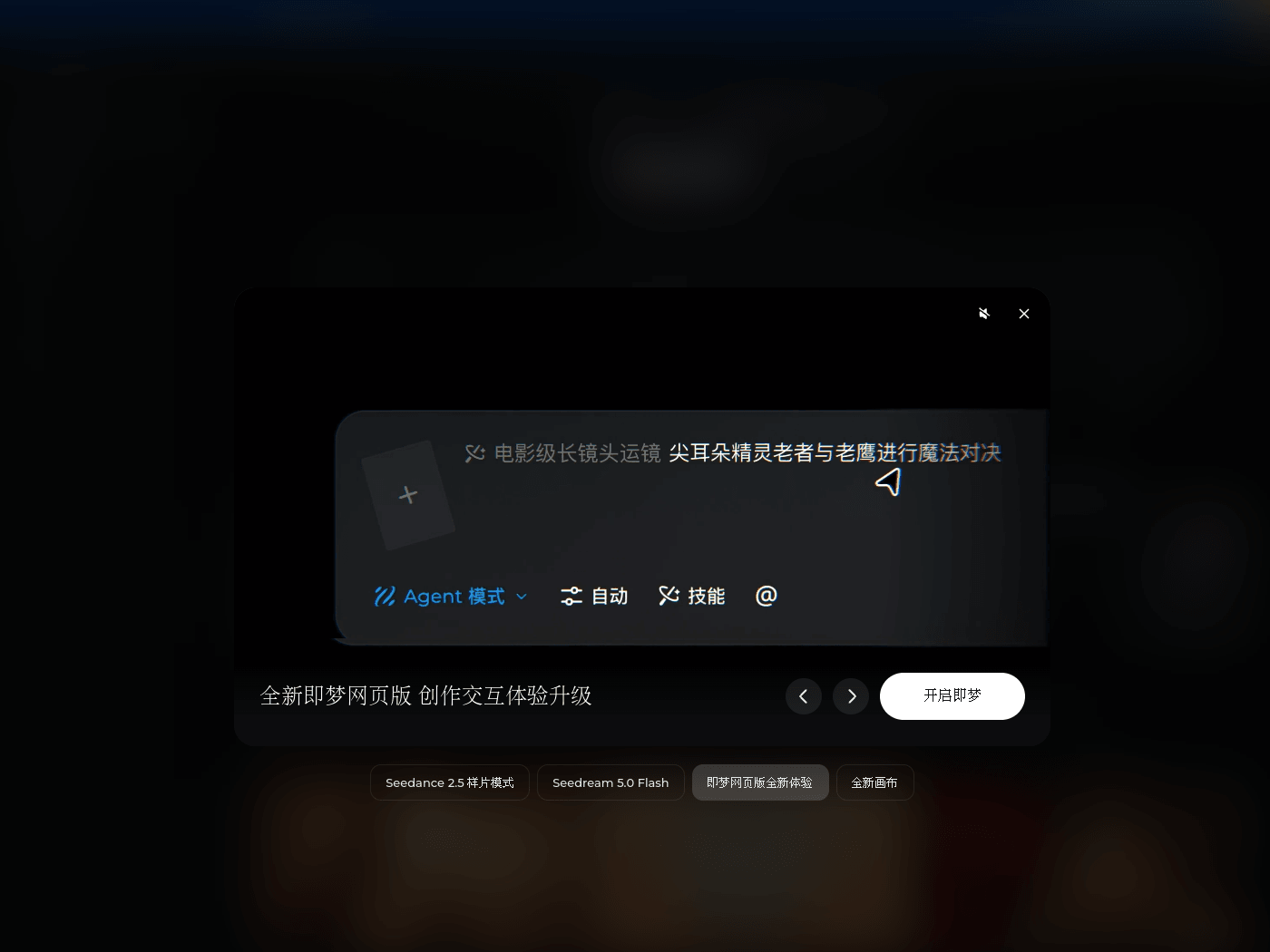
- Canvas and Agent mode: The homepage shows Canvas and Agent mode options, giving users different ways to organize generation and creation steps.
- Category-based exploration: The platform lists directions such as advertising, film-style works, graphic design, e-commerce, and animation, helping users browse by content type.
Who It Is For
- Marketing and advertising creators: Jimeng AI can support brand advertising, social media marketing, promotional visuals, and short marketing video drafts.
- Short video and film-style creators: It is suitable for short films, series concepts, music video visuals, and visual setting exploration for narrative projects.
- Graphic designers: Designers can use it for posters, brand visuals, layout ideas, and early style references before moving into more detailed design work.
- E-commerce sellers and marketers: The platform can help create product display visuals, header images, and other visual assets for online storefronts.
- Animation and anime-style creators: Jimeng AI can support animated visuals, character-style imagery, and short motion pieces with animation-inspired looks.
- Individual creators: Casual users can turn personal ideas, stories, or visual experiments into images and videos without starting from a blank canvas.
Tips for Best Results
- Define the output first: Decide whether the goal is an image, a video, or a digital presenter before choosing a creation path, so the prompt can match the format.
- Write specific prompts: Include subject, setting, style, lighting, camera angle, or mood when possible. Clear details usually produce more usable results than broad phrases.
- Break complex ideas into steps: For multi-scene videos or detailed visual projects, generate key images first, then use them as references for video generation.
- Use categories for direction: Browse advertising, film-style works, graphic design, e-commerce, and animation sections to understand possible formats and visual approaches.
- Compare multiple outputs: Generate several versions of the same idea, keep the strongest one, and refine it by adjusting composition, color, motion, or style cues.
- Combine creation modes when needed: For more involved projects, Canvas and Agent mode may help organize assets, generation steps, and follow-up edits in one workflow.
Limitations
- Results may require iteration: AI-generated images and videos may not match the intended result on the first attempt, so prompt revision and selection are often needed.
- Complex prompts may be hard to follow: Very long or contradictory instructions can reduce output quality. Splitting the task into simpler stages can improve control.
- Commercial use needs verification: Before using generated assets in advertising, branding, or product listings, users should review the platform rules and usage rights.
- Sensitive content requires caution: Content involving recognizable people, brands, existing artworks, or protected characters should be handled carefully to avoid rights issues.
- Interface features may change: Canvas, Agent mode, skills, and category displays may vary over time, so current page options should be treated as the reference.
Frequently Asked Questions
How do I start creating with Jimeng AI?
Open the Jimeng AI homepage and choose a creation entry. You can enter a text prompt for image or video generation, or upload an image to create video from it.
What types of content can Jimeng AI create?
Jimeng AI supports text-to-image, text-to-video, image-to-video, and digital presenter creation. The platform also shows categories such as advertising, film-style works, graphic design, e-commerce, and animation.
Is Jimeng AI suitable for short video assets?
It can be used to generate short video clips, visual scenes, animation-style content, and marketing visuals. The final result depends on prompt clarity, source material, and generation quality.
Does Jimeng AI provide creative inspiration?
Yes. The platform includes inspiration-related content and category browsing. Users can explore selected works and themed sections to find visual and narrative references.
How is Jimeng AI different from a basic AI image generator?
Jimeng AI is not limited to image generation. It also supports video generation from text or images and digital presenter creation, making it broader than a single-purpose text-to-image tool.