
Overview
- Tool name: HeyGen
- Developer: HeyGen
- Official website: https://heygen.com/
- Category: AI Video Tools
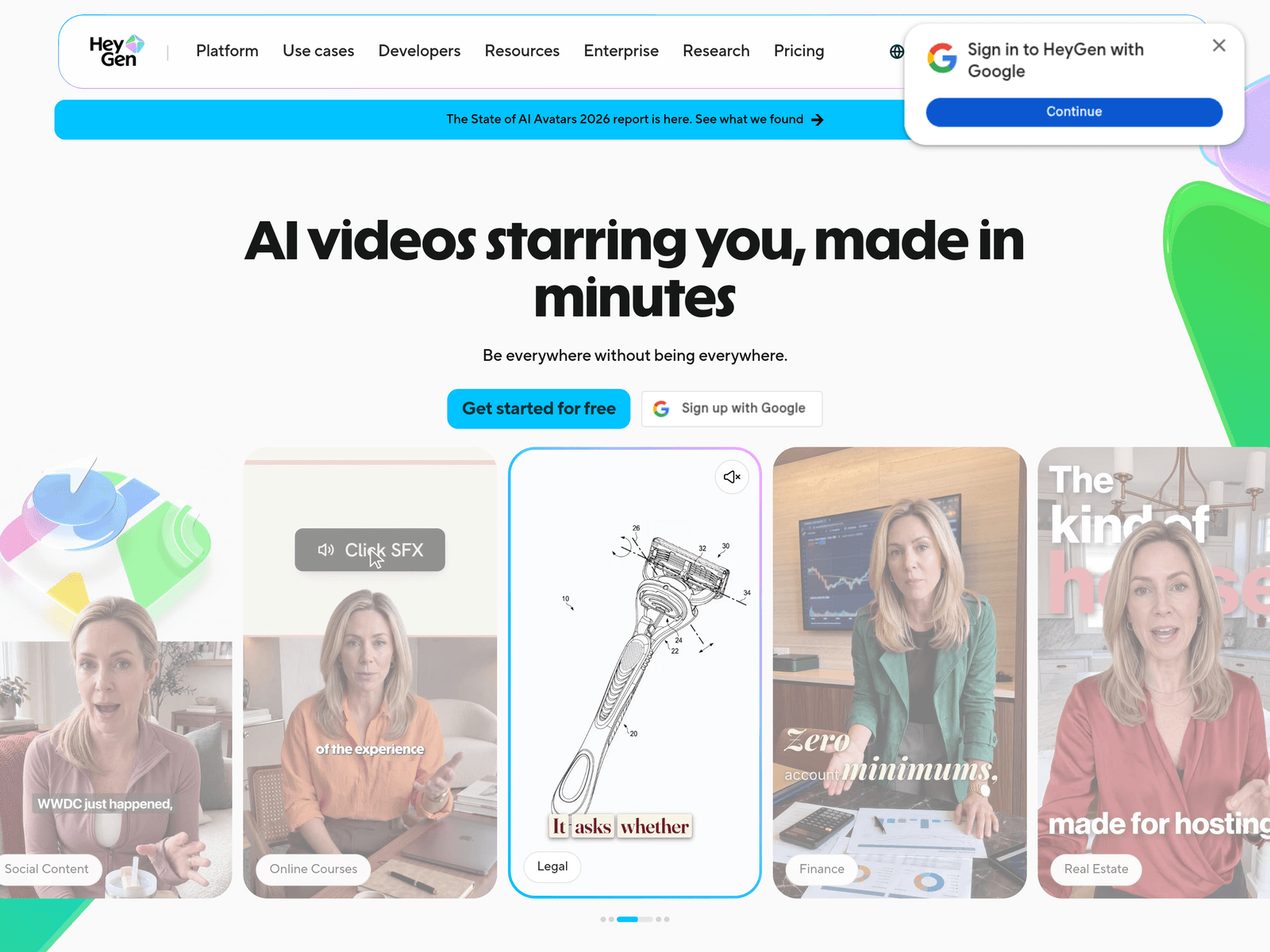
HeyGen is an AI digital human video creation tool that turns text, image, or audio input into complete videos with narration, captions, visuals, and animations. It helps users produce presenter-led videos without cameras, editing software, or a full production workflow. The platform also offers Avatar V for consistent character identity across multiple angles, scenes, and languages.
Key Uses
- Generate share-ready AI videos from a written idea, without requiring cameras, editing software, or traditional production skills.
- Use AI avatars as presenters for explanations, courses, product messages, and other narration-led videos.
- Create consistent digital human footage with Avatar V, keeping the same face, micro-expressions, and presence across short clips or longer course modules.
- Produce wide shots, medium frames, and close-ups from one recording, allowing a single avatar to work across different formats.
- Apply phoneme-level lip-sync across more than 175 languages and dialects, helping audio and visuals stay aligned at different speeds.
- Edit text, color, timing, and layout after generation in AI Studio, without rendering the entire video again from scratch.
Who It Is For
- Social content creators who need presenter-style videos without repeated filming sessions.
- Course creators and training teams that need avatar-led lessons, explanations, and modular video content.
- Business teams making internal communications, onboarding materials, product explainers, or repeatable training videos.
- Professionals in legal, finance, real estate, and similar fields who need complex information presented in a clearer video format.
- Teams producing multilingual video content that requires consistent avatar appearance and lip-sync across languages.
Tips for Best Results
- Start with the free entry point to understand the basic generation flow before building more complex avatar or multilingual projects.
- Write prompts that clearly state the topic, audience, length, and tone, so the generated video structure matches the intended message.
- Review character consistency, lip-sync accuracy, and gesture naturalness before expanding a short test clip into a longer course or series.
- Use AI Studio to adjust text, color, timing, and layout after generation instead of regenerating the full video for every small change.
- Check each language version separately for pacing, pronunciation, and on-screen wording, especially when adapting one source script into multiple markets.
- Combine avatar footage with overlays, animations, and B-roll only when they support the narrative, rather than adding visuals that distract from the message.
Limitations
- The provided website material does not specify exact pricing, free-tier limits, or plan details, so current terms should be checked on the official page.
- Results may vary depending on input quality, prompt wording, language, content complexity, and the specific avatar or video workflow used.
- Avatar-led video is well suited for explanation, training, and communication content, but it may not replace live-action filming for documentaries, emotional storytelling, or projects requiring real human presence.
- For legal, financial, real estate, or other regulated topics, generated content should be reviewed for accuracy and compliance before publication.
Frequently Asked Questions
How do I start creating videos with HeyGen?
Users can sign in through the official website and start from a text prompt or other supported input. After generation, the video can be downloaded, edited, and shared, with further adjustments available in AI Studio.
Does HeyGen offer a free way to start?
The homepage states that users can get started for free, but the material does not list exact free-tier limits, export rules, or paid plan details. Current access terms should be confirmed on the official page.
Which languages does HeyGen support?
HeyGen describes phoneme-level lip-sync across more than 175 languages and dialects. The exact language list and availability may depend on the selected workflow, so official product pages should be checked for details.
How is HeyGen different from general AI video generators?
HeyGen focuses on digital human video creation rather than only generating background footage. Its emphasis includes avatar consistency, multiple camera angles, lip-sync accuracy, and presenter-led video production.
What types of content is HeyGen best suited for?
It is suited to social videos, online courses, internal training, and explainer content for fields such as legal, finance, and real estate. Projects needing real locations, live interaction, or documentary footage may still require traditional production.