
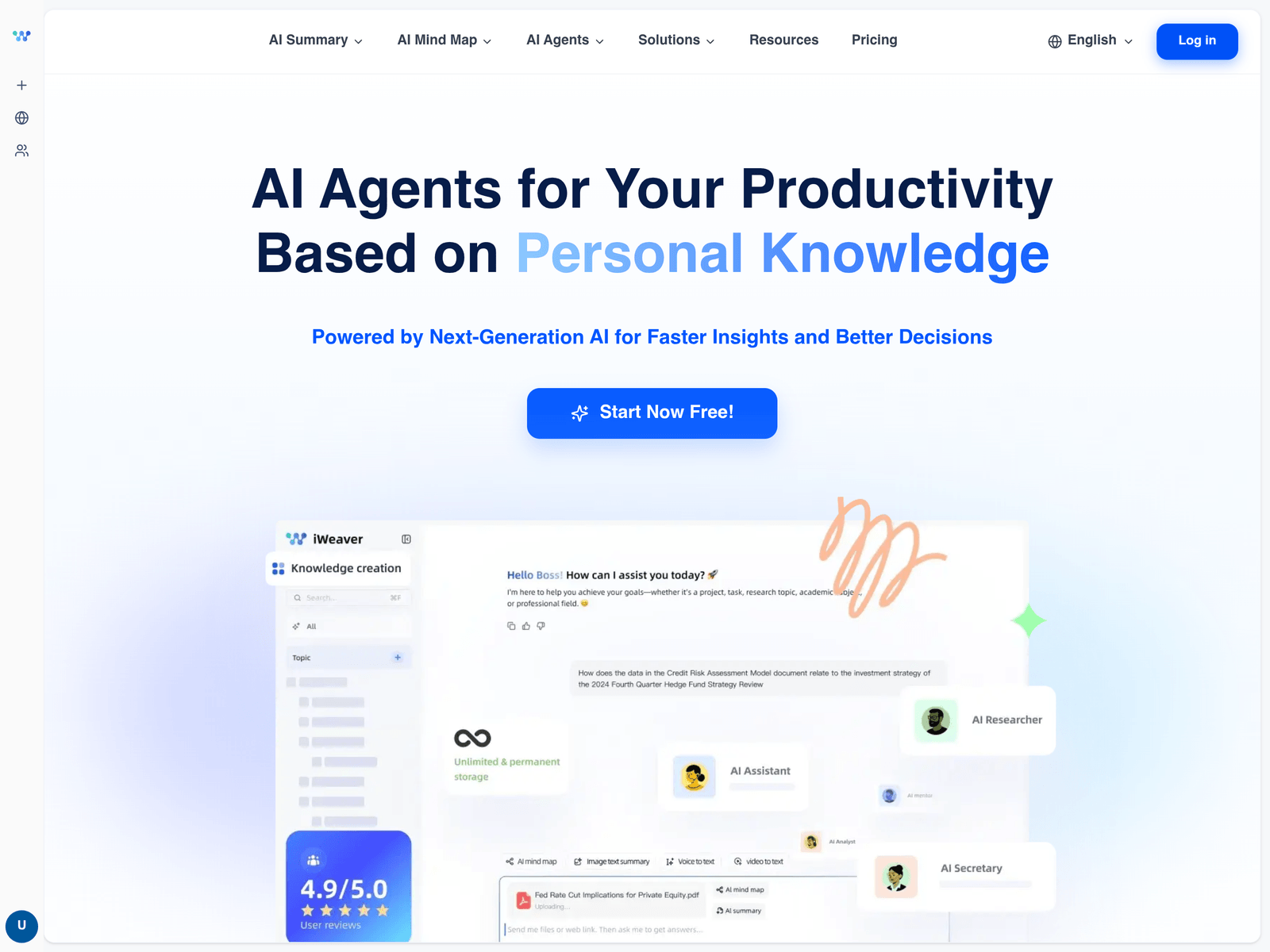
Overview
- Tool name: iWeaver AI Office
- Official website: https://knowme.xiaoduoai.com/
- Category: AI Productivity
iWeaver AI Office is an AI productivity tool for personal knowledge work. iWeaver AI Office summarizes documents, web pages, videos, and podcasts. It can also help users create outlines, transcripts, mind maps, and first drafts.
Key Uses
- Document summarization: iWeaver AI Office can condense PDFs, research papers, books, and other long documents into shorter summaries for faster review.
- Web page extraction: It can pull key points from articles, online resources, and reference pages, which helps users compare sources without rereading every section.
- Video and podcast processing: The tool can work with YouTube videos, podcasts, and audio content by generating transcripts or extracting the main ideas discussed.
- Mind map creation: It can turn video, PDF, image, or text content into mind maps, making it easier to organize scattered notes into a clearer structure.
- Writing support: It offers directions such as press releases, job descriptions, standard operating procedures, story drafts, and paragraph expansion for routine office writing.
- Study and analysis assistance: It includes study guide creation, math solving, chart making, handwriting recognition, and document chat for learning or light analysis tasks.
Who It Is For
- Researchers and students: People who need to review papers, reports, lectures, or long readings can use it to identify main arguments before deeper study.
- Knowledge workers: Professionals who collect articles, meeting recordings, and business documents can use it to reduce repetitive reading and note-taking.
- Content creators: Creators who repurpose videos, podcasts, or web resources can use summaries and transcripts as starting points for scripts or outlines.
- Teams drafting routine documents: Writers, HR staff, and operations teams can use it to prepare first drafts of job posts, process documents, or short announcements.
Tips for Best Results
- State the desired output clearly: Ask for a summary, outline, transcript, mind map, or rewrite in separate steps so the result matches the task instead of mixing several goals.
- Start with well-structured sources: Documents with clear headings, chapters, or sections usually produce more reliable summaries than unstructured scans or low-quality recordings.
- Verify important claims manually: For citations, numbers, legal wording, medical advice, or financial decisions, check the original source before relying on the generated output.
- Break long tasks into stages: For large files or complex requests, generate a summary first, then create a mind map, question list, or draft based on that summary.
Limitations
- Summaries may omit nuance: Automated summaries can miss exceptions, conditions, or subtle context that matter in academic, legal, or compliance-related materials.
- Transcription quality varies: Audio, video, and handwriting results may be affected by accents, background noise, recording quality, image resolution, or layout complexity.
- Generated drafts need review: Writing, analysis, math, and chart outputs may contain inaccurate phrasing or incomplete reasoning, so human editing is still necessary before formal use.
- Sensitive files require caution: Before uploading contracts, financial records, personal data, or unpublished materials, confirm whether the platform’s data handling rules fit the situation.
Frequently Asked Questions
How do I start using iWeaver AI Office?
Visit the official website and look for a sign-in, sign-up, or product entry point. After accessing the tool, choose a function such as summarization, transcription, mind mapping, or writing support. It is best to test a short document or link first to understand the output style.
What types of content can iWeaver AI Office handle?
The public page mentions documents, web pages, videos, podcasts, images, and audio as part of its processing directions. It also lists summaries, transcripts, mind maps, and writing assistance. Exact file formats, size limits, and availability should be confirmed inside the product.
How is iWeaver AI Office different from a single-purpose summarizer?
A basic summarizer usually focuses on one input type, such as a web page or video. iWeaver AI Office presents a broader set of knowledge-work functions, including mind maps, transcripts, writing directions, and analysis assistance. This makes it more suitable for organizing materials from several sources.
Does iWeaver AI Office offer a free plan?
The available information does not clearly state whether there is a free tier, trial, or paid subscription. Users should check the official pricing or account page for current access options. Do not rely on third-party summaries for billing details.
Can iWeaver AI Office replace manual note-taking?
It can speed up early review by producing summaries, outlines, and draft structures. However, it should not fully replace manual checking for formal reports, academic citations, legal documents, or critical business decisions. Human review remains necessary for accuracy and context.