Overview
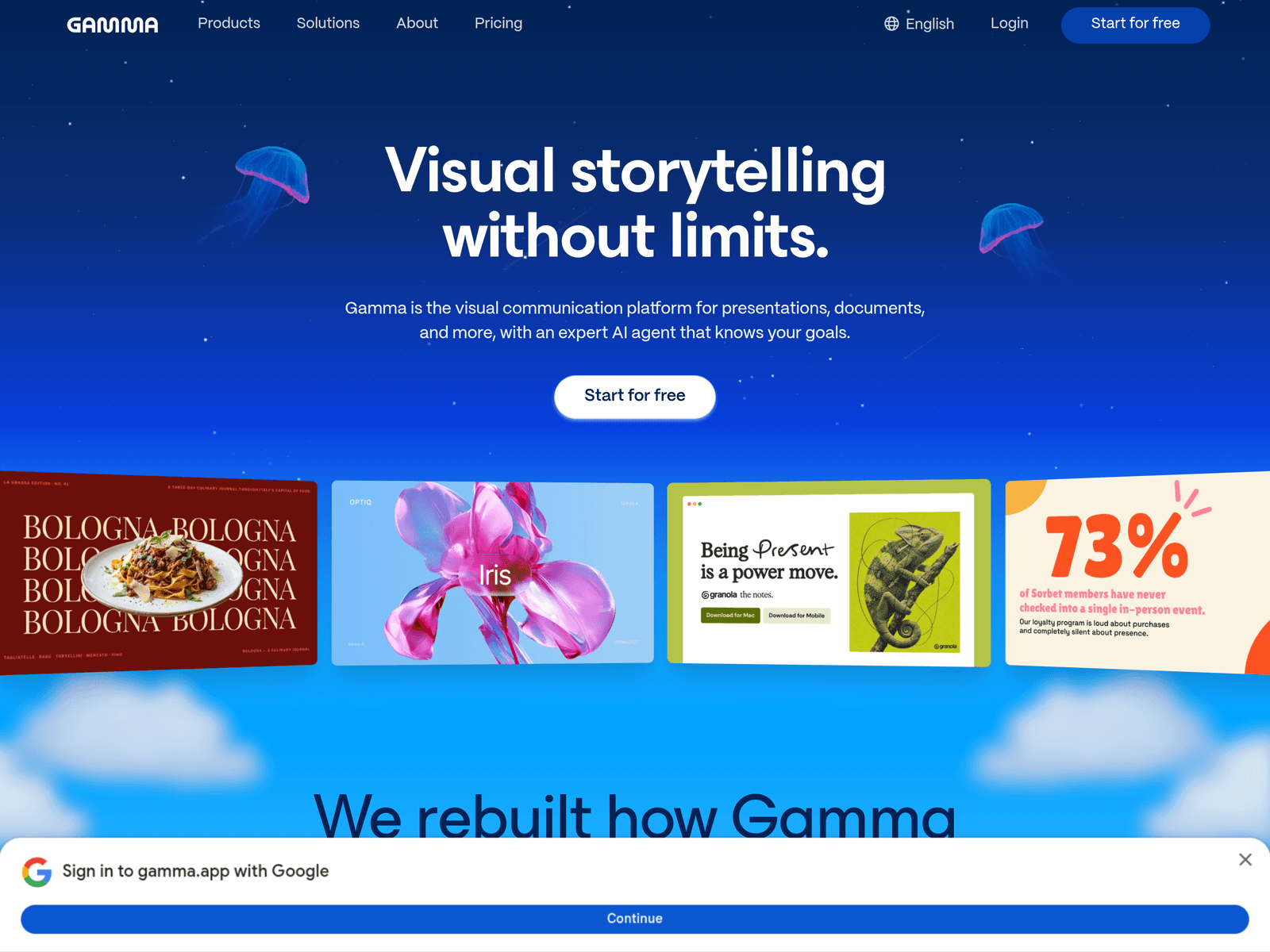
Gamma is designed for users who need to turn complex ideas into clear visual materials. It supports presentations, documents, and web-style pages in one workflow, with a conversational editing process that starts from outlines before moving into design. It can also import PowerPoint and PDF files, pull content from tools such as Slack, Notion, and Dropbox, and export finished work back into common business formats.
Key Uses
- Generate presentations from a prompt or an existing document, which helps users move from rough notes to a structured deck without starting from a blank slide.
- Turn one idea into multiple formats, including slides, documents, and website-style pages, so the same core message can be reused for different audiences.
- Match visual style to the content, audience, or brand by describing a preferred look or attaching inspiration, rather than relying only on generic templates.
- Refine output through chat-based edits, smart layouts, drag-and-drop changes, or a freeform design mode when more direct control is needed.
- Import PowerPoint and PDF files with formatting intended to remain intact, then export to PowerPoint, PDF, and other formats for further sharing or review.
Who It Is For
- Business teams preparing internal updates, strategy reviews, or branded presentations that need a consistent visual style across multiple slides.
- Educators and trainers who want to turn lesson materials, language-development content, or complex explanations into more approachable visual pages.
- Startup founders and small teams that need polished product explanations, investor-facing materials, or collaborative pages without a dedicated design team.
- Users who keep source material across Slack, Notion, Dropbox, and other connected tools and want to combine that content into one presentation or document.
Tips for Best Results
- Start by explaining the goal, audience, and intended outcome in the conversation, then let Gamma produce an outline before adding detailed content.
- Provide style direction early, such as a written description, reference images, or brand guidance, to reduce the need for broad visual revisions later.
- Review the narrative first and the layout second; a visually polished deck still needs a clear argument, logical order, and accurate supporting details.
- If the final file must be delivered as PowerPoint or PDF, test import and export on important pages before finalizing complex layouts or embedded content.
Limitations
- Gamma is strongest for visual communication and content organization, so users needing advanced data modeling, professional design-suite controls, or custom development may still need other tools.
- Import quality can depend on the source file, layout complexity, and structure, so imported PowerPoint or PDF materials should be checked before reuse in important presentations.
- The platform describes an AI agent that orchestrates different models for different tasks, but exact model combinations, connector availability, and export behavior should be confirmed on the official page.
Frequently Asked Questions
How do I start using Gamma?
You can start from the official website and begin creating a project for free. The usual workflow is to describe your goal or import existing material, generate an outline and draft, then refine the result through chat, drag-and-drop edits, or freeform design.
Does Gamma have a free option?
The official page includes a Start for free option, indicating that users can begin without paying first. Specific limits, features, and paid plans should be checked on the official website.
What file types can Gamma import and export?
Gamma can import PowerPoint and PDF files, with formatting intended to remain intact. It can also export to PowerPoint, PDF, and other formats, though exact output quality may depend on the source material.
How is Gamma different from traditional slide software?
Traditional slide tools usually begin with blank slides or fixed templates. Gamma focuses on outline-first creation, conversational editing, and turning one idea into slides, documents, or web-style pages.
Who benefits most from Gamma?
Gamma is useful for teachers, founders, business teams, and anyone who needs to present complex ideas clearly. It is especially relevant for users who care about visual storytelling, brand consistency, and reusing content across formats.