
Overview
- Tool name: Grammarly
- Official website: https://www.grammarly.com
- Category: AI writing tool / AI Writing
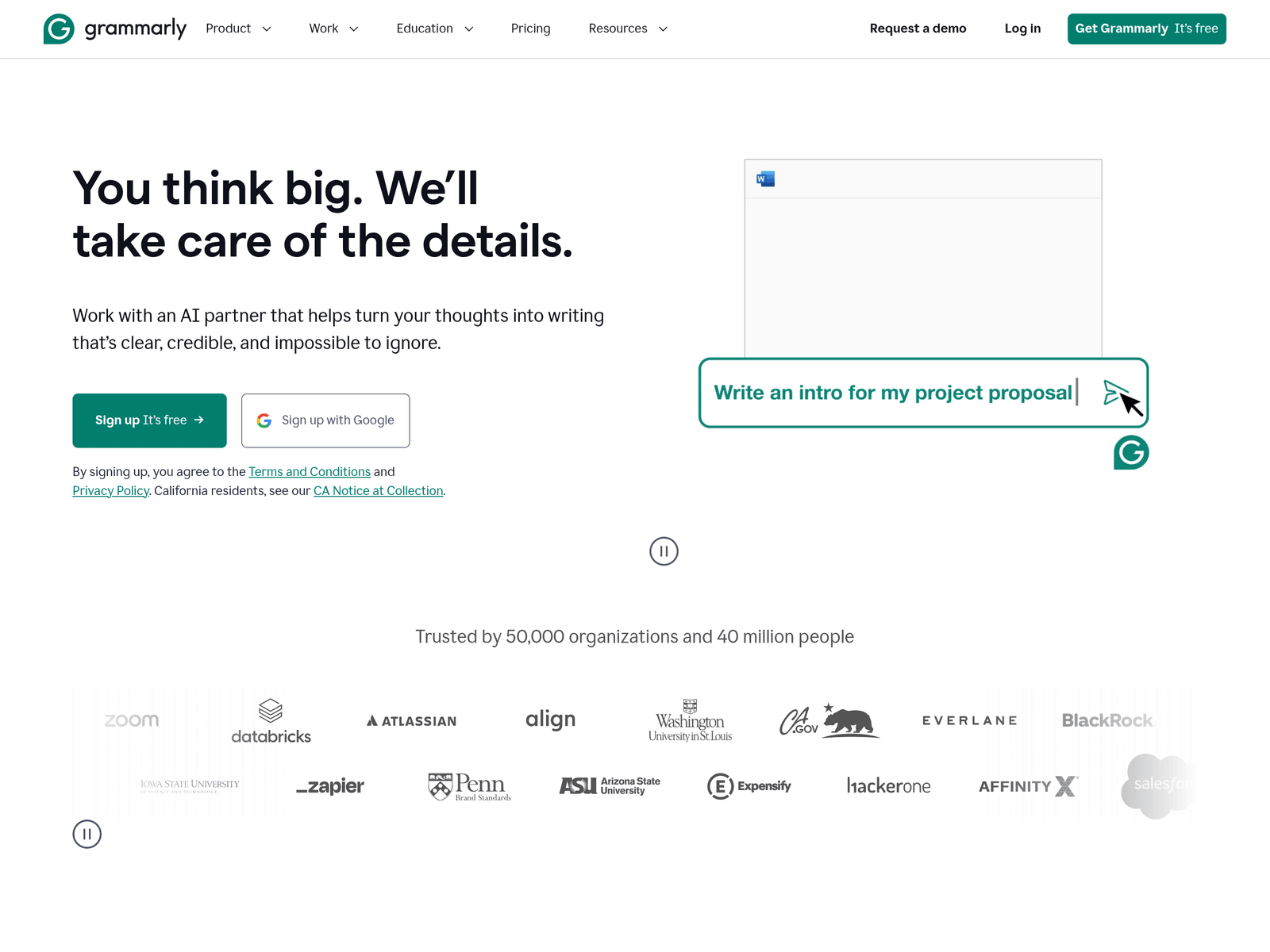
Grammarly is an AI writing assistant for English grammar, spelling, and clarity. It offers personalized guidance, paragraph rewrites, tone suggestions, proofreading, and AI-related agents across apps and websites.
Key Uses
- Checks English grammar and spelling before sending emails, documents, essays, or other written materials.
- Suggests tone adjustments so writers can see whether text sounds formal, direct, confident, or casual.
- Rewrites paragraphs to improve clarity while preserving the intended meaning of the original draft.
- Provides a Humanizer agent for adjusting AI-generated text toward a more natural writing style.
- Includes an AI Detector agent that helps review whether text shows characteristics associated with AI output.
- Offers an AI assistant for personalized writing guidance inside supported apps, websites, and documents.
- Supports citation-related tasks through tools such as Citation Generator and Citation Finder.
Who It Is For
- Students writing essays, assignments, and academic drafts who need grammar, spelling, and citation support.
- Professionals preparing business emails, reports, proposals, and internal documents in English.
- Marketing, sales, and HR teams creating public-facing copy, customer messages, or hiring materials.
- Educators and institutions reviewing student writing with AI detection or grading-related assistance.
- Writers who work across desktop, mobile, browser, or Grammarly Docs and want continuous writing help.
Tips for Best Results
- Paste or write a complete draft first, then review suggestions in batches instead of stopping after every correction.
- Check paragraph rewrites and tone suggestions one by one to confirm they preserve meaning and terminology.
- Manually verify facts, citations, names, and final wording before using Grammarly for academic or formal work.
- Treat AI detection and humanizer outputs as supporting signals rather than final proof of authorship or quality.
- For teams, define shared voice and formatting rules before relying on Grammarly for consistency.
Limitations
- The available information emphasizes English writing assistance and does not clearly define full support for other languages.
- Suggestions may be affected by specialized terminology, brand names, citations, code-like text, or unusual formatting.
- AI detection and humanization results should not be used alone for academic integrity, compliance, or hiring decisions.
- Pricing details, API availability, enterprise terms, and data-handling specifics are not fully stated in the source material.
Frequently Asked Questions
How do I start using Grammarly?
You can start through the official Grammarly website by logging in or creating an account. The site provides a free entry point and a request-a-demo option. It can be used on desktop, mobile, browser, and Grammarly Docs.
Is Grammarly free?
The source material mentions a Free option and a free entry point. It does not fully explain what is included in the free plan or how paid plans differ. Current pricing should be checked on the official site.
Which platforms does Grammarly support?
Grammarly lists Desktop, Mobile, Browser, and Grammarly Docs among its available environments. It also describes personalized guidance on apps or websites. Feature availability may vary by platform.
How is Grammarly different from a basic spell checker?
Grammarly goes beyond spelling by offering tone suggestions, paragraph rewrites, proofreading, an AI assistant, and AI agents. It is positioned as a broader AI writing assistant rather than a simple typo detector.
Are there alternatives to Grammarly?
For basic proofreading, built-in spell checkers or simpler grammar tools may be enough. For deep academic editing, multilingual translation, or human stylistic review, users may need specialized services or additional tools.