
Overview
- Tool name: Kimi
- Developer: Moonshot AI
- Official website: https://www.kimi.com/
- Category: AI Chatbots
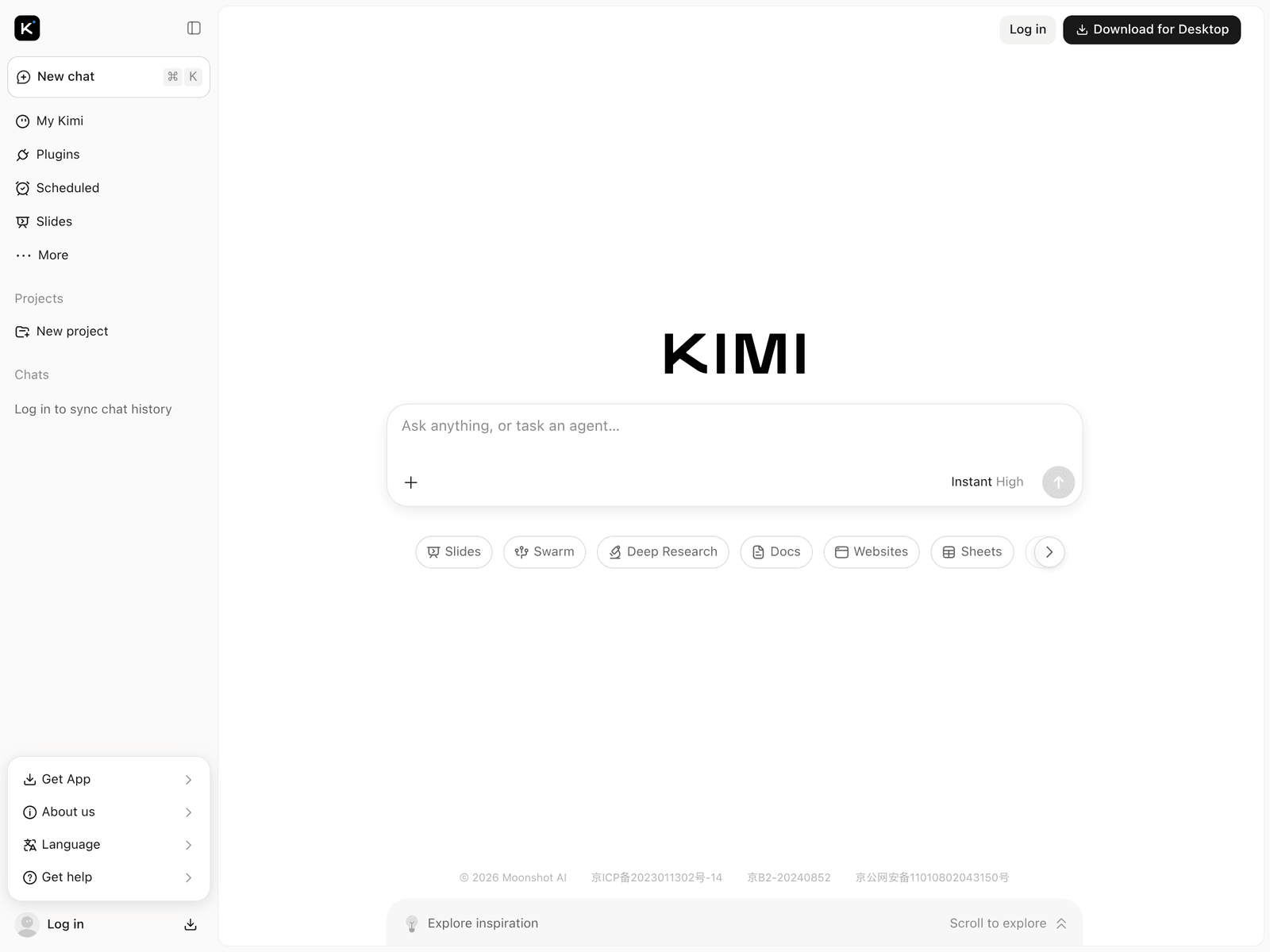
Kimi is a conversational AI assistant developed by Moonshot AI. It is designed to handle everyday information retrieval, long-form text analysis, and content generation tasks using large language model capabilities.
Key Uses
- Long-document analysis: Processes lengthy PDF, Word files, or web links to extract key insights and generate summaries.
- Content creation and editing: Assists with drafting articles, emails, and outlines, as well as refining and rewriting text in multiple languages.
- Information search and Q&A: Answers general knowledge and current affairs questions with web-search backing and source references.
- Programming and technical support: Explains code snippets, translates technical documentation, and organizes unstructured text.
Who It Is For
- Researchers and students: Individuals who need to parse lengthy academic papers or technical reports to find specific data points quickly.
- Office professionals: Workers dealing with extensive industry reports, guidelines, or business documentation who want to streamline their reading workflow.
- Language learners and global readers: Users who require reliable translation, cross-lingual comprehension, and text parsing.
Tips for Best Results
- Provide clear, detailed instructions and context in your prompts to help the model generate more relevant responses.
- Check file size and format limits before uploading large documents to ensure smooth processing.
- Always cross-check critical data, professional citations, or important business conclusions against primary sources.
Limitations
- The AI may occasionally produce inaccurate or hallucinated outputs, meaning it should not replace professional expert judgment.
- Response times for extremely long documents or complex reasoning tasks can vary depending on server load and network conditions.
- Users should exercise caution before uploading sensitive personal data or confidential corporate documents.
Frequently Asked Questions
Is Kimi free to use?
Based on current public offerings, standard users can access basic features via the web or mobile apps. Specific usage limits or potential future tiers are subject to official policy updates.
How can I upload long documents for analysis?
Users can upload local files using the designated attachment button in the chat interface or paste a URL directly. Once parsed, you can ask questions specifically about that document.
Which platforms are supported by Kimi?
Kimi is available as a web application and through native apps for major mobile operating systems. Check the official website for details on supported devices and download links.