
AI-NAV · Article
How to Build AI Agents Without Code: From Templates to Production Deployment
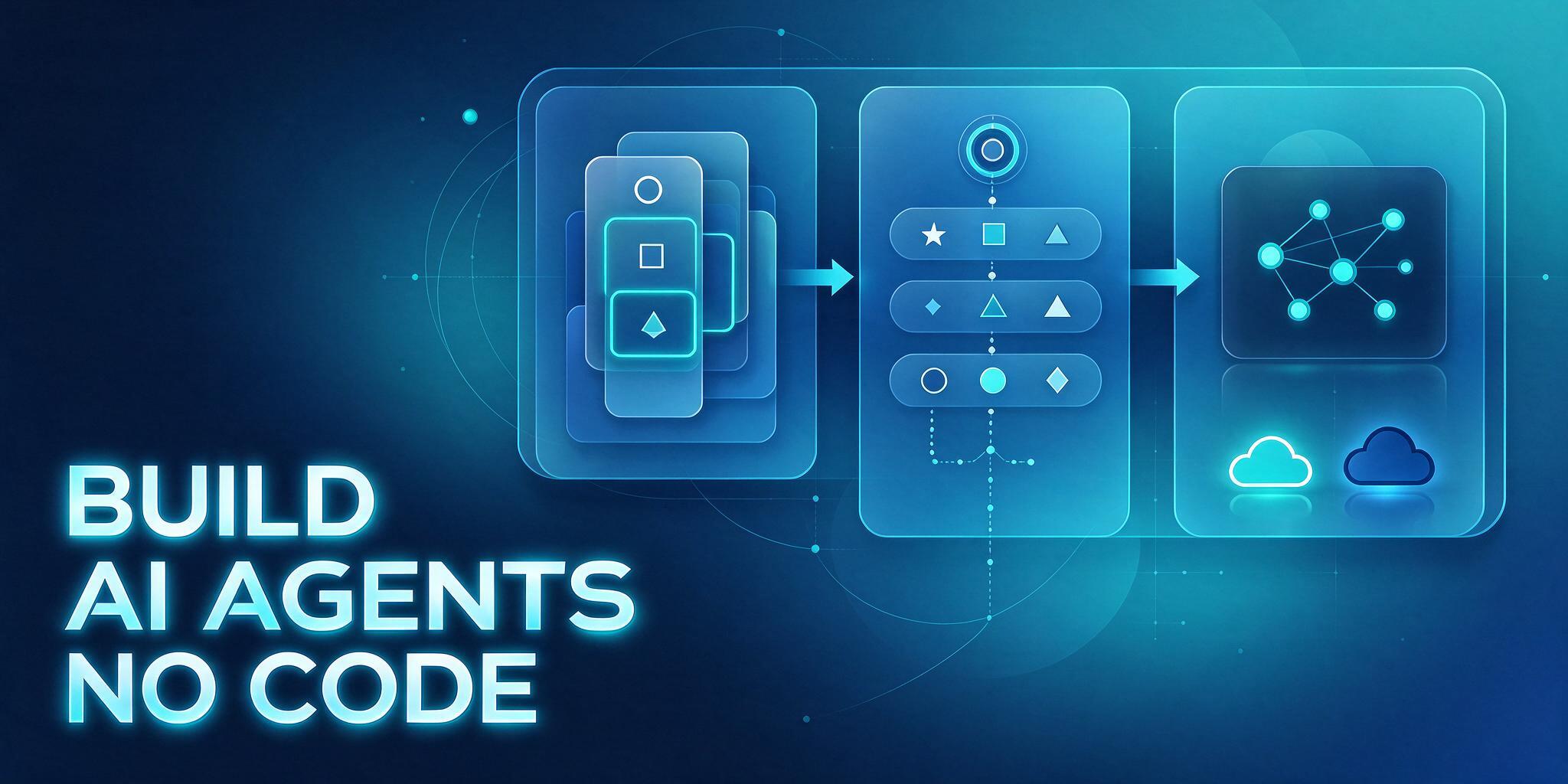
Building AI agents without writing code has become an accessible way for developers and business professionals to automate complex workflows. By leveraging visual development platforms, creators can bypass traditional backend programming, utilizing drag-and-drop components, prompt engineering, and external data connectors to deliver functional automation in hours rather than weeks.
Before diving into visual builders, clarifying the core use case and target audience is essential. Different operational requirements dictate distinct architectural boundaries. For instance, customer-facing support agents require robust retrieval-augmented generation and multi-turn dialogue management, whereas content generation workflows rely heavily on structured prompt templates and multimodal processing capabilities.
Selecting the right no-code agent builder determines the efficiency of your entire development lifecycle. Modern visual platforms rely on modular node-based interfaces, combining language model nodes, conditional logic branches, custom code execution snippets, and external API requests into unified operational pipelines. These building blocks allow creators to assemble intricate logic just like physical assembly blocks, while pre-built industry templates expedite initial prototyping.
To help developers make informed platform decisions, the following matrix compares the primary approaches to building AI agents:
| Dimension | No-Code Visual Builders | Low-Code Frameworks | Custom API Development |
|---|---|---|---|
| Skill Level | No programming needed | Basic Python knowledge | Advanced backend skills |
| Time to MVP | Hours to deploy | Days of debugging | Weeks to months |
| Customization | Bound by platform limits | Highly extensible | Fully customizable |
| Maintenance | Managed by platform | Self-hosted servers | High operational overhead |
Selecting the appropriate underlying language model dictates the reasoning quality of your final agent. Modern development platforms allow seamless integration with advanced chat models, such as leveraging DeepSeek or ChatGPT to provide deep semantic comprehension and logical reasoning. Creators can switch backend models dynamically based on budget constraints, latency targets, and reasoning depth requirements.
Step-by-Step Implementation: Building Your First Agent
- Register and Authenticate on the Visual Platform: Navigate to a prominent development workspace such as Dify, sign in using your professional credentials, and access the central application dashboard.
- Initialize a New Application: Click the create application button in the dashboard, select the conversational agent workspace type, or choose a pre-configured industry template from the community marketplace.
- Configure System Prompts and Behavioral Constraints: Locate the system instructions text area in the visual editor, and input explicit behavioral guidelines, tone constraints, and execution boundaries for your agent.
- Integrate External Knowledge Bases: Navigate to the document management tab, upload structured PDF or Markdown files, and trigger the text chunking and vector indexing pipeline to establish a proprietary RAG corpus.
- Append Tool Call Nodes: Add web search capabilities, calculator utilities, or custom webhook integrations to the workflow canvas to empower the agent with real-time data retrieval.
- Execute Sandbox Testing: Utilize the integrated preview panel on the right side of the screen to submit test queries, observe reasoning steps, and refine prompt parameters based on immediate output evaluation.
- Deploy and Export Production Endpoints: Finalize the build configuration by clicking the publish button, then select whether to embed the web widget into a landing page or expose the agent via standard API endpoints.
Common Errors and Troubleshooting Procedures
- Low Retrieval Precision in Knowledge Base → Vector chunk size is excessively large or similarity threshold is overly restrictive → Modify text chunking parameters and incrementally lower the match threshold during testing.
- Frequent Model Hallucination and Off-Topic Responses → System prompt lacks strict negative constraints or fails to enforce local grounding → Add explicit instructions requiring the agent to rely strictly on retrieved context.
- API Integration Timeouts or HTTP Error Responses → Expired authorization tokens or payload schema mismatches → Verify environment variables and inspect raw request payloads against upstream provider documentation.
Evaluation Criteria and Selection Framework
When evaluating no-code agent platforms, review architecture stability, model interoperability, data privacy compliance, and developer ecosystem activity. Verify whether the provider supports local data residency or private cloud deployment options. Specific pricing tiers, feature lists, and regional availability should always be verified directly through official vendor documentation.
- Verify whether the platform supports private infrastructure deployment to meet regional compliance standards.
- Confirm native compatibility with multi-model switching and fallback mechanisms.
- Assess the extensibility of built-in plugins versus custom webhook connectors.
- Estimate long-term operational token consumption and concurrency limits.
- Review the comprehensiveness of official documentation and community support forums.
Frequently Asked Questions
Do I need to know how to code to build an AI agent?
No programming background is required. No-code platforms encapsulate complex backend logic, vector database indexing, and API integrations into visual drag-and-drop interfaces, allowing users to focus entirely on workflow design and prompt engineering.
How can I minimize hallucinations in my production agent?
Integrating a high-quality external knowledge base using retrieval-augmented generation combined with strict system prompts that forbid speculation will significantly improve factual accuracy.
Where can I deploy a finished no-code AI agent?
Most platforms allow you to publish agents as standalone web chat interfaces, export HTML snippets to embed directly into corporate websites, or connect them to internal communication channels via standard API webhooks.