
Overview
- Tool name: Ideogram
- Developer: Ideogram, Inc.
- Official website: https://ideogram.ai/
- Category: AI Image Tools
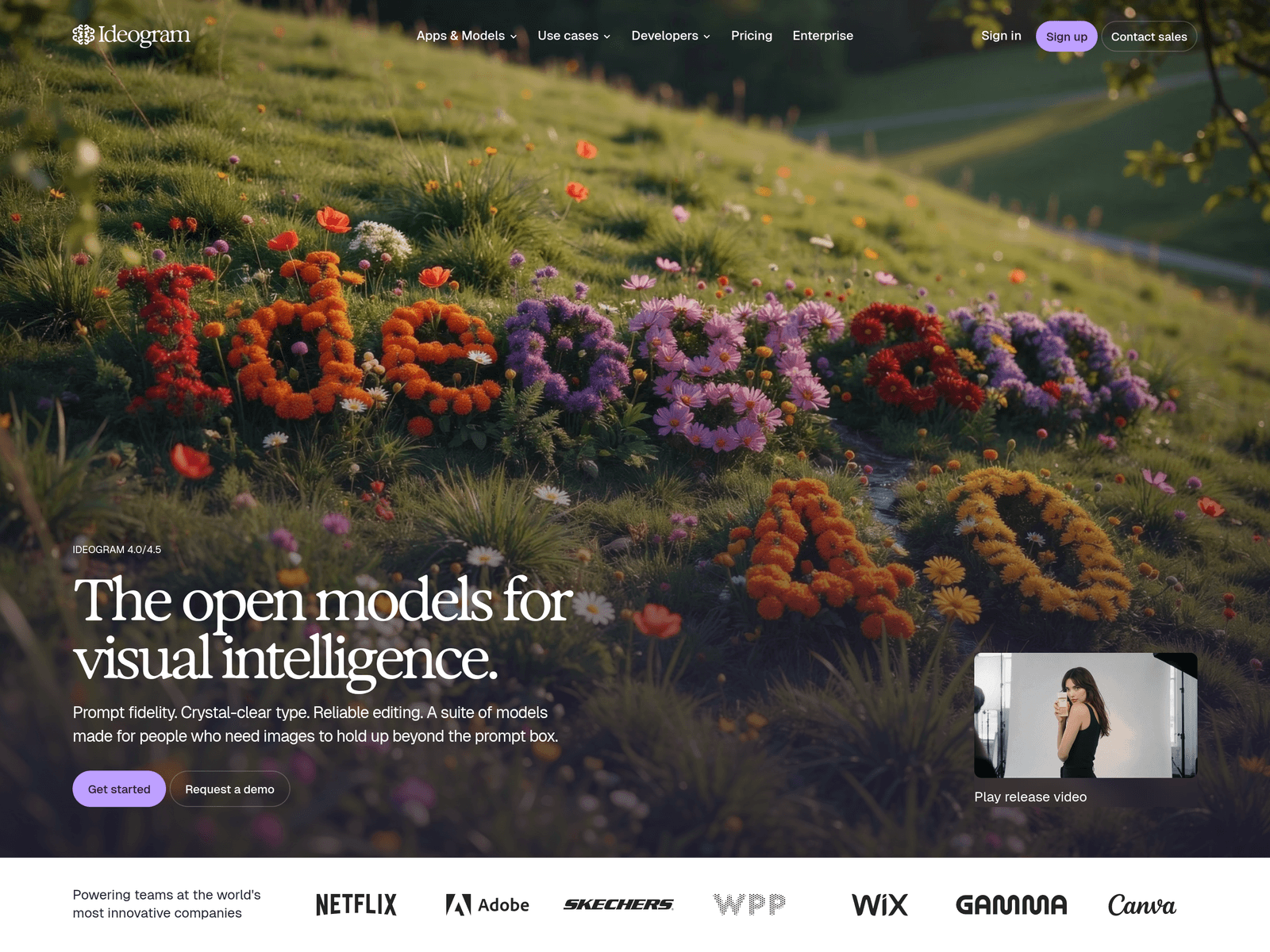
Ideogram is an AI image generation tool known for rendering readable text inside generated visuals. It offers a creative workspace, API access, and MCP connections for teams that need image generation inside design, product, or agent workflows.
Key Uses
- Generate images with readable text: Ideogram is built for visuals where typography matters, such as posters, covers, campaign graphics, and promotional artwork that needs clear wording inside the image itself.
- Edit and iterate on generated visuals: The platform positions itself as a place to move from a first prompt to a finished asset, with editing intended to stay close to the user’s original intent across revisions.
- Add image generation to products through API: Ideogram API lets developers call image and video models through one endpoint, with shared authentication, billing, and model switching handled by changing a string.
- Connect image generation to agent workflows: Through MCP, Ideogram can be connected to clients such as Claude and Cursor so agents can generate, edit, and train without breaking context.
- Handle specific asset tasks with built-in apps: The platform lists apps such as Ad Resizer, Background Remover, Colorways, Material Swap, and Object Remover for focused post-generation or asset-preparation work.
Who It Is For
- Designers and marketers producing text-heavy visuals: Teams making posters, ads, event graphics, or social media assets may benefit from a model that emphasizes crystal-clear type and prompt fidelity.
- Product teams building image features: Developers who need image generation or editing inside an application can use Ideogram API instead of maintaining separate authentication, billing, and integration layers.
- Agent workflow builders: Users working with MCP-compatible clients can bring visual generation into automated or assisted workflows without leaving the surrounding context.
- Teams producing visual work at scale: Ideogram presents an enterprise path for organizations that need shared workflows, model access, and production-grade generation across creative teams.
Tips for Best Results
- Write the exact text you want to appear: If the image includes a headline, slogan, or label, place that wording directly in the prompt and describe where it should appear in the composition.
- Choose the model version according to the task: The site lists Ideogram 4.5, Ideogram 4.0, and Ideogram 3.0. For work that depends on accurate text or tighter prompt adherence, check the newer model options first.
- Use dedicated apps for narrow edits: For background removal, object removal, resizing, or material swaps, the corresponding built-in app may be more direct than trying to solve everything with one generation prompt.
- Separate creative exploration from production integration: Use Ideogram Creative for hands-on visual iteration, while API or MCP is more suitable when the goal is to embed generation into a product, service, or agent system.
Limitations
- Pricing details are not fully shown in the available page summary: The site includes Pricing, API Pricing, and Enterprise pages, but exact costs, plans, or free access terms should be confirmed on the official site.
- Text rendering still depends on prompt complexity: Although Ideogram emphasizes readable typography, results can vary with text length, layout complexity, language, and the selected model version.
- Different entry points serve different needs: Ideogram Creative, Ideogram API, and Ideogram Agents are not the same workflow. Users should choose the workspace, API, or MCP route based on whether the task is manual design, product integration, or agent-based generation.
Frequently Asked Questions
How do I start using Ideogram?
Start by visiting the official website and signing in or creating an account. For hands-on image creation, use the Ideogram Creative workspace; for product integration, review the API documentation and developer resources.
Is Ideogram free to use?
The available page information shows Pricing, API Pricing, and Enterprise sections, but it does not clearly state a free tier or exact pricing. Current availability, pricing, and any free access should be checked on the official Ideogram site.
Which Ideogram model versions are available?
The site lists Ideogram 4.5, Ideogram 4.0, Ideogram 3.0, P-Image-Ideogram, and Custom Image Models. Ideogram 4.5 is presented as the most capable model in the current lineup, with sharper prompt fidelity and readable type across layouts.
How is Ideogram different from general AI image generators?
Ideogram places particular emphasis on accurate text rendering, prompt fidelity, and reliable editing. It also offers API access, MCP connections, and purpose-built apps, making it more than a single prompt-to-image interface.
Can Ideogram be used inside agent workflows?
Yes. Ideogram Agents can connect Ideogram to MCP clients such as Claude and Cursor. This allows agents to generate, edit, and train visual content without breaking the surrounding workflow context.