Overview
- Tool name: ChatGLM
- Developer: ChatGLM5
- Official website: https://chatglm.cn/
- Category: AI Chatbots
ChatGLM is an AI chat assistant built on the GLM large model. It is positioned as an agent that can understand goals, call tools, break down tasks, and coordinate steps toward delivered results.
Key Uses
- General Q&A and research support: ChatGLM can help clarify questions through multi-turn dialogue, then organize background, assumptions, and next steps into a clearer answer.
- Research report drafting: It can outline topics, group source notes, and shape findings into structured sections before a user refines citations and evidence.
- Slide preparation: Users can ask for presentation flow, section titles, and page-level talking points, then edit the output to match their own data and tone.
- Data analysis assistance: It can explain fields, suggest analysis angles, and summarize chart takeaways, while final numbers should still be checked against raw data.
- Image and poster ideation: The site shows entries for AI drawing and creative posters, which can support quick visual concepts and copy directions.
- Document reading support: With cloud knowledge base or local file options, ChatGLM can help summarize documents, extract key points, and answer questions about uploaded material.
- Agent exploration: The platform includes an agent discovery area where users can explore shared agent cards and task-specific assistants.
Who It Is For
- Students and independent learners: Useful for building report outlines, organizing reading notes, and turning broad topics into manageable study questions.
- Business professionals preparing materials: Helpful when drafting slides, project summaries, or internal briefs that need a clear structure before final editing.
- Content creators: Suitable for generating first drafts, poster concepts, and variations for articles, scripts, or campaign ideas.
- Teams doing early research: Can help collect background concepts, comparison dimensions, and open questions before deeper manual validation.
- Users managing personal knowledge: The cloud knowledge base and file options may suit people who want to ask questions over their own saved documents.
Tips for Best Results
- State the goal clearly: Include audience, length, format, and purpose in the prompt, such as asking for a 10-slide outline for an internal business review.
- Break large tasks into steps: Ask for an outline first, then expand each section, add examples, and finally adjust tone and consistency.
- Use files when the task depends on them: If the answer should rely on specific documents, upload local files or select a cloud knowledge base instead of asking from memory alone.
- Verify important claims: Treat outputs as drafts, especially for facts, figures, legal topics, medical topics, or financial decisions.
- Check current credits and membership rules: The site shows credits, membership upgrades, and login rewards, but terms and validity may change, so confirm them on the live page.
Limitations
- AI-generated output needs review: The site warns that content is generated by AI, so answers may contain errors, outdated claims, or imprecise wording.
- Results depend on prompt quality: Vague instructions can produce generic answers, while complex work benefits from context, examples, and acceptance criteria.
- Promotions and access details may change: Credit rewards, membership benefits, model entries, and campaign periods should be checked at the time of use.
- File and knowledge base limits are not fully detailed here: Supported formats, storage limits, and usage scope should be confirmed inside the product after login.
Frequently Asked Questions
How do I start using ChatGLM?
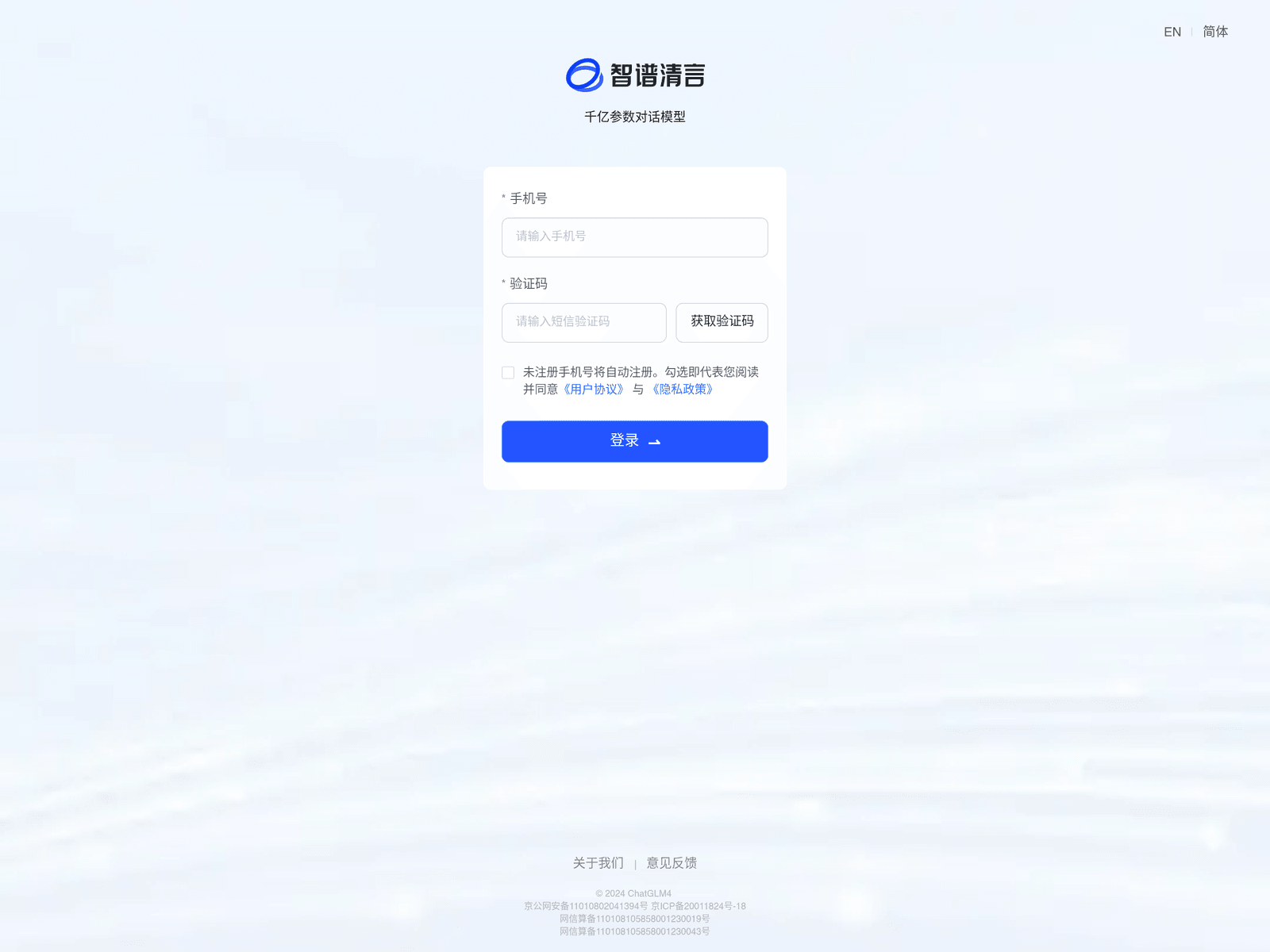
Visit the official website and sign in through available login options shown on the page. After logging in, users can start a new chat or choose task entries such as research reports, slide creation, or data analysis.
Does ChatGLM have free credits?
The site mentions daily login credits and reward credits, along with membership upgrade options. Exact free allowances, expiration rules, and benefits should be confirmed on the official page.
Which platforms does ChatGLM support?
The official site provides web access and shows desktop, mobile, and Windows app download options. Feature availability may vary by platform, so the current download page should be checked.
How is ChatGLM different from a basic chatbot?
ChatGLM is presented not only as a conversational assistant but also as an agent that can understand goals, use tools, and break tasks into steps. This makes it more focused on producing work outputs than simple Q&A.
What should I watch out for when using ChatGLM?
Because responses are AI-generated, important information should be independently verified. For formal reports, business decisions, or professional advice, use ChatGLM as a drafting aid rather than a final source.