
Overview
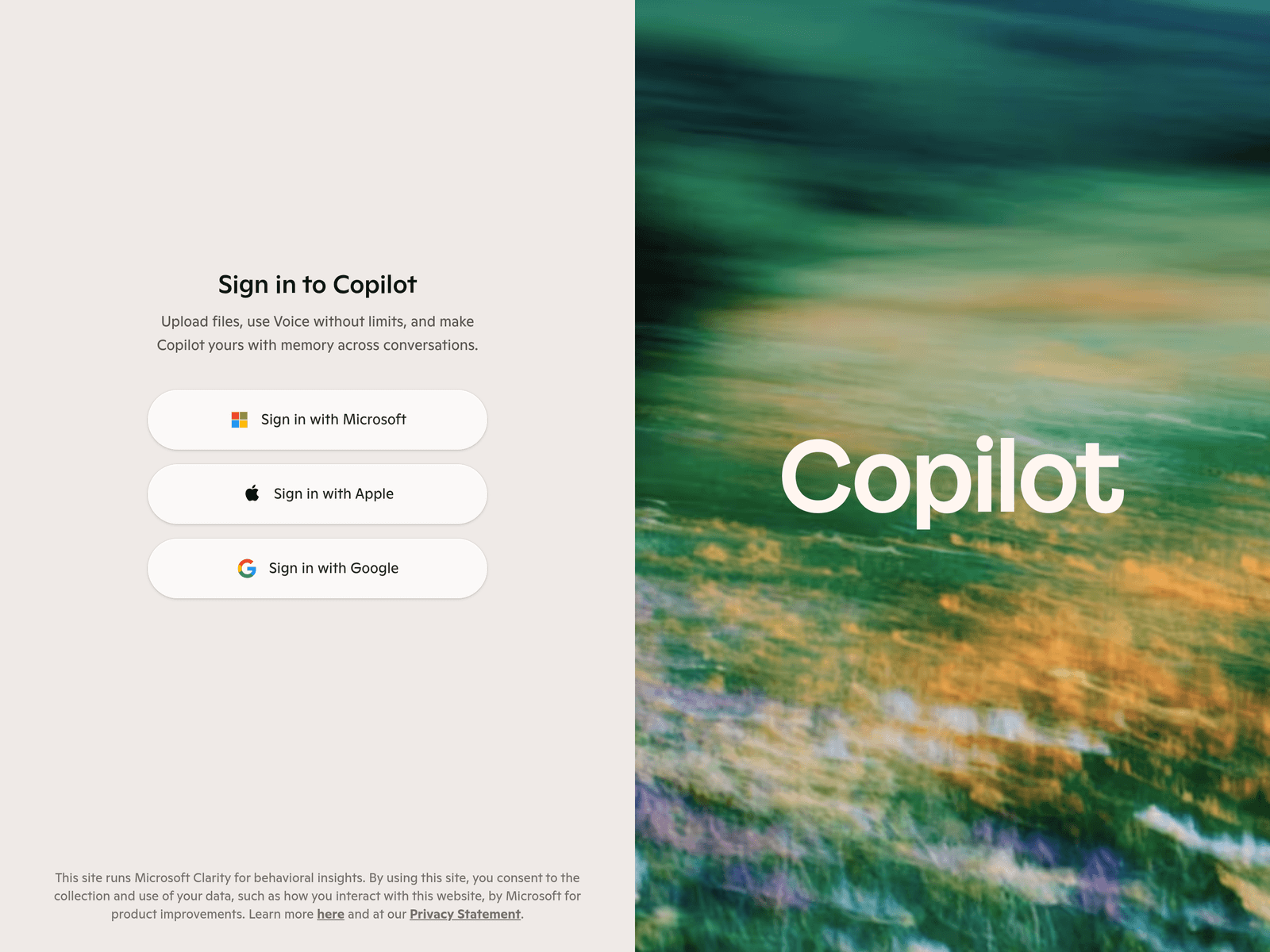
Copilot is a web-based AI chat assistant from Microsoft, designed to help users search for information, draft written content, answer questions, and handle everyday productivity tasks. It runs in the browser, and signing in with a Microsoft, Apple, or Google account unlocks file uploads, voice interaction, and memory across conversations.
Key Uses
- Web search and answer synthesis: Copilot can help users look up public information, organize findings, and present answers in a conversational format, reducing the need to switch between multiple pages.
- Writing assistance and drafting: Users can ask Copilot to draft emails, meeting notes, outlines, product descriptions, or social posts, and then refine the output by rewriting, shortening, or adjusting tone.
- File upload and document understanding: After signing in, users can upload files and ask Copilot to summarize them, extract key points, or answer questions based on the uploaded material.
- Voice interaction: Copilot supports voice use, which is helpful when typing is inconvenient, when capturing quick ideas, or when using the assistant in a hands-free situation.
- Memory across conversations: Signed-in users can use memory across conversations, allowing Copilot to retain certain context and preferences so future interactions require less repeated explanation.
- Flexible sign-in options: Copilot supports sign-in with Microsoft, Apple, or Google accounts, making it easier for users from different account ecosystems to get started.
Who It Is For
- Individuals researching everyday questions: Users who want a conversational way to explore topics, compare options, or gather public information can use Copilot as a starting point.
- Professionals preparing written communication: Copilot can help office workers draft emails, summarize meetings, refine project updates, or shorten long text before sending or publishing.
- Students and self-learners: Learners can use Copilot to explain terms, summarize uploaded materials, create study outlines, or ask follow-up questions on a topic.
- Creators planning content: Writers and content creators can use Copilot to brainstorm angles, outline articles, draft headlines, or generate early versions that they later edit manually.
- Users needing quick mobile or voice input: People who are commuting, traveling, or away from a keyboard can use voice interaction to record ideas, clarify tasks, or get short answers.
Tips for Best Results
- Sign in to access more capabilities: The homepage notes that file uploads, voice use, and memory across conversations are available after signing in, so users who need these features should sign in with Microsoft, Apple, or Google first.
- Define the task before uploading files: Before uploading a document, state whether the goal is summarization, extraction, comparison, or answering a specific question, so Copilot can produce more focused results.
- Break complex requests into steps: For long documents or multi-part tasks, ask Copilot to create an outline first, then refine each section separately instead of requesting everything in one prompt.
- Verify important information independently: Copilot is useful for drafting and summarizing, but for legal, medical, financial, or contractual matters, users should check primary sources or seek professional advice.
- Use memory to reduce repeated instructions: Regular users can gradually set preferences for tone, format, or response length while signed in, making future conversations more efficient.
Limitations
- Some features depend on sign-in: File uploads, voice use, and memory across conversations are tied to signed-in use, so the available experience may be more limited before signing in.
- Outputs still need human review: Copilot may produce incomplete summaries, inaccurate phrasing, or incorrect statements, so important content should be checked before formal use.
- Privacy and data collection should be reviewed: The page states that the site runs Microsoft Clarity for behavioral insights, so users should review the privacy statement to understand how interaction data is collected and used.
- Web experience may vary by network and browser: As a browser-based assistant, Copilot's response speed, upload stability, and voice availability may be affected by network conditions and browser compatibility.
Frequently Asked Questions
How do I start using Copilot?
Open the Copilot website and begin a conversation in the browser. To use file uploads, voice, and memory across conversations, sign in with a Microsoft, Apple, or Google account.
Is Copilot free to use?
The homepage excerpt does not provide a full pricing breakdown, but the web entry point is accessible. Any additional capabilities or subscription terms should be confirmed after signing in.
Which sign-in methods does Copilot support?
Copilot supports sign-in with Microsoft, Apple, or Google accounts. This makes it easier for users who already have one of these accounts to start without creating a separate login.
How is Copilot different from other AI chat assistants?
Copilot is connected to the Microsoft account ecosystem and offers web-based file uploads, voice interaction, and memory across conversations. It is especially relevant for users who want one assistant for search, writing, and everyday organization.
Who should use Copilot?
Copilot is suitable for people who need to search information, draft text, summarize documents, or interact by voice. It can help students, professionals, creators, and general users looking for an everyday AI assistant.