
Overview
- Tool name: Kling AI
- Developer: Kuaishou
- Official website: https://kling.kuaishou.com/
- Category: AI Video Tool
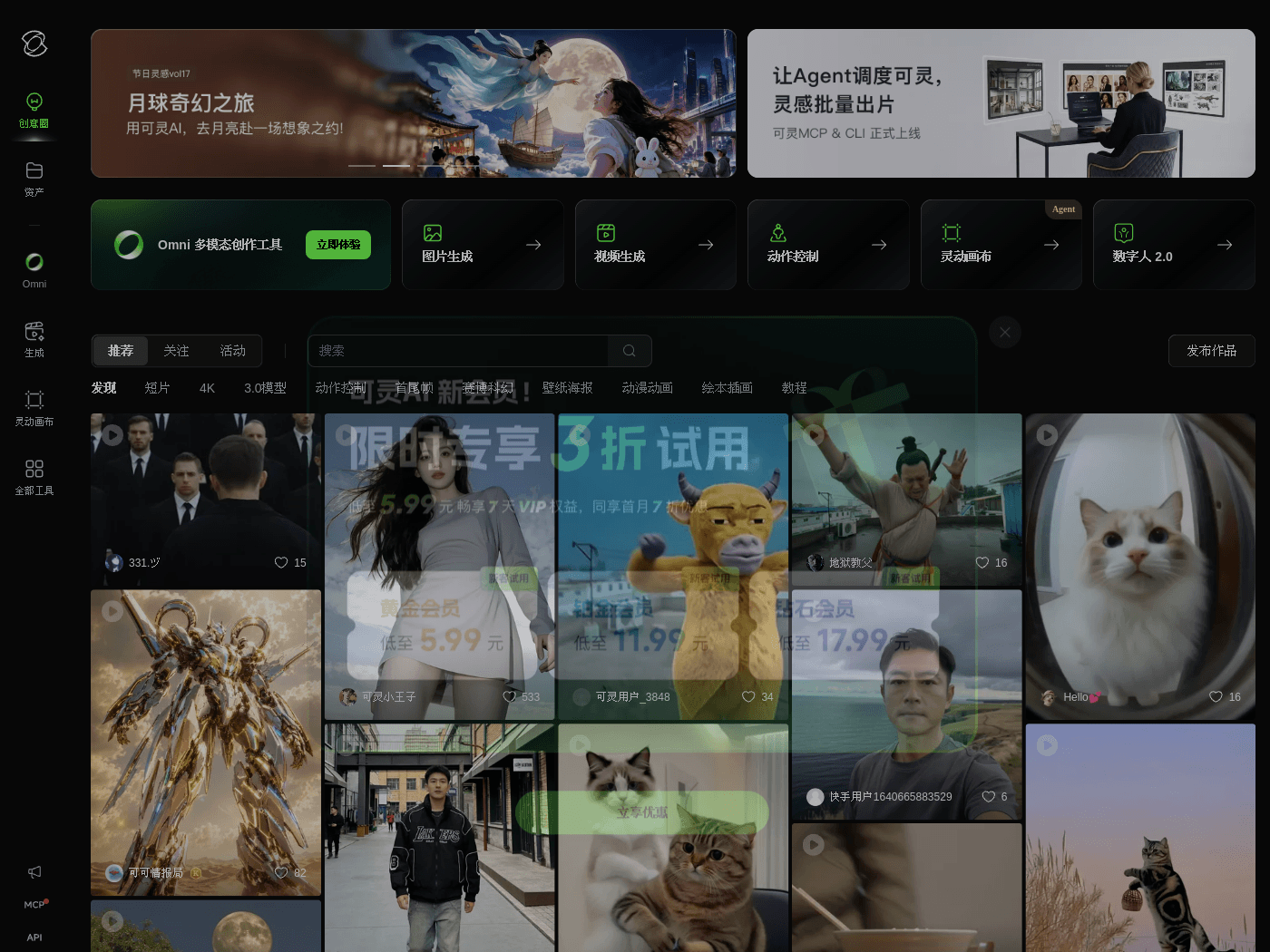
Kling AI is a video generation platform developed by Kuaishou, powered by its proprietary underlying technology. The tool enables creators to transform text prompts and static images into dynamic video clips, streamlining the early stages of visual content production.
Key Uses
- Text-to-Video Generation: Automatically generates dynamic video sequences based on user-provided text descriptions.
- Image-to-Video Generation: Converts static images into animated video clips with simulated camera movements.
- Video Extension & Editing: Provides auxiliary controls for extending video duration and adjusting framing parameters.
Who It Is For
- Concept Artists: Filmmakers and animators who need to quickly visualize storyboards or script ideas.
- Content Creators: Digital creators looking to produce background elements or visual clips for short-form media.
- Marketers: Professionals seeking to draft rapid mockups and promotional visual concepts.
Tips for Best Results
- Use structured and descriptive text prompts detailing the subject, action, environment, and lighting to guide the model effectively.
- Provide clear, high-resolution source images when using the image-to-video feature to ensure accurate motion tracking.
- Generate content in short clips and assemble them in post-production for more complex narratives.
Limitations
- Complex physical interactions or multi-subject movements may occasionally exhibit visual artifacts or unnatural warping.
- Usage is subject to credit systems, and free quotas depend on the platform's current operating policies.
- Output quality relies heavily on the specificity of the input prompts and the capabilities of the current model version.
Frequently Asked Questions
What input formats does Kling AI support?
Users can generate video content either by entering text prompts (text-to-video) or by uploading static source images (image-to-video).
Are there free credits available for new users?
New users typically receive a limited amount of complimentary credits upon registration to test out the video generation features, subject to the platform's active policies.
How long does it take to generate a video?
Processing time varies based on server congestion, output duration, and selected resolution, generally ranging from a few minutes to longer queues during peak hours.
How can I improve the quality of my generated videos?
Writing detailed, descriptive prompts and using clean, well-composed source images will help the model produce more accurate and visually appealing results.