Overview
- Tool name: Pika
- Developer: Pika
- Official website: https://pika.art
- Category: AI Video Tools
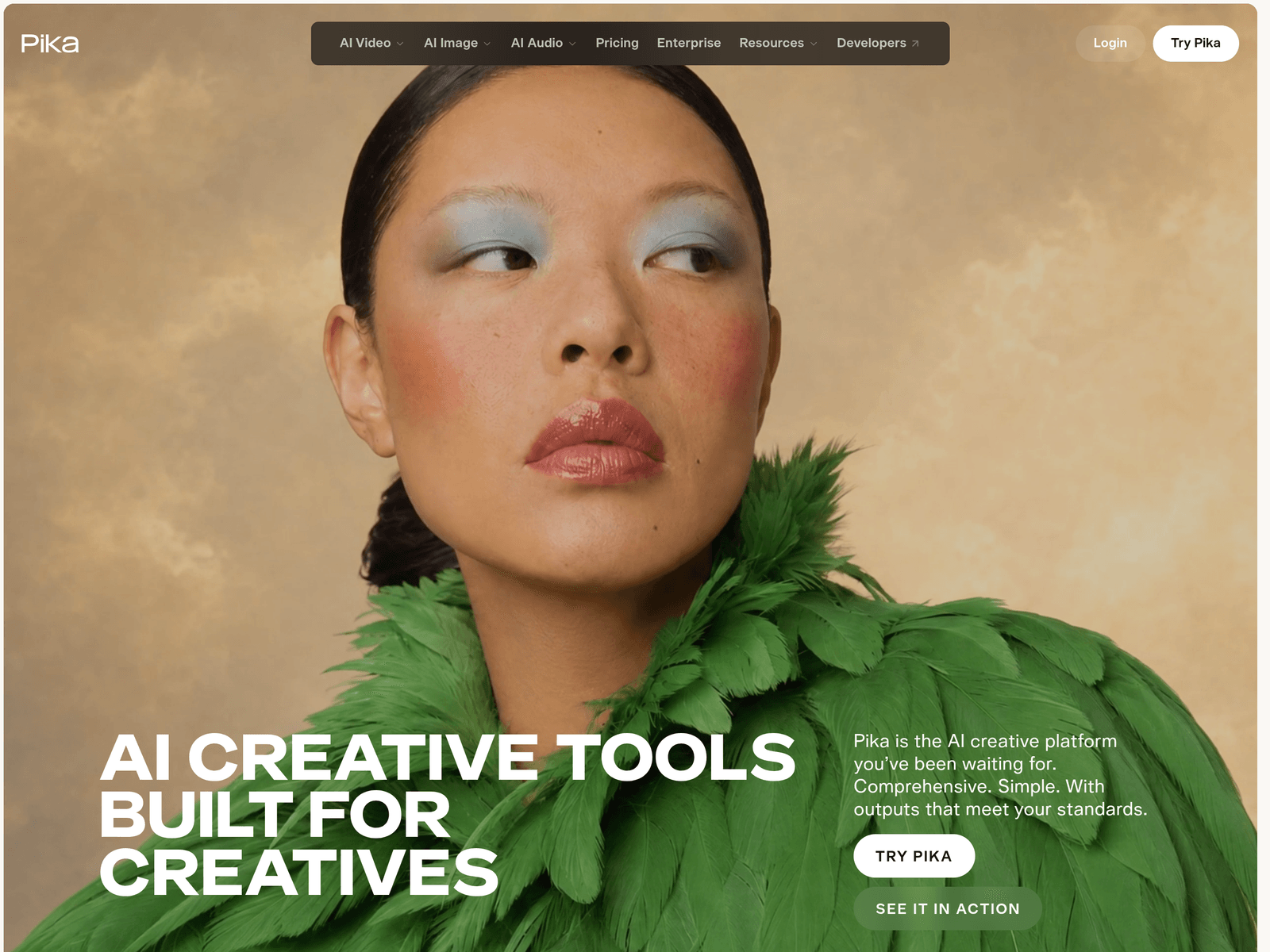
Pika is an AI video generation and editing tool built for creative workflows. Pika helps users create videos, extend footage, adjust color, edit images, build characters, and add soundtracks.
Key Uses
- Generate AI videos: Video Studio can be used to create short clips or longer multi-shot video content, making it useful for creative shorts, visual experiments, and video assets.
- Extend existing footage: Extend Video generates extra frames to make a clip longer than its original duration, which can help smooth transitions or expand a shot.
- Adjust color and mood: Color Grade lets users adjust the color, contrast, and atmosphere of a photo or video clip, supporting a more consistent visual style.
- Edit image elements: Edit Image can swap, remove, or restyle elements inside an image, which is useful for targeted revisions rather than full image regeneration.
- Create reusable characters: Character Studio allows users to customize a character and reuse it across multiple creations, helping maintain consistency in recurring projects.
- Produce product visuals: Product Shot is designed for creating product-focused imagery, which can support e-commerce, advertising, and brand visuals.
- Add sound to video: Pika Soundtrack can score a clip with music, ambience, and foley matched to the action, helping creators complete a video with audio.
Who It Is For
- Short-form video creators: Creators making social videos can use Pika to generate clips, extend footage, and adjust visual tone without relying on separate tools for every step.
- Marketing and brand teams: Product shots, video ads, and visual assets can support campaigns, promotional pages, and product launches.
- Character-driven storytellers: Users who need the same character across multiple scenes can benefit from Character Studio and reusable character settings.
- Editors working on post-production tasks: Color Grade, Extend Video, and Pika Soundtrack can assist with color treatment, shot extension, and audio matching during editing.
- Visual designers and image creators: Image Studio and Edit Image are useful for generating imagery, restyling visuals, and making precise image changes.
Tips for Best Results
- Start with the right tool: Use Video Studio for full video generation, Color Grade for visual tone, Extend Video for longer clips, and Edit Image for localized image changes.
- Break the workflow into steps: Because Pika is built around self-contained tools, it is often easier to generate, adjust, extend, and score content in separate stages.
- Reuse character settings: If a project requires the same character multiple times, create the character in Character Studio first and reuse it to reduce inconsistent results.
- Pair video with audio: After generating or extending a clip, use Pika Soundtrack to add music, ambience, or foley that matches the movement on screen.
- Match the tool to the source material: Photo color grading, video extension, product shots, and image editing serve different purposes, so choosing the correct entry point can improve workflow efficiency.
Limitations
- Results depend on inputs: AI video and image outputs are typically affected by prompts, source material, and settings, so multiple attempts may be needed.
- Tools are task-specific: Video Studio, Color Grade, Extend Video, and other features are designed for different jobs, so one single tool may not handle every creative task.
- Availability may vary: The website lists multiple video, image, and audio models, but actual access, pricing, and feature availability should be confirmed on the official page.
- Commercial use requires review: Before using generated content in advertising, brand campaigns, or commercial projects, users should check Pika’s terms and usage policies.
Frequently Asked Questions
How do I start using Pika?
Visit the official Pika website and log in or create an account. The platform provides access to tools such as Video Studio, Color Grade, Extend Video, and Edit Image.
Does Pika offer a free plan?
The available information does not specify the exact free allowance. Pika has a Pricing page and login area, so current free access, subscriptions, and payment options should be checked on the official site.
What types of creation does Pika support?
Pika supports AI video, AI image, and AI audio workflows. This includes video generation, video extension, color grading, image editing, character creation, product shots, and sound creation.
How is Pika different from a single-purpose video generator?
Pika includes more than video generation. It also provides image editing, character creation, product shots, soundtrack creation, and sound effects, making it broader than a tool focused only on generating video clips.
Who should use Pika?
Pika is suitable for video creators, designers, marketers, and teams that need short videos, product ads, character content, or visual assets. It is especially useful for creators who want video, image, and audio tools in one place.