
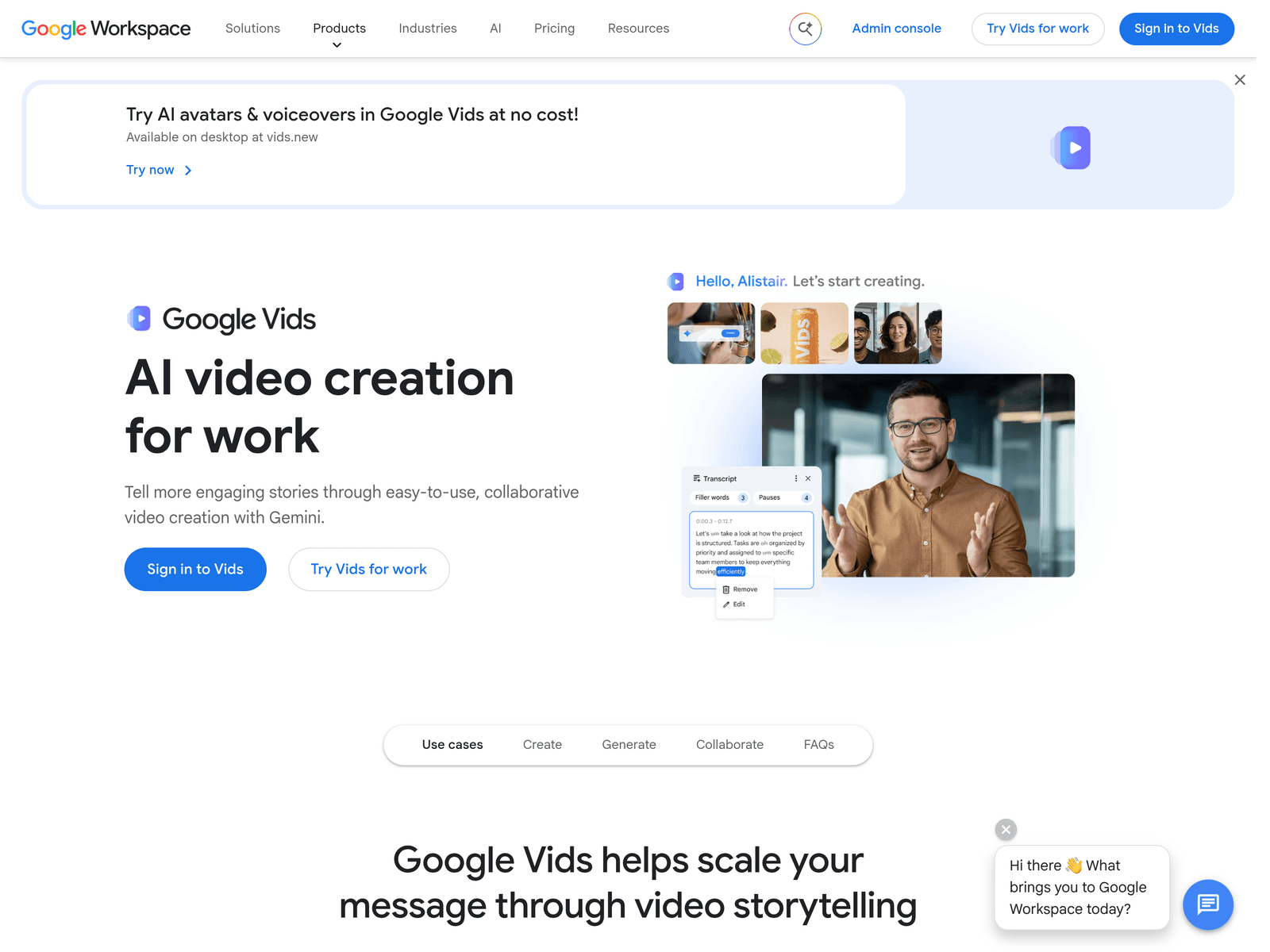
- Tool name: Google Vids
- Developer: Google
- Official website: https://workspace.google.com/products/vids/
- Category: AI Video Tools
Google Vids is an AI video creation and editing tool by Google for work use. Google Vids helps users turn prompts into video drafts using avatars, animated images, and media files.
Overview
Google Vids is designed for creating, editing, and sharing video content in professional and collaborative settings. It combines prompt-based video generation with customizable avatars, image animation, and direct use of user media. The tool is positioned as part of the broader Google Workspace ecosystem rather than as a standalone professional editing suite.
Key Uses
- Generate a first video draft from a simple prompt, helping users start quickly without building a timeline from scratch.
- Create workplace videos such as internal updates, project explainers, onboarding materials, and training content.
- Use customizable avatars to deliver messages when live-action recording is not practical or consistent branding is needed.
- Animate still images so presentations, product photos, or diagrams can move more naturally inside a video narrative.
- Add user-owned media directly inside the editor, making it easier to combine existing assets with AI-assisted scenes.
Who It Is For
- Business teams that need quick video communication without relying on dedicated video production staff.
- Marketing and sales groups that want to draft product explainers, campaign updates, or customer-facing messages faster.
- HR, training, and education teams that need to turn instructions, policies, or learning points into visual content.
- Google Workspace users who prefer tools that fit into familiar collaborative workflows for sharing and editing.
Tips for Best Results
- Start with a short, specific prompt that states the video goal, audience, and main message before adding visual details.
- Use a clear script structure with an opening, key points, and a closing call to action for better pacing.
- Review avatar style, voice, and image animation carefully to make sure the final video matches brand tone.
- Check captions, scene order, and factual accuracy before sharing, especially for external or compliance-sensitive content.
Limitations
- The provided information does not confirm pricing, free access limits, or regional availability for Google Vids.
- AI-generated drafts may still require manual review, particularly for branding, terminology, and message accuracy.
- Google Vids appears focused on work-oriented video creation, so it may not replace advanced professional post-production tools.
- Organizations handling sensitive data should confirm permissions, admin controls, and compliance requirements before wide use.
Frequently Asked Questions
How do I start using Google Vids?
Users can access Google Vids through its official Google Workspace page and sign in with a Google account. A typical starting point is generating a video draft from a prompt, then adding media, avatars, or animated images.
Is Google Vids free to use?
The available information does not clearly state whether Google Vids has a free tier or trial. Users should check the official Google Workspace page or their account plan for current access details.
What creation methods does Google Vids support?
Google Vids supports prompt-based video generation and the use of user-uploaded media. It also offers customizable avatars and AI-assisted image animation for work-focused video projects.
Is Google Vids suitable for beginners?
Yes, Google Vids is designed to help users create videos without prior editing experience. It can generate an initial draft quickly, though human review is still useful for polishing the final result.
How is Google Vids different from traditional video editors?
Traditional editors usually depend on manual timeline editing and layered effects. Google Vids focuses more on AI-assisted drafting, avatars, and image animation, making it faster for routine business video needs.