Overview
- Tool name: LickMV (立刻MV)
- Official website: https://lickmv.cgref.cn/s/qmno5vzk29
- Category: AI Video Tools
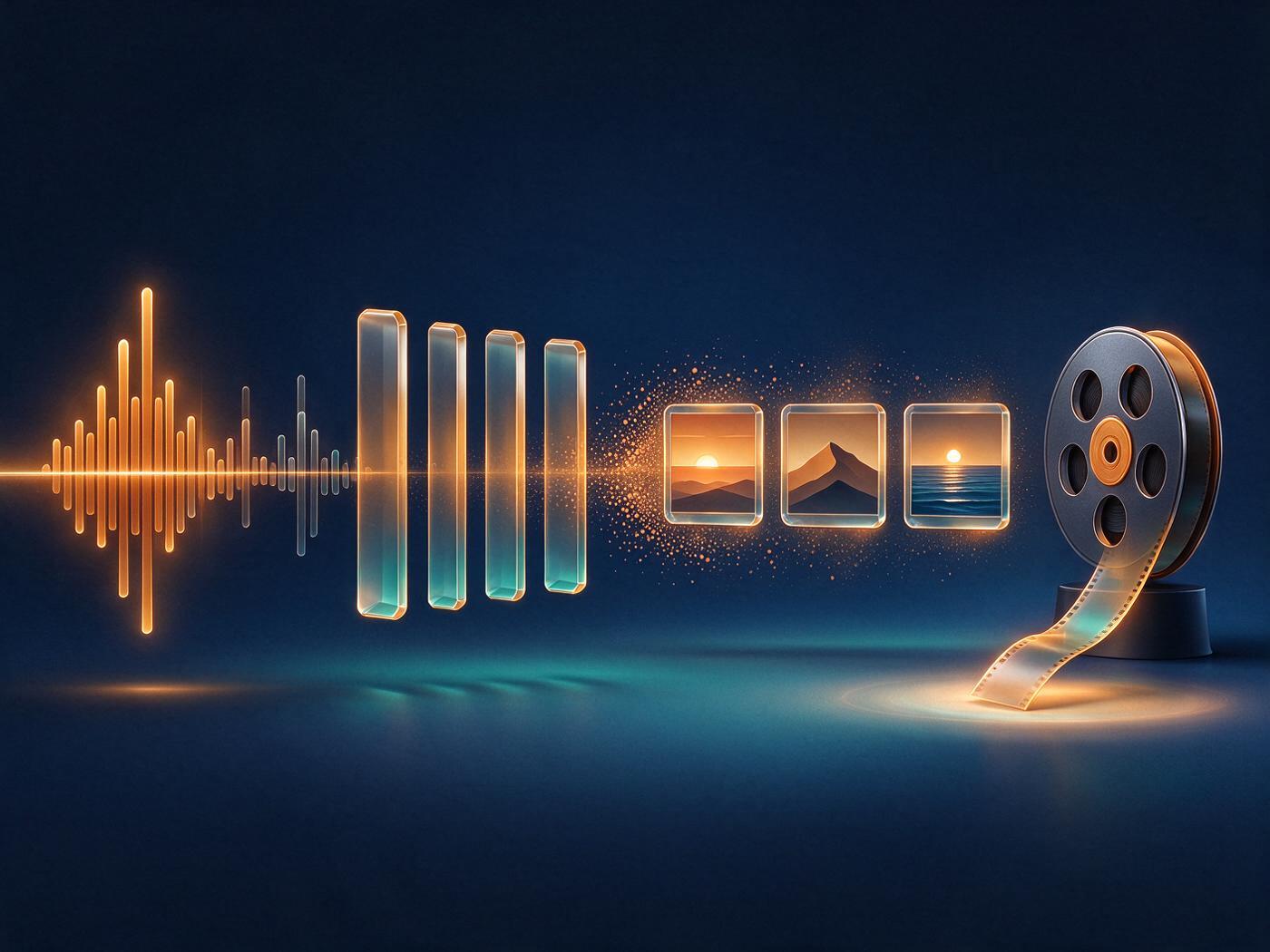
LickMV is an AI music video tool for songs and lyric ideas. It handles lyrics, storyboards, video and export in one flow.
LickMV is built around a song-first workflow: you either generate a track from a one-line idea or import an existing recording, then move through subtitles, storyboards, video generation and export inside a single Studio. The browser version needs no install, and the iPhone app and WeChat mini program share the same account and credits as the web Studio.
Key Uses
- Draft a song from a spark: type an idea or upload an image, choose a music style and vocal type, and let LickMV write editable lyrics and a style direction.
- Import a finished track: upload audio in MP3, AAC, WAV, FLAC or M4A, then continue with subtitle detection, storyboards and video generation on top of it.
- Build a lyric timeline: paste lyrics, upload LRC or SRT subtitle files, or leave the field blank for automatic detection of timed lines.
- Preview the direction first: review the storyboard structure and visual approach before committing to the spend of video generation.
- Turn stills into moving shots: convert images into clips with motion for lyric videos and photo-based MVs.
- Export inside the same flow: LickMV 1.1 adds full AI video generation, local video import and Jianying export to one workflow.
Who It Is For
- Independent musicians with limited budgets who want to lock a visual direction on free subtitles and storyboards before paying for video.
- Lyric-first writers who have a full set of lyrics, or only a single hook line, and want captions that stay in sync with the music.
- Travel and everyday-life creators who want photo collections cut to the rhythm of a track.
- Couples and families who need the same people to look consistent across shots by supplying reference images.
- Social-first creators who want a cover image and a finished video produced in one pass rather than in separate tools.
Tips for Best Results
- Run the free subtitle scan and storyboard preview first; fixing timing and shot order there is cheaper than regenerating video later.
- Supply accurate lyrics instead of relying on auto-detection — pasting text or uploading LRC or SRT keeps the timeline predictable when you revise a line.
- Pick a style deliberately from the built-in list (Smart, Pop, Ballad, Ambient, Folk, R&B, City Pop, Lo-Fi, C-Style, Rock) and review a short sample before committing to a full song.
- Treat the audio import as audio only. If you already have footage, bring it in through the local video import path rather than uploading it as a music source.
- Stay on one account across devices: the web Studio, the iPhone app and the mini program share projects and credits, so you can start on desktop and finish on a phone.
- The interface can be switched between Chinese and English, which helps when you are sharing a project with collaborators who read only one of the two.
Limitations
- Free usage is concentrated early in the process: the first song is free, and subtitle scanning and storyboard preview cost nothing, but video generation shows a spend figure before it runs. Credit and pricing rules should be checked on the official page.
- Audio uploads accept MP3, AAC, WAV, FLAC and M4A only; video files cannot be used as the music source.
- Whether an API is offered, how commercial use of generated output is licensed, and availability outside the listed platforms are not spelled out in the official product information, so confirm with the team before client work.
- Output quality and character consistency depend on the reference images and style you choose; plan a manual review pass on anything client-facing.
Frequently Asked Questions
How do I start my first music video in LickMV?
Open the browser Studio and choose one of two entry points: write a lyric idea or upload an image so LickMV drafts a song, or import a recording you already have. From there the project moves through subtitles, storyboards, video generation and export. Everything stays in one workflow rather than being handed between separate editing apps.
Is LickMV free to try?
The first song generation is free, and subtitle scanning plus storyboard preview can be used at no cost, so you can judge the visual direction before spending anything. Video generation is the paid step, and the spend is displayed before it runs. Exact credit and pricing rules are listed on the official page.
Which platforms can I use it on?
The web Studio runs in a browser with nothing to install. There is an iPhone app from the App Store, an Android build available from the official site or app stores, and a mini program inside WeChat that needs no installation. Projects and credits are shared across all of them under one account.
Can I use a song I have already recorded?
Yes. Upload audio in MP3, AAC, WAV, FLAC or M4A and continue with subtitle detection, storyboards and video generation on top of it. Lyrics can be left blank for automatic detection, pasted as text, or supplied as an LRC or SRT file. Full lyrics are not required to get started.
How do I finish and export the video?
Export sits at the end of the same Studio workflow, after the song, subtitles and storyboard are settled. Since version 1.1, full AI video generation, local video import and Jianying export are part of that single path, which avoids rendering in one tool and assembling in another. Available formats and output settings are listed on the official page.