Overview
- Tool name: LibTV
- Official website: https://www.liblib.tv/
- Category: AI Video Tools
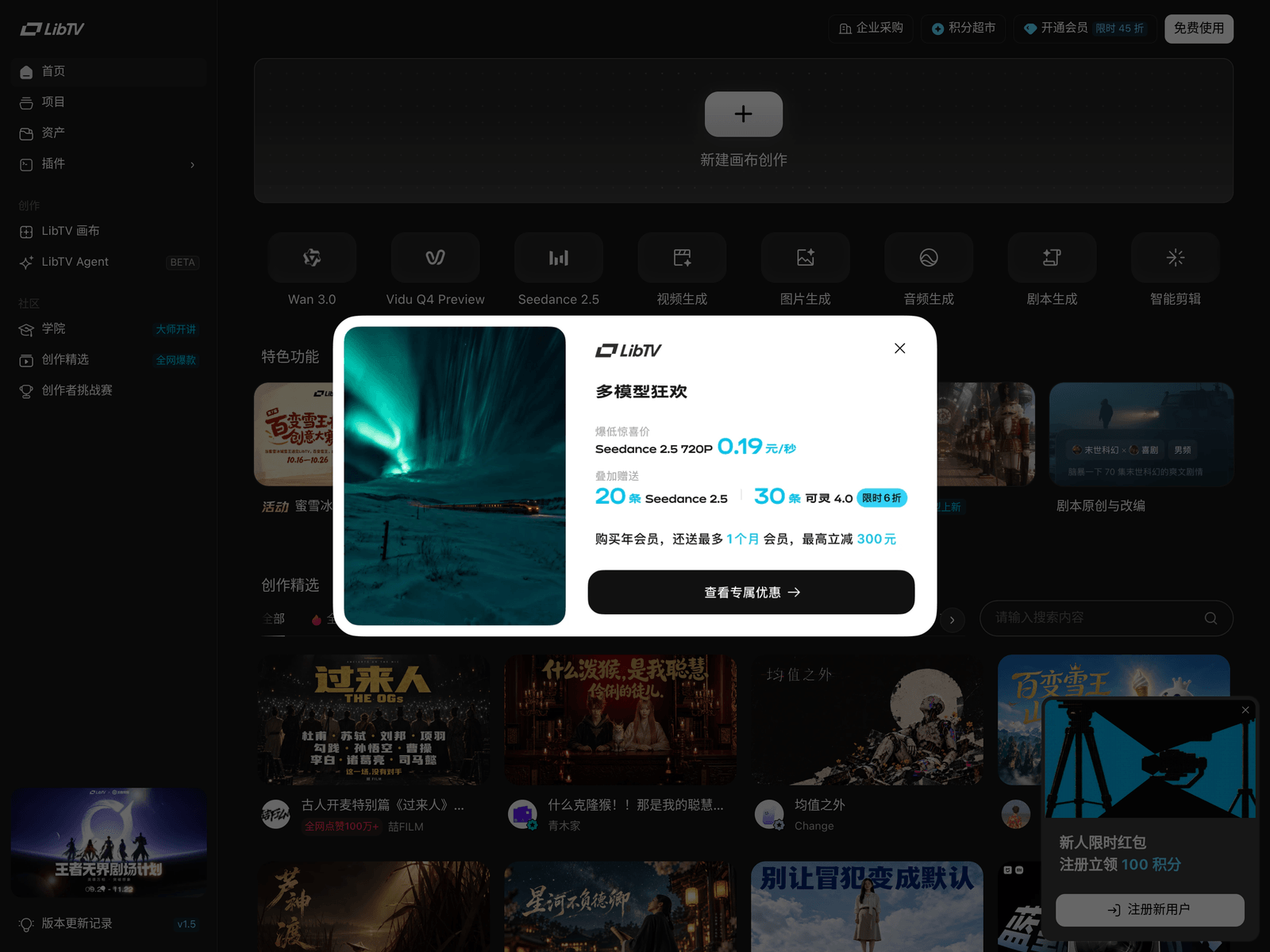
LibTV is an AI video creation platform for short films and ads. LibTV offers reusable templates and workflows shown in its featured gallery.
Key Uses
- Producing short films and trailer-style cuts: pick a finished piece with a similar look from the gallery, then rebuild that pacing with your own subject and scenes.
- Creating ceremony openers such as wedding intro videos: several wedding openers appear among the showcased works and can serve as structural references.
- Making e-commerce and product ad footage: the gallery includes TVC-style spots and e-commerce clips, one of which is presented alongside a main-image and product-page AI plan.
- Remaking templates: selected entries are marked as copyable in one click, so you can start from an existing shot structure and swap in your own content.
- Reusing workflows: the site lists workflow entries such as an apparel workflow, which lets a fixed production sequence be applied repeatedly.
- Filling a social feed: cat vlogs, meme-style comedy edits and period-aesthetic shorts suit accounts that need frequent uploads.
Who It Is For
- Solo creators and social media accounts that need a steady stream of vertical clips without a camera crew or an editor.
- E-commerce and brand marketing teams that want several visual directions for a product before committing to a paid campaign.
- Wedding, portrait and video studios delivering opener or commemorative pieces on a tighter turnaround.
- Agencies and pre-production teams building concept or pitch footage before deciding whether to shoot live action.
Tips for Best Results
- Browse the featured gallery first and note the shot length, transitions and color treatment of the closest matches before writing your own description.
- Start from a copyable entry or a listed template, complete one full pass, then replace assets, characters and scene details step by step.
- Group the settings you reuse most, such as character look, wardrobe, location and lighting, into one repeatable workflow instead of re-tuning each time.
- Keep early tests short; once the subject stays consistent and the frame holds up, extend the duration or add more shots.
- Before commercial use, confirm the licensing terms for footage, fonts, music and any real person's likeness.
Limitations
- The information available for verification comes mainly from the homepage; there is no indication of an API, an SDK or integrations with third-party editing software.
- Free allowance, billing model and the exact cost of Seedance 2.5 are not stated in the available material, so check the official page for current figures.
- The "cheapest Seedance 2.5" wording is the platform's own description in its short intro; real spend varies with resolution, duration and the number of generations, so a small test run is the safer way to compare.
- Like and view counts attached to showcased works are presentation examples and should not be read as expected results for a new account.
- Footage that references film, game or fan-made IP, character designs or trademarks needs clearance before it is published.
Frequently Asked Questions
How do I get started with LibTV?
Open https://www.liblib.tv/ and browse the featured gallery for a piece close to your subject, paying attention to its shot structure. Entries marked as copyable in one click are a practical starting point for learning the flow. The listed templates and workflows can also be used as a base before you swap in your own material. Exact menus and steps may change, so follow what the site shows.
Does LibTV offer a free tier?
The available material does not say whether there is a free trial, a daily allowance or a new-user credit. Policies like these tend to change with promotions, so check the official page directly. Until that is confirmed, run one short, low-specification generation to gauge cost before committing to a larger batch.
Which platforms and languages does LibTV support?
From what can be verified, LibTV is a browser-based service reached at https://www.liblib.tv/. Mobile apps, desktop clients, API access and interface languages are not described in the material. For those details, consult the official page or contact the platform directly.
How is LibTV different from general AI video generators?
Instead of leading with a single prompt box, the homepage leads with finished works, video templates, workflows and copyable projects. That makes it closer to a remake-oriented studio for people who want to see an outcome before deciding how to build one. If you only need prompt-to-clip generation, the difference may be smaller than it looks.
What are the alternatives to LibTV?
If your main need is text-to-video generation, compare the output style and export options of several established AI video tools. If template and workflow reuse matters more, shortlist styles on LibTV first and then check the same brief elsewhere. Either way, confirm pricing, commercial licensing and available export resolutions before you commit.