
Overview
- Tool name: Synthesia
- Official website: https://www.synthesia.io
- Category: AI Video Tools
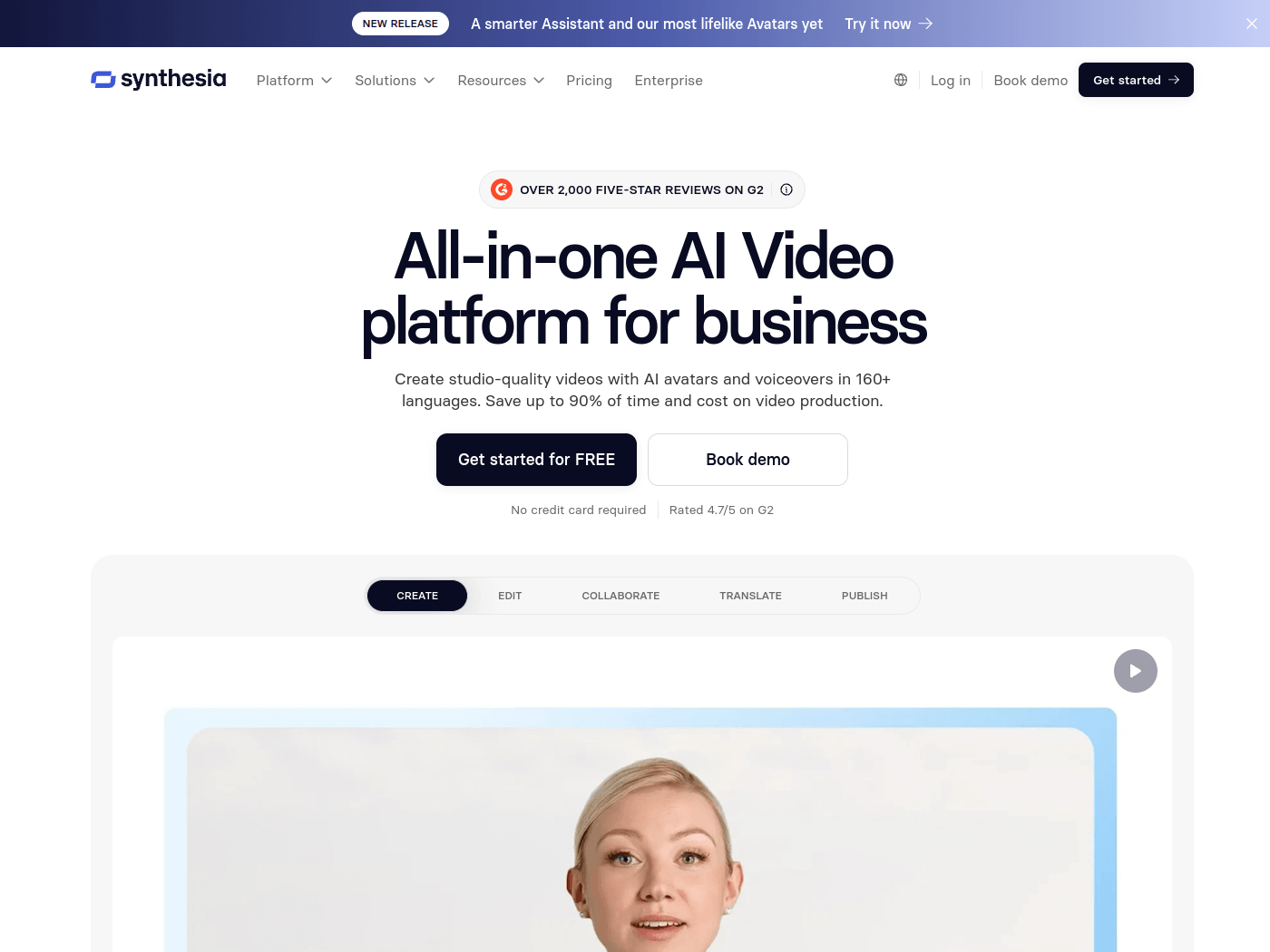
Synthesia is an enterprise-focused AI video platform for creating presenter-led videos from scripts, documents, or prompts. It supports AI avatars, voiceovers, translation, dubbing, and distribution in more than 140 languages.
Key Uses
- AI avatar video creation: Generate studio-style videos with lifelike AI presenters from a script, reducing the need for cameras, studios, or repeated live recording sessions.
- Document-to-video production: Turn written documents and prompts into video content, which can help convert manuals, policies, and internal guides into easier-to-consume visual material.
- Multilingual translation and dubbing: Translate videos with one click and dub them into other languages, supporting global teams that need localized training or communication assets.
- Screen recording with narration: Record on-screen activity and add narration, making it suitable for software walkthroughs, process demos, and step-by-step tutorials.
- Interactive roleplay and surveys: Use Roleplay Sessions and Survey Sessions for avatar-led conversations, including sales practice, manager training, employee insights, customer feedback, and lead qualification.
Who It Is For
- Learning and development teams: Useful for technical training, compliance training, employee development, and course content that can be exported to an LMS or video hosting platform.
- Human resources and internal communications: Suitable for onboarding videos, policy updates, company announcements, and consistent messaging across locations.
- Sales enablement and customer-facing teams: Helps create sales training material, product explainers, discovery-call practice, cold-call roleplays, and customer research workflows.
- Enterprises across regulated or process-heavy industries: Relevant for manufacturing, tech and software, healthcare, financial services, professional services, and retail teams that need SOP videos, product videos, or standardized training content.
Tips for Best Results
- Prepare a clean script first: A clear outline and concise narration text can improve avatar delivery and reduce the number of revisions before publishing the final video.
- Match language to the audience: Since Synthesia supports more than 140 languages, select the appropriate voice and translation for each region rather than reusing one version everywhere.
- Use interactive sessions for practice scenarios: For sales or service training, Roleplay Sessions may be more effective than passive videos because they simulate conversational practice with avatars.
- Start from templates when available: The platform lists video templates and learning resources, so using an existing structure can speed up production and keep branding consistent.
Limitations
- Business-oriented positioning: The homepage emphasizes enterprise use, so individual creators looking for casual short-form video effects may need to compare it with simpler tools.
- Pricing is not fully public: The site shows options to get started or book a demo, but detailed enterprise pricing should be confirmed through official pages or sales discussions.
- Output quality depends on source material: Avatar pacing, clarity, and naturalness may vary based on script complexity, terminology, and how well the content is structured before generation.
Frequently Asked Questions
How do I start using Synthesia?
The official site provides entry points for logging in, getting started, and booking a demo. New users can review the product overview, templates, and learning resources before creating an account or contacting the team.
Is Synthesia free or does it have a free plan?
The provided homepage information does not clearly list a free tier or trial quota. Pricing and access options should be checked on the official website, as enterprise plans may require a demo or direct inquiry.
Which languages does Synthesia support?
Synthesia states that videos can be created with AI avatars and voiceovers in more than 140 languages. It also supports video translation and dubbing, though availability and quality may vary by language.
How is Synthesia different from general AI video generators?
Its focus is business communication, training, and knowledge sharing rather than cinematic video generation. It combines avatar videos, document-to-video, dubbing, screen recording, interactive sessions, and API access in one platform.
Are there alternatives to Synthesia?
Alternatives include other AI avatar video generators, corporate training video platforms, and video editors with dubbing or voiceover features. Buyers may compare language coverage, interactive avatars, API options, templates, and LMS compatibility.