Overview
- Tool name: VibeKnow
- Developer: 石榴 AI
- Official website: https://vibeknow.cgref.cn/s/zdkj549n1r
- Category: AI Video Tools
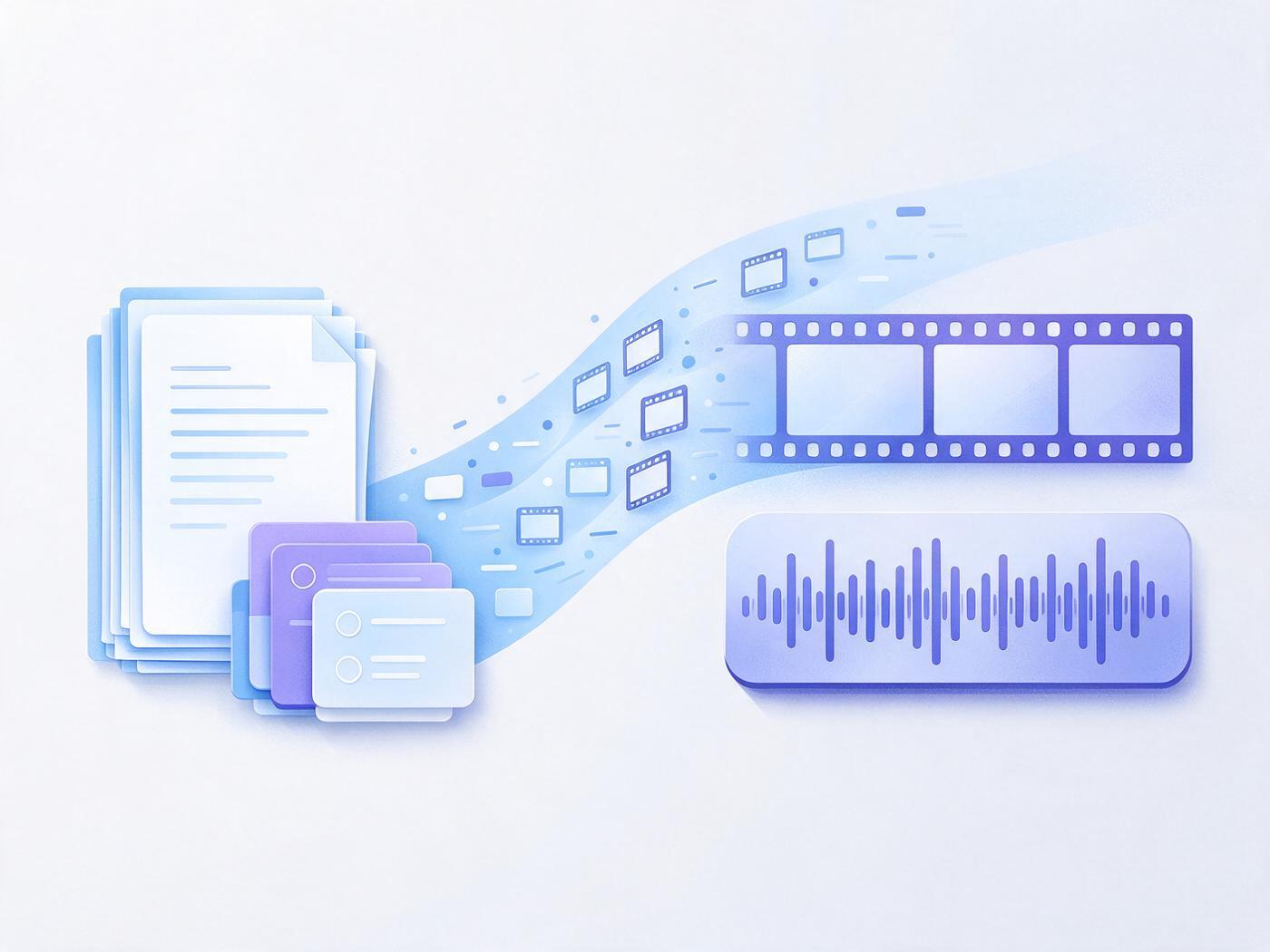
VibeKnow is an AI video tool that turns documents and slides into explainer videos. It writes the script, designs visuals and adds voiceover. Inputs can be files or web links, and the output can be published in landscape or portrait.
Key Uses
- Documents to explainer videos: Upload a PDF, DOC, PPT, TXT or MD file and an agent parses the material, then writes the script, plans shots, generates visuals and records narration.
- Web links to video: Paste a web page or article link and VibeKnow reads the text before rewriting it into a video script, which suits repurposing written posts.
- Slide-by-slide walkthroughs: A slide mode follows the existing structure of a deck, so training slides and product decks keep their original order.
- Manuscript-based narration: A manuscript mode keeps the original wording and sequence, useful for policy text, lecture notes or scripts that should not be rewritten.
- Batch output and API access: Publishers, companies and education providers can produce companion videos, training material or course libraries in volume, and an API is offered for platform-level needs through the sales team.
Who It Is For
- Science and health communicators who want long technical writing turned into short explainers with charts, process animations and split-screen comparisons.
- Course creators and teachers publishing course videos on a weekly cadence and looking for a consistent visual style across episodes.
- Corporate training and product marketing teams that need standardized training or product-introduction videos built from documents they already have.
- Publishers producing companion videos for books without assembling a full production crew.
- Social media teams that need both 16:9 and 9:16 cuts of the same piece of content.
Tips for Best Results
- Tidy the source material first: documents with clear headings, bullet points and tables parse more reliably, so split long walls of text into sections.
- Match the mode to the content: use the slide mode when a deck already exists, and the manuscript mode when wording has to stay exactly as written.
- Preview before exporting: a video is typically ready within a few minutes, so watch it end to end and check subtitle alignment before downloading.
- Test one video before scaling up: registration includes 400 credits and no card is required, so lock the voice and template on one sample before choosing a subscription or requesting API access.
- Pick a template by genre: the template library covers science, course and training styles, and choosing the right one early saves rework.
Limitations
- Built around knowledge content: published examples run a few minutes; there is no stated guidance for very long or heavily narrative, live-action-style material, so those cases need testing.
- No live-action footage: the output pairs AI voiceover with designed, animated visuals, so anything requiring an on-camera presenter or field footage has to be shot separately.
- AI scripts and subtitles need review: for medical, legal or financial material, have a subject expert check the wording before publishing.
- Pricing and API terms are not fully listed: the site mentions credit-based registration plus monthly and yearly subscriptions, but per-plan prices and credit cost per video are not shown, and API onboarding goes through sales rather than self-serve signup.
Frequently Asked Questions
How do I make my first video with VibeKnow?
Upload a file or paste a link, then choose the slide mode or the manuscript mode. The agent writes the script, picks a voice, designs the shots and adds music, and a video is typically ready in a few minutes. Preview it and export when satisfied; no card is needed to start.
Does VibeKnow have a free tier?
Registration comes with 400 credits and no card is required, so you can produce a sample video before paying. Paid access is sold as monthly or yearly subscriptions. Credit consumption per video and plan prices should be confirmed on the official pricing page.
Which inputs and aspect ratios are supported?
VibeKnow accepts plain text, web links, PDF, DOC, PPT, TXT and MD files. Output switches between 16:9 and 9:16 in one click, so the same content can be published in both formats, and subtitles are generated automatically and aligned sentence by sentence.
How is it different from a general AI video editor?
VibeKnow works on knowledge content and structures visuals around meaning: numbers become charts, processes become animations and comparisons become split screens. General editors start from a media timeline and leave the explanatory logic to you, and the two can be used together.
Can I generate videos in bulk or connect through an API?
Batch output is one of its core capabilities, used by publishers, companies and education providers for companion videos and course libraries. An API is available for platforms with bulk needs, and terms are arranged by contacting the sales email.