Overview
- Tool name: Dream Machine
- Developer: Luma AI
- Official website: https://lumalabs.ai/dream-machine
- Category: AI Video Tools
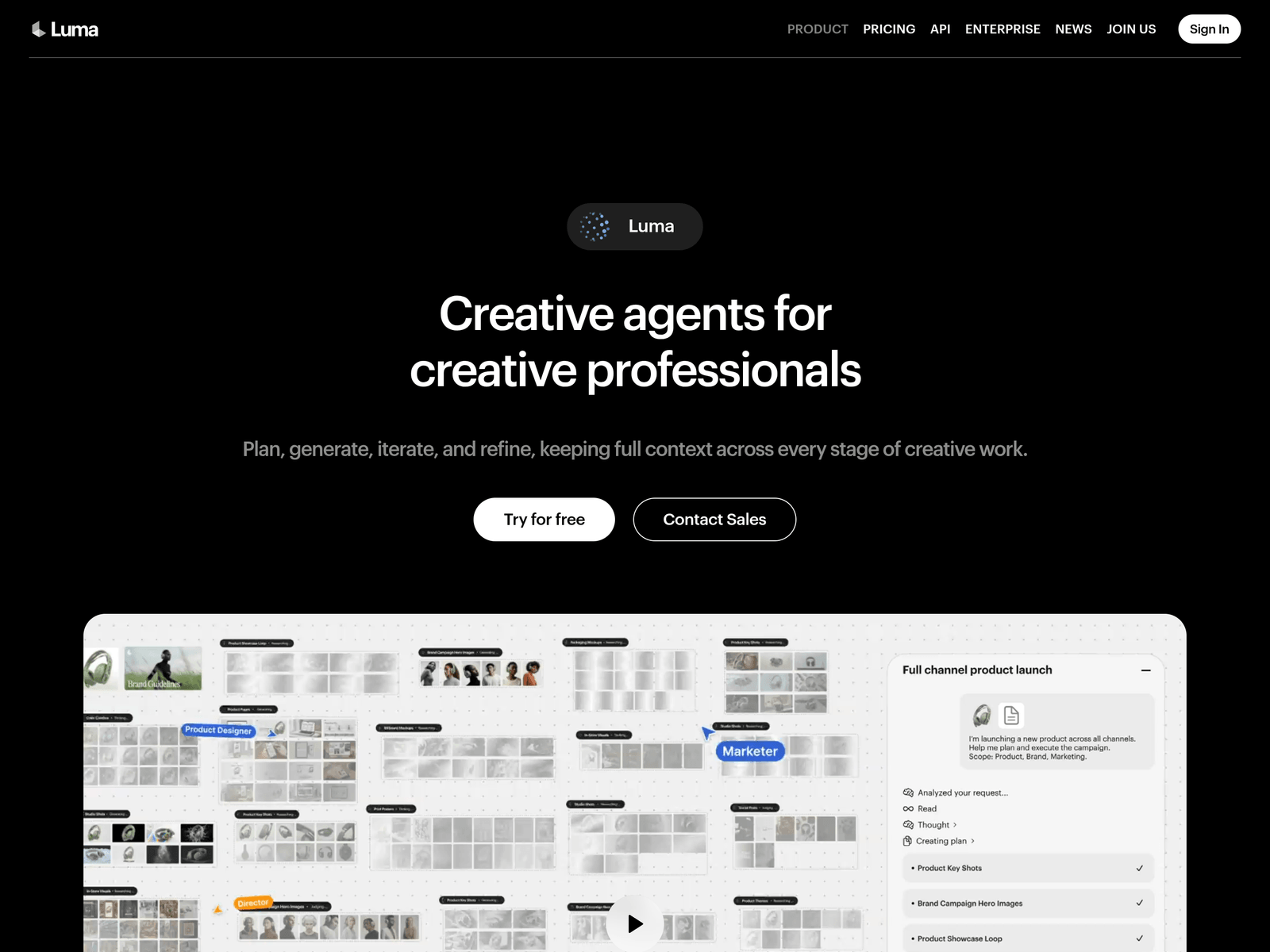
Dream Machine is an AI video generation tool by Luma AI for creative professionals and teams. It supports planning, generating, iterating, and refining creative work while keeping context across stages.
Key Uses
- Multi-asset brand campaigns: Dream Machine can help create cohesive visuals and variations for brand identity work, allowing teams to explore multiple assets under a consistent visual direction.
- E-commerce product visuals: It supports polished lifestyle images, hero shots, and product visuals from multiple angles for online stores, social platforms, and marketplaces.
- Short-form video ads: The tool can be used to create short video ads with hooks, captions, and formats adapted to different platforms and channels.
- Slides and storyboards: It can turn ideas into structured slide decks and help develop characters, story arcs, episode boards, and pilot-style visual sequences.
- Localization and educational visuals: Dream Machine can localize videos into multiple languages and transform complex academic or data-driven content into clearer animated explanations.
Who It Is For
- Brand and marketing teams: Suitable for teams that need consistent campaign visuals, multiple ad variants, and fast creative exploration across channels.
- E-commerce and social content teams: Useful for producing product imagery, short video ads, captioned clips, and platform-ready marketing assets.
- Film, animation, and storyboard creators: Relevant for developing characters, narrative arcs, storyboards, trailers, and early visual concepts.
- Educators and knowledge creators: Appropriate for lesson planning, academic visualization, podcast-to-video conversion, and explainer-style content.
Tips for Best Results
- Define the creative brief first: Before generating assets, clarify the brand style, target platform, audience, and message to reduce unnecessary revisions.
- Use shared context for team projects: When several people work on the same campaign, keep assets and usage organized in a shared workspace so the project stays consistent.
- Break deliverables into steps: For ads, product visuals, or localized videos, generate core assets first, then handle captions, aspect ratios, platform formats, and final export separately.
- Check production export needs: If the output must enter a professional post-production pipeline, review whether high-quality EXR export matches the required workflow.
Limitations
- Technical specifications are not fully detailed: The available page focuses on creative agents, shared context, and collaboration rather than complete model or rendering specifications.
- Professional workflow emphasis: The positioning is oriented toward creative professionals and teams, so individual users should assess whether the workflow fits their needs.
- Free trial details are limited: The page mentions a free trial, but exact quotas, restrictions, and pricing details should be confirmed on the official page.
Frequently Asked Questions
How do I start using Dream Machine?
Dream Machine can be accessed through the official Luma website. The page shows a free trial option, allowing users to explore creative generation and iteration before deciding whether to contact sales or adopt a broader team workflow.
Is Dream Machine suitable for team collaboration?
Yes, the tool emphasizes team workspaces, shared context, and parallel collaboration between people and agents. This may help teams keep creative context consistent while reducing repeated explanations across projects.
What types of content can Dream Machine create?
Based on the available information, it can support brand visuals, product imagery, short video ads, slide decks, storyboards, localized videos, educational animations, and podcast-derived video clips. Exact capabilities should be checked on the official page.
Does Dream Machine support professional production export?
The page mentions high-quality EXR file export for professional workflows. Users with specific post-production requirements should confirm whether this format fits their existing pipeline.
How is Dream Machine different from a basic AI video generator?
Instead of focusing only on single video clips, Dream Machine emphasizes creative agents, shared context, and end-to-end creative work. It is positioned for planning, generating, iterating, and refining assets within professional workflows.