Overview
- Tool name: Hailuo AI Video
- Developer: MiniMax
- Official website: https://hailuoai.com/video
- Category: AI Video Tools
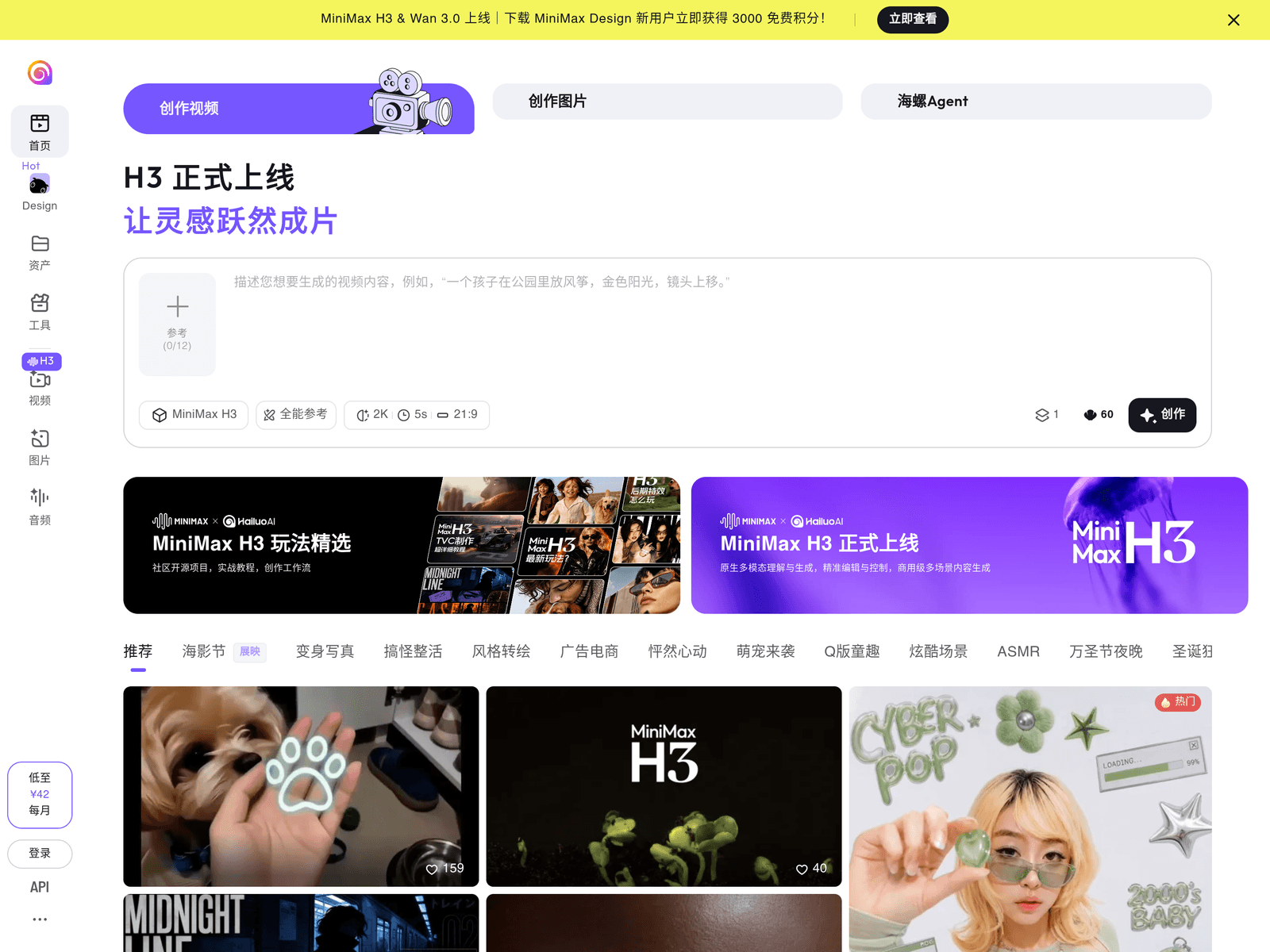
Hailuo AI Video is an AI video generation tool from MiniMax. Hailuo AI Video turns a text prompt into a short video clip. The site also offers a prompt helper and an Agent-based creation mode for running jobs.

Key Uses
- Text-to-video generation: write a description in the prompt box and the model returns moving footage, so a rough idea becomes something viewable without a shoot.
- Agent-based creation: the Agent entry runs two tasks at once, letting two generations progress in parallel instead of queuing them.
- Prompt support: a prompt helper sits next to the generator, aimed at turning a vague concept into a description the model can act on.
- Voice-over work: separate pages cover voice cloning and voice design, so narration can be prepared alongside the visuals.
- Commercial output: a paid membership adds faster generation and commercial licensing for creators whose clips go into client work.
Who It Is For
- Social media creators who need a regular supply of short clips and would rather describe a scene than edit footage.
- Creative teams testing early directions for an ad or short film before committing production budget.
- Marketers who need atmospheric or background shots for a campaign without organising a shoot.
- Hobbyists unfamiliar with editing software who want to describe a scene and let the model build it.
Tips for Best Results
- Split the prompt into subject, motion, setting and look; a concrete description is easier to judge and adjust than one broad theme.
- Run a single short test before submitting a batch, so you know the style and pacing you will get.
- Use both Agent slots when you want several versions rather than sending requests one at a time.
- Check the character-to-credit conversion at the bottom left of the input box before submitting a long prompt.
Limitations
- Output is not deterministic: the same prompt submitted twice can return different details, so leave room for retries.
- The page does not state limits on clip length or resolution; go by what the interface currently shows.
- Free audio use covers personal, attributed use only; commercial use needs a paid tier.
- Cancelling before the term ends does not refund what has already been paid.
Frequently Asked Questions
How do I start with Hailuo AI Video?
Open the video page, type a scene description into the prompt box and submit it, then wait for the generation to finish. Before your first long prompt, check the character-to-credit note under the input box so you know roughly what the request will cost.
Is there a free tier?
The free allowance visible on the site centres on voice features: voice cloning and voice design share 5 free auditions per day. Video generation quotas and any sign-up bonus are not spelled out on the page, so check the account screen after registering.
Can I use the output commercially?
For audio, personal use such as social posting is free with a MiniMax attribution, while commercial use requires a Standard membership or above. Licensing for video depends on your membership tier, so confirm the terms on the membership page.
What happens if I cancel my subscription?
You can cancel a recurring subscription at any time, but cancelling before the period ends does not refund fees already paid. If you upgrade a plan, the remaining balance of the old plan is credited toward the difference.