
Overview
- Tool name: GitHub Copilot
- Developer: GitHub
- Official website: https://github.com/features/copilot
- Category: AI Coding Tools
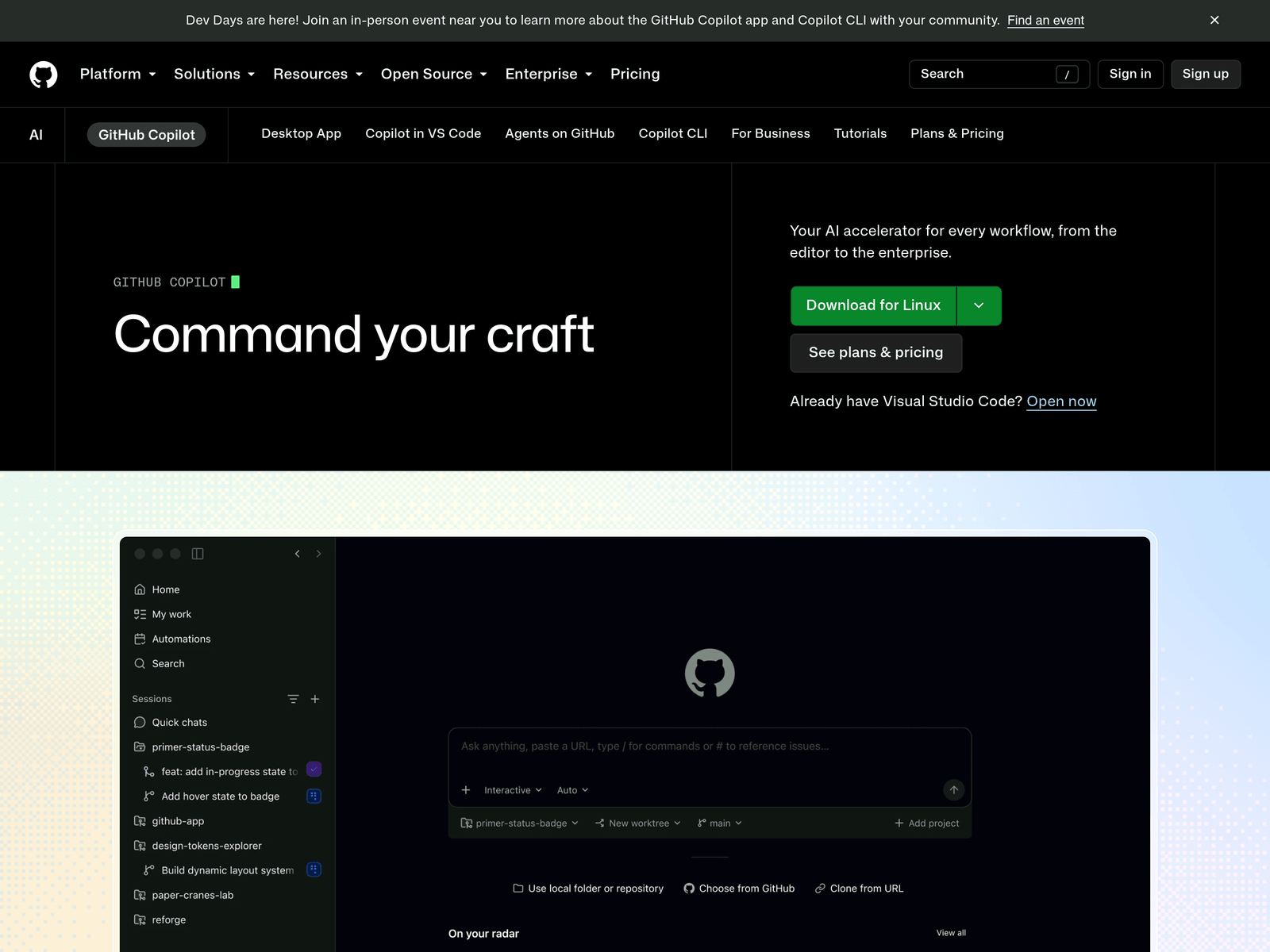
GitHub Copilot is an AI coding tool developed by GitHub. It helps developers write code more efficiently by providing intelligent suggestions.
Key Uses
- Automatically completes code snippets inside integrated development environments based on context.
- Directs agents from issue tracking straight to the merge process via the GitHub Copilot app.
- Integrates external tools using the MCP Registry to extend development capabilities.
- Automates custom workflows and repetitive tasks using GitHub Actions.
- Provides instant cloud development environments combined with GitHub Codespaces.
Who It Is For
- Software development teams looking to speed up daily coding and routine implementation tasks.
- Developers working on open-source or enterprise projects who need context-aware code suggestions.
- Engineers transitioning work items from issue tracking and planning directly into code changes.
- Teams managing code reviews and enforcing quality standards during the merge process.
Tips for Best Results
- Write clear and descriptive comments to help GitHub Copilot generate more accurate code suggestions.
- Use security features alongside your coding workflow to detect and fix vulnerabilities early.
- Combine the tool with automated workflows to reduce manual overhead on repetitive tasks.
- Review and test AI-generated code thoroughly before pushing it to production branches.
Limitations
- AI-generated code suggestions may contain logical errors or security flaws requiring manual fixes.
- The tool requires an active network connection and compatible environments to function properly.
- It may struggle with highly complex business logic or unique architectural patterns without guidance.
Frequently Asked Questions
How can I start using GitHub Copilot?
You can visit the official GitHub Copilot website to sign up and check the subscription options. Then, install the compatible extension in your preferred development environment and sign in with your GitHub account.
Is GitHub Copilot free to use?
Pricing details and free trial availability vary depending on GitHub's current plans for individuals, students, and enterprises. Please check the official pricing page for up-to-date information.
Which programming languages and editors are supported?
It supports a wide range of popular programming languages and major development environments. You can consult the official documentation for the complete and current list of supported platforms.