
Overview
- Tool name: Lovable
- Official website: https://lovable.dev/
- Category: AI Coding Tools
- Intended users: Founders, product managers, designers, marketers, sales teams, and operations teams
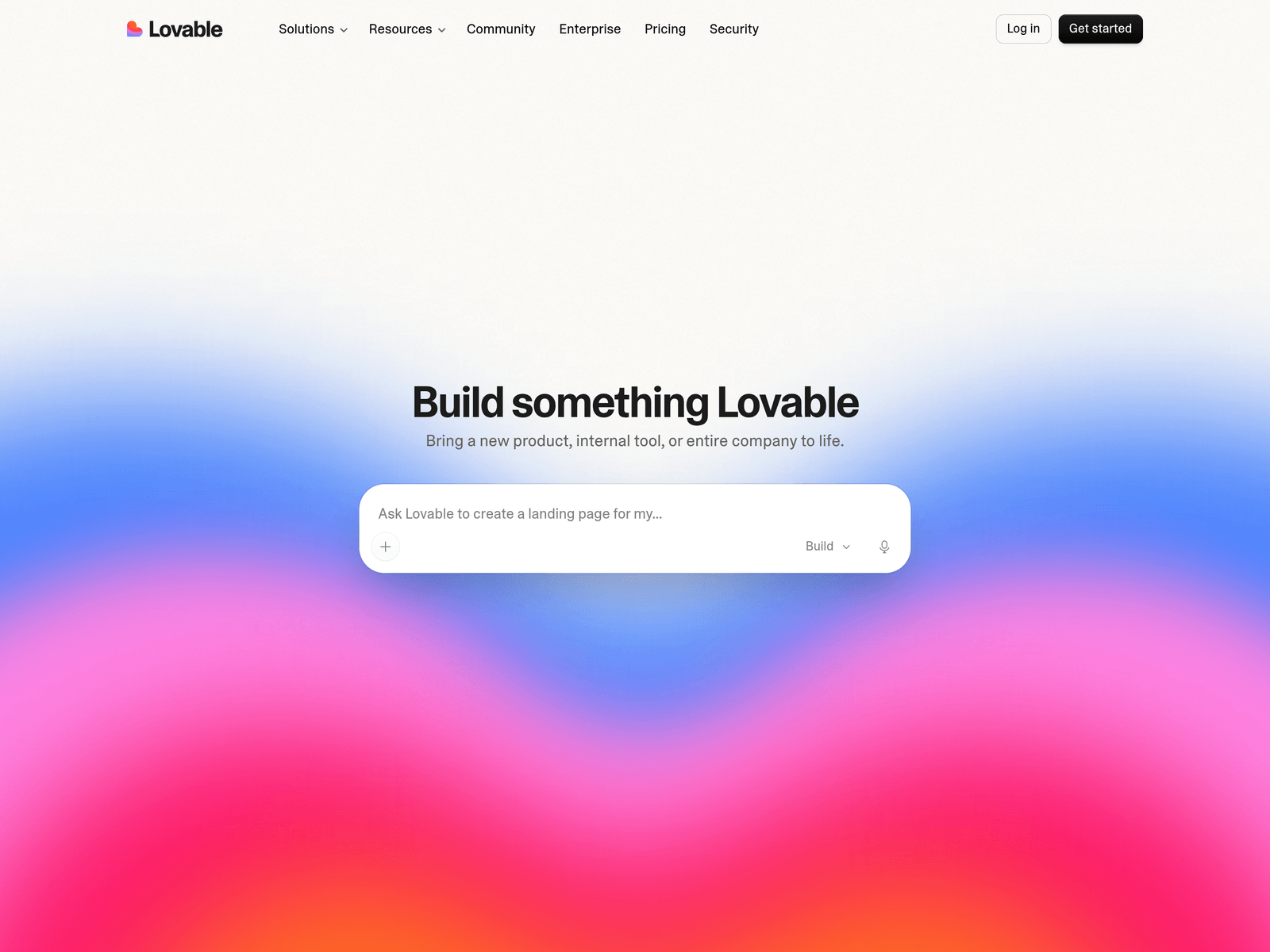
Lovable is positioned as an AI app builder and website builder that helps users bring ideas to life through natural-language input. Its public materials highlight app building, website building, prototyping, internal tools, app downloads, and connections.
Key Uses
- Build web applications: Lovable can generate web applications from written prompts, making it useful for turning early product ideas into accessible, demo-ready experiences.
- Create websites: The website-builder direction supports pages such as landing pages, product pages, campaign pages, and other presentation-focused web content.
- Design prototypes: Teams can use Lovable to create interactive prototypes for testing navigation, layout, and user flows before committing to full development.
- Set up internal tools: Internal Tools is listed as a product direction, which suits forms, dashboards, request pages, and simple workflow interfaces.
- Download app outputs: The site mentions Download apps, indicating that generated outputs can be obtained beyond a preview environment.
- Connect external capabilities: Connections, Connectors, and MCP server are mentioned, suggesting integration pathways with other services or systems.
Who It Is For
- Founders validating ideas: Founders can use Lovable to turn a product concept into a demonstrable web page or app for early feedback and stakeholder discussions.
- Product managers preparing demos: Product managers can translate feature flows and page structures into working prototypes instead of relying only on static documents.
- Designers and marketers building pages: Designers and marketers can generate landing pages, campaign pages, and product pages, then refine messaging, layout, and visuals.
- Operations and support teams: Operations, sales, and support teams can create internal pages for data entry, requests, approvals, or information lookup.
- New users learning from templates: The Learn, Templates, Guides, and Videos sections can help new users understand common building patterns before starting a project.
Tips for Best Results
- Define the goal before prompting: Clarify the purpose of the app, the number of pages, the main modules, and the expected user journey before generating the first version.
- Use specific prompt details: Include fields, buttons, navigation steps, and content blocks in the prompt. For example, request a booking tool with a form, confirmation state, and result page.
- Start from templates when unsure: If the first prompt is difficult to write, review available templates and guides, then adapt a relevant structure to your own use case.
- Iterate in stages: Build the core page first, then add filters, submissions, displays, or connections in later steps. This reduces the risk of overly broad or conflicting requirements.
- Review before publishing: Check text, images, buttons, forms, and links before sharing the generated site or app, especially for public-facing or customer-facing pages.
Limitations
- Complex logic needs human review: Lovable is suitable for rapid web app and website creation, but complex permissions, data relationships, or business workflows still require careful manual review.
- Output quality depends on prompt clarity: Short or vague prompts may produce only a basic structure. More detailed requirements and iterative refinement are often necessary.
- Integration scope should be verified: Connections, Connectors, and MCP server are mentioned, but the exact supported services and configuration steps should be checked in official documentation.
- Enterprise use requires policy review: The site includes Enterprise, Security, Trust center, and legal pages. Teams should review these before adopting Lovable for production or internal operations.
Frequently Asked Questions
How do I start using Lovable?
Start by reviewing the Product, Templates, and Learn sections to understand the types of apps and websites it supports. Then describe your goal in one clear sentence and add details about pages, features, fields, and navigation. If you have a reference site or workflow, summarize it into a structured prompt.
Does Lovable offer pricing or student discounts?
The website navigation includes Pricing and Student discount entries, which indicates that pricing and student-related offers are available for review. Whether there is a free tier, trial access, or specific discount conditions should be confirmed on the current pricing pages.
What kinds of projects is Lovable best suited for?
Lovable is mainly suited to app building, website building, prototyping, and internal tools. It is a better fit for web-based products, landing pages, demos, and simple internal workflows than for desktop software or highly complex system development.
How is Lovable different from typical AI coding assistants?
Lovable focuses on building apps and websites through natural-language prompts rather than only assisting with code completion. Its positioning combines app building, website building, prototyping, internal tools, and connections within one product workflow.
Are there alternatives to Lovable?
For simple page prototypes, general website builders or low-code platforms may be enough. For deeper engineering work, AI tools embedded in development environments may be more appropriate. Compare project type, hosting needs, integrations, and collaboration requirements before choosing an alternative.