
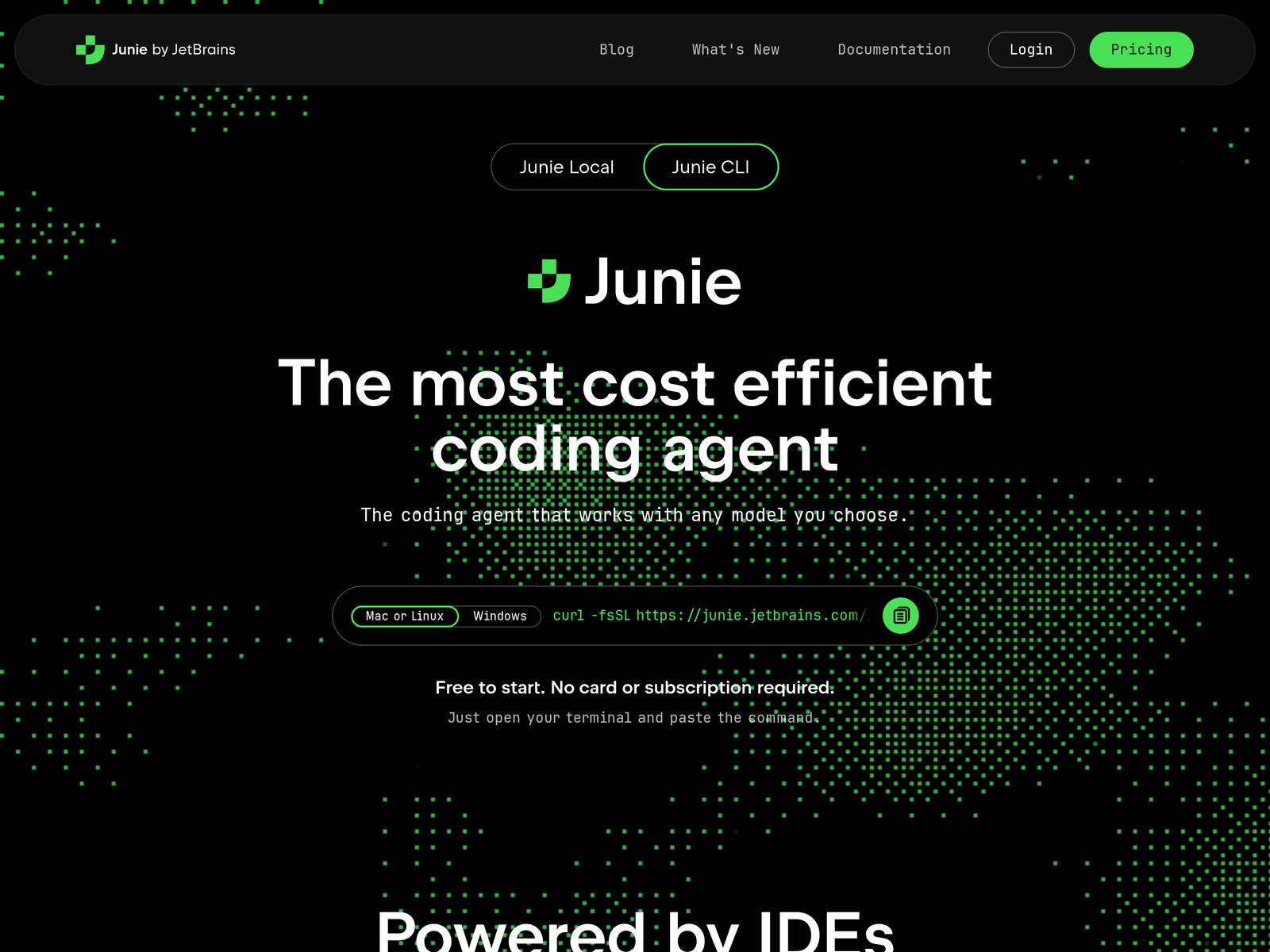
Overview
- Tool name: Junie
- Developer: JetBrains s.r.o.
- Official website: https://www.jetbrains.com/junie/
- Category: AI Coding Tools
Junie is an AI coding agent by JetBrains for terminal, IDE, and repository workflows. It supports bring-your-own-key model access and separate planning and implementation models.
Key Uses
- Run coding tasks from the terminal: Junie CLI can be started directly from a terminal, which suits developers who prefer command-line workflows for code changes and task execution.
- Work inside JetBrains IDEs: It can run in JetBrains IDEs and Android Studio, allowing developers to keep existing code intelligence and tooling while using the agent.
- Handle GitHub issues and pull requests: Through GitHub Action, Junie can be triggered from GitHub issues and pull requests, bringing agent-based coding into repository collaboration.
- Run tasks from GitLab workflows: It supports GitLab CI/CD, where AI tasks can be launched from GitLab issues or merge requests as part of an existing delivery pipeline.
- Create structured plans before coding: Advanced Plan Mode writes requirements, design, and delivery stages before code changes, and plans can be approved, edited, or redirected.
Who It Is For
- Developers using JetBrains tools: It is relevant to teams already working in JetBrains IDEs or Android Studio who want an agent connected to their existing environment.
- Teams managing framework upgrades: The official page lists Spring Boot upgrades and migrations among suitable tasks, especially where staged planning is useful.
- Engineers adding test coverage: Junie can be used to increase test coverage in existing codebases, which may help protect against regressions during changes.
- Teams controlling model costs: Because it supports BYOK and more than 10 models, it can suit users who want to plan on a powerful model and implement on a faster one.
Tips for Best Results
- Start with the free tier: Junie can be started without a card or subscription and includes 5 AI credits, which is enough to evaluate one real task before committing.
- Keep plans in version control: Plans are stored in .junie/plans and can be edited or committed, so teams can review them alongside code changes.
- Use different models for planning and implementation: Assign complex reasoning to a stronger model and faster execution to a lighter model to balance quality and cost.
- Set team guidelines and skills: Custom guidelines can teach coding standards, naming conventions, and review rules, while skills and commands can be shared across CLI and IDE.
Limitations
- Model access depends on user keys: BYOK pricing follows provider rates without markup, but availability and cost depend on the models and accounts the user configures.
- Workflow support varies by environment: Terminal, IDE, GitHub Action, and GitLab CI/CD integrations are separate paths, so teams need to confirm which setup matches their process.
- Free credits are limited: The free option includes 5 AI credits, which is suitable for initial evaluation but may not cover repeated or large tasks.
Frequently Asked Questions
How do I start using Junie?
You can start by installing Junie from the terminal and running it without adding a card or subscription. It can also be used inside JetBrains IDEs and Android Studio.
Does Junie have a free option?
Yes. Junie is free to start and includes 5 AI credits, which the page describes as enough for a real task. Additional usage can come from subscriptions, top-ups, or bring-your-own-key access.
Which platforms and environments does Junie support?
Junie supports Mac or Linux, with Windows also listed on the page. It can run in the terminal, JetBrains IDEs, Android Studio, GitHub Action, and GitLab CI/CD.
How is Junie different from AI code completion tools?
AI code completion tools usually suggest code while you type. Junie is positioned as a coding agent that can plan, implement, receive mid-task prompts, and wait for human approval on key actions.
Which models can Junie use?
Junie supports more than 10 models through BYOK and can also work with locally running models. Listed examples include Claude, Gemini, GPT, and Groq model variants.