
Overview
- Tool name: Claude Code
- Developer: Anthropic
- Official website: https://www.anthropic.com/claude-code
- Category: AI Programming Tool / AI Coding
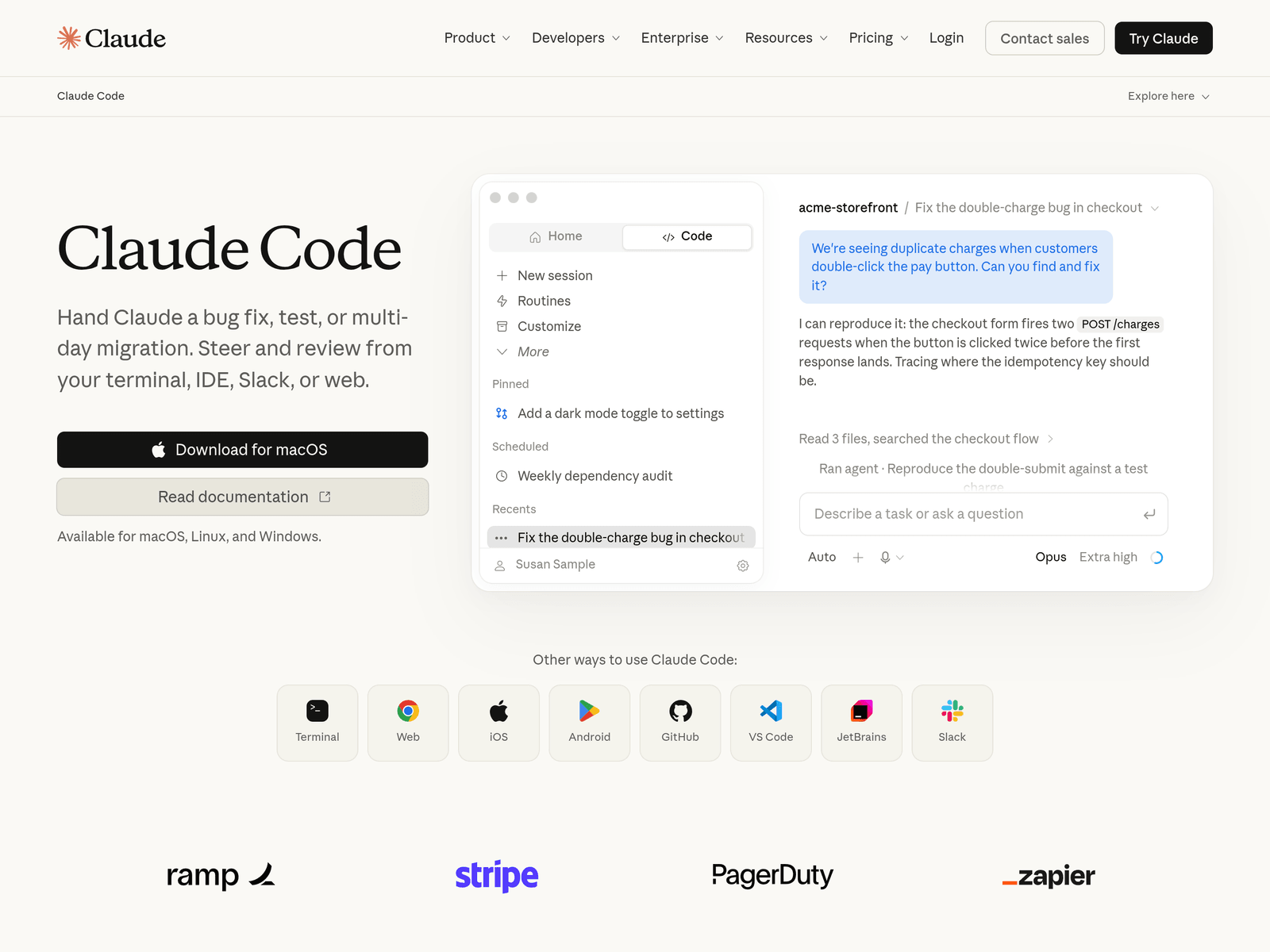
Claude Code is a terminal-based AI coding assistant developed by Anthropic, designed to help developers write, refactor, and debug code directly within their command-line environments. By integrating advanced language model capabilities, it translates natural language instructions into actionable coding tasks, helping to streamline development workflows and reduce manual code navigation overhead.
Key Uses
- Generate, modify, and delete code files directly through natural language prompts in the terminal.
- Analyze local codebases to locate bugs, explain logic, and suggest fixes.
- Run local test suites and interpret error logs to assist with iterative debugging.
- Aid in code refactoring and provide explanations for complex segments of code.
Who It Is For
- Software engineers who prefer command-line-driven workflows and want AI assistance inside their terminals.
- Developers looking to quickly onboard and understand unfamiliar local code repositories.
- Technical teams seeking to automate repetitive debugging and testing coordination tasks.
Tips for Best Results
- Maintain a clean Git status or take local backups before letting the tool modify or delete files.
- Provide clear, specific instructions including file paths and exact scopes to improve output precision.
- Always review generated code and run tests thoroughly before pushing changes to production.
Limitations
- Requires familiarity with command-line interfaces and terminal workflows.
- Context length and performance may vary when operating on exceptionally large codebases.
- Availability, pricing tiers, and access requirements are subject to Anthropic's official terms and updates.
Frequently Asked Questions
What operating systems are supported by Claude Code?
The tool is designed for standard developer environments, typically supporting major operating systems such as macOS, Linux, and Windows via compatible terminals. Specific installation prerequisites can be found in the official documentation.
How do I install and configure Claude Code locally?
Installation generally involves using a command-line package manager and authenticating with your Anthropic account or API credentials. Refer to the official website for step-by-step setup instructions and dependency requirements.
Does using Claude Code consume API usage limits?
Yes, because the tool relies on language models to process code context and generate responses, usage typically counts against your API limits or follows Anthropic's applicable pricing structures.
How is local code privacy handled?
While Anthropic maintains data privacy standards for API usage, developers should carefully review corporate compliance and security policies before using AI coding assistants on repositories containing proprietary or sensitive data.