
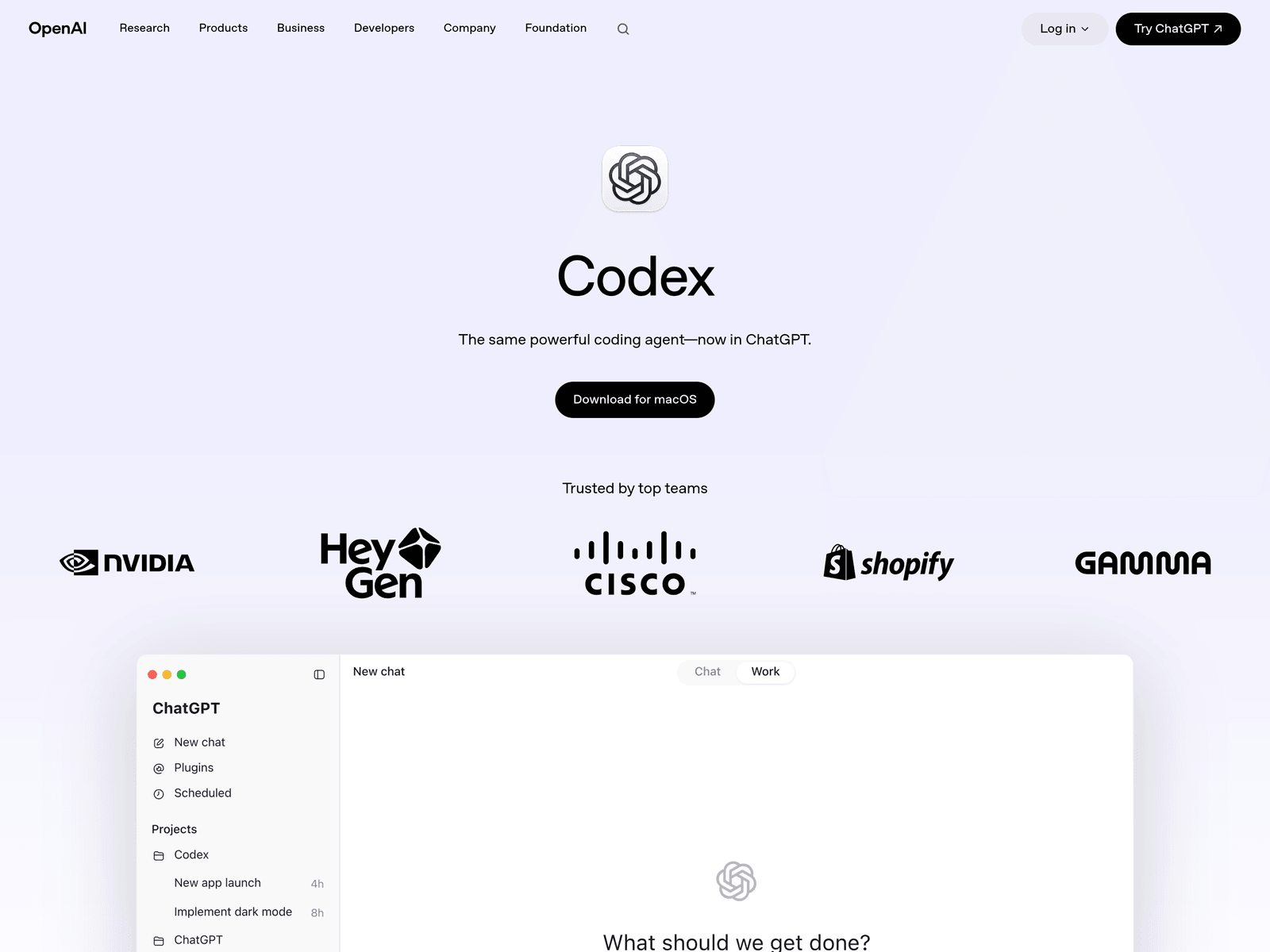
- Tool name: Codex
- Developer: OpenAI
- Official website: https://openai.com/codex/
- Category: AI Coding Tools
Codex is an AI coding agent from OpenAI for planning, building, reviewing, and releasing software. It works in ChatGPT, IDE extensions, and the terminal for real engineering tasks.
Overview
Codex is positioned as an AI coding partner rather than a simple autocomplete tool. According to the official product page, it can complete engineering tasks end to end, including feature development, complex refactors, migrations, code reviews, and release-related work. It is powered by OpenAI's frontier coding models and is available through ChatGPT, an IDE extension, and a CLI.
The product is designed for both individual developers and engineering teams. In ChatGPT, Codex acts as a command center for agentic coding, with built-in worktrees and cloud environments that allow agents to work across projects in parallel. Through Skills, teams can teach Codex their standards, workflows, and ways of working so it can apply them consistently across tasks.
Key Uses
- Feature development: Codex can take on multi-step engineering tasks, from planning and building features to preparing changes for review. It is useful when developers need help moving routine implementation work forward.
- Complex refactors and migrations: The tool is designed for structural engineering work such as refactors and migrations, where changes may touch multiple files and require careful validation before merging.
- Code review support: Codex can assist with high-signal code review by identifying potential bugs, design issues, and compatibility risks. This can help teams catch problems earlier in the development cycle.
- Test generation and validation: When updating an existing codebase or preparing a release, Codex can help generate tests and support regression checks, reducing the manual effort needed to verify changes.
- Background engineering work: Codex can be scheduled for routine but important tasks such as issue triage, alert monitoring, and CI/CD-related work, allowing engineers to focus on higher-leverage development.
- Multi-agent project workflows: In ChatGPT, Codex can coordinate multiple agents using built-in worktrees and cloud environments. This makes it suitable for teams that need parallel task execution across repositories or projects.
Who It Is For
- Software engineering teams: Codex is suitable for teams that want an AI coding agent integrated into daily development, review, testing, and release workflows rather than a standalone snippet generator.
- Developers maintaining multiple projects: Teams working across several repositories, branches, or long-running tasks may benefit from Codex's parallel agent workflows and background task handling.
- Engineers modernizing legacy code: Developers dealing with refactors, migrations, missing tests, or older codebases can use Codex to help structure changes and generate verification work.
- Teams standardizing engineering practices: Organizations that need consistent coding standards, review habits, and workflow patterns can use Skills to teach Codex their internal practices.
- Technical leads and platform teams: Those responsible for developer experience may evaluate Codex for issue triage, alert monitoring, CI/CD support, and other always-on engineering operations.
Tips for Best Results
- Define the task scope clearly: Break work into specific tasks such as a refactor, test-generation request, or review pass. Clear acceptance criteria and relevant context help Codex produce more reliable results.
- Use verifiable workflows: Codex works best when outputs can be checked through tests, builds, linting, or code review. Pair it with CI pipelines and human review instead of accepting changes blindly.
- Teach team standards with Skills: If your team has coding conventions, review requirements, or workflow preferences, configure Skills so Codex can apply them consistently across tasks and projects.
- Separate automation from critical decisions: Routine monitoring, triage, and test generation can be delegated to Codex, but architecture choices, security-sensitive changes, and final release approvals should remain with engineers.
- Keep access connected across environments: Since Codex can be used in ChatGPT, editors, and the terminal through a ChatGPT account, teams should maintain consistent access, permissions, and context management.
Limitations
- Human oversight is still required: Codex can complete tasks end to end, but engineers should still review architecture decisions, security implications, and production releases before deployment.
- Output quality depends on context: Vague requirements, incomplete repository context, or missing test criteria can reduce result quality. Users may need to provide additional instructions and validation.
- Generated changes need verification: Code suggestions, refactors, and generated tests should be checked through builds, tests, and peer review before merging into shared branches.
- Multi-agent workflows need governance: Parallel agents and background tasks can improve throughput, but teams should define clear permissions, logging, and review processes to avoid confusion or unsafe changes.
Frequently Asked Questions
How do I start using Codex?
Codex can be accessed through ChatGPT, an IDE extension, and a CLI. Users can begin in ChatGPT as an agentic coding environment, then extend the same workflow into their editor or terminal using a connected ChatGPT account.
Where can Codex be used?
The official page lists ChatGPT, IDE extensions, and the CLI as available environments. This allows developers to use Codex in browser-based workflows, local editors, and terminal-based engineering processes.
How is Codex different from code autocomplete tools?
Traditional autocomplete tools usually suggest lines or short code snippets. Codex is designed for broader engineering work, including feature building, refactors, migrations, reviews, test generation, and scheduled background tasks.
Is Codex suitable for team workflows?
Codex is designed with team engineering in mind. Skills allow teams to teach it internal standards and workflows, while multi-agent and background capabilities support parallel work. Teams should still define review and approval rules.
Does Codex have a free plan?
The provided information does not confirm whether Codex has a free tier or specific pricing details. Users should check OpenAI's official product page, ChatGPT access details, or developer documentation for current availability.