
Overview
- Tool name: Kilo Code
- Developer: Kilo Code
- Official website: https://kilo.ai/
- Category: AI Coding Tools
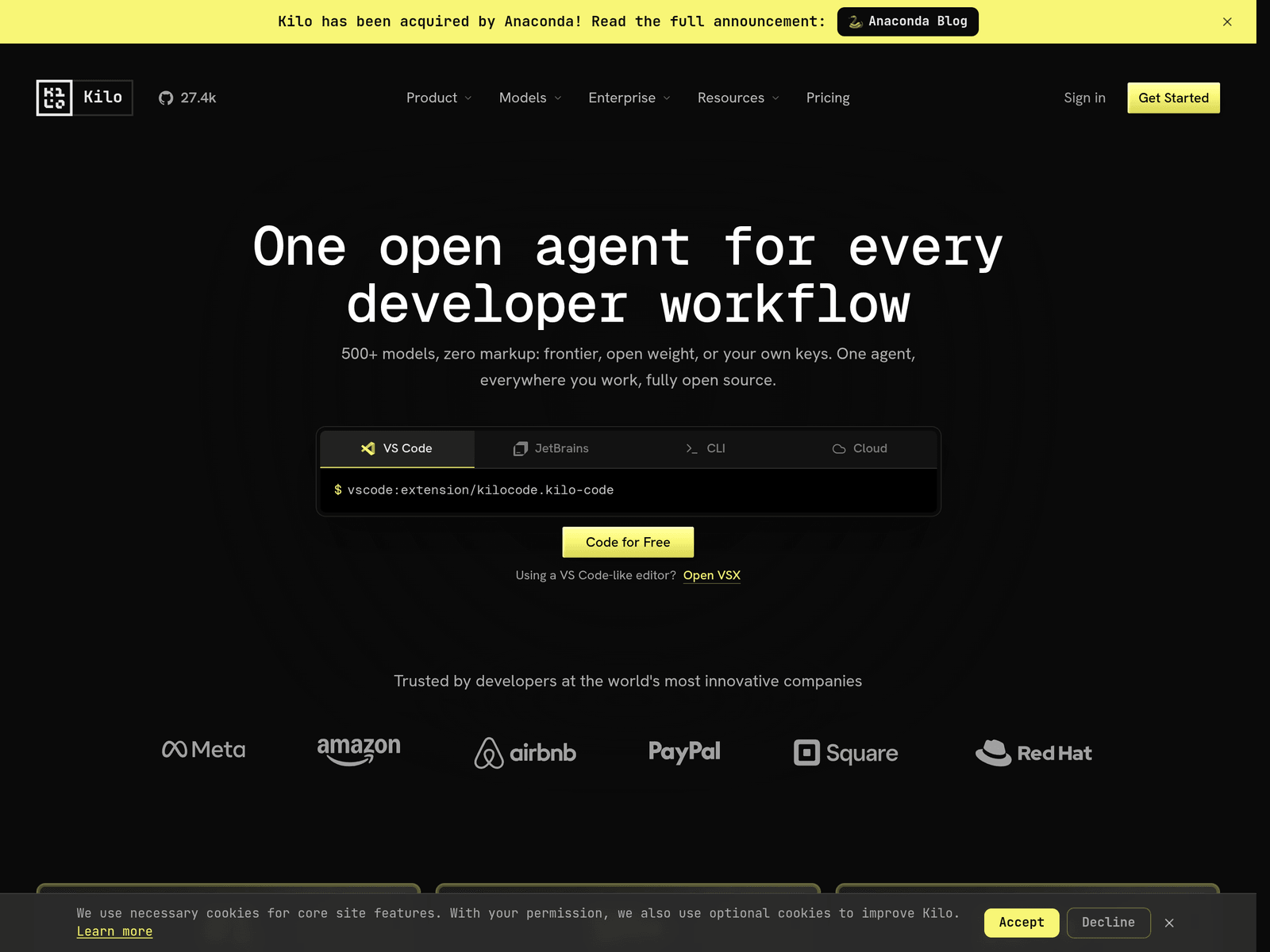
Kilo Code is an open source AI coding agent for IDE, CLI, and cloud workflows. It supports multiple models, user-provided keys, and local model use for flexible development.
Key Uses
- Assist coding inside IDEs: Kilo Code can be used in VS Code and JetBrains editors, allowing developers to write, refactor, and debug code without leaving their usual workspace.
- Run coding tasks from the command line: The CLI option is useful for developers who prefer terminal-based workflows or want to incorporate AI coding assistance into scripted processes.
- Extend local work to cloud agents: Kilo Code supports cloud agents, making it easier to continue tasks beyond a local machine and hand off work across environments.
- Choose models based on cost and capability: The tool supports access to a broad range of models, including frontier models, open-weight models, and user-supplied keys, giving developers more control over model selection.
- Use specialized agent modes: Kilo Code includes modes for coding, architecture planning, debugging, and asking questions, helping users match the agent behavior to the current development task.
Who It Is For
- Individual developers: It suits developers who want an open source AI coding assistant inside VS Code, JetBrains, or a terminal environment.
- Teams working across environments: Teams that use different editors, need cloud-based agents, or want a shared workflow can benefit from its multi-surface approach.
- Users who want model flexibility: Developers who do not want to rely on a single model provider may find its support for multiple models, bring-your-own-keys, and local models useful.
- Engineering teams that value transparency: Because the project is open source, teams can inspect prompts, context handling, and agent decisions before adopting it in sensitive workflows.
Tips for Best Results
- Start with one environment first: Instead of configuring every surface at once, begin with the editor or CLI you already use most, then expand to cloud agents when needed.
- Match the mode to the task: Use code mode for implementation, architect mode for planning, and debug mode for tracing errors, so the agent response fits the type of work being done.
- Control model spend deliberately: For simpler tasks, consider lower-cost or free routing options; reserve stronger models for complex reasoning, refactoring, or large-codebase work.
- Review the open source project before sensitive use: Teams with privacy, security, or compliance concerns can examine the MIT-licensed source to understand how prompts, context, and decisions are handled.
Limitations
- Output depends on the selected model: Kilo Code is an agent layer, so result quality can vary with the chosen model, context setup, and task complexity.
- Open source does not mean zero setup: Self-hosting, key management, model access, and team deployment may still require configuration and maintenance.
- Some details require official confirmation: The website notes an acquisition by Anaconda, but enterprise terms, pricing details, cloud limits, and availability should be checked through official channels.
Frequently Asked Questions
How do I start using Kilo Code?
You can start through one of its supported surfaces, such as the VS Code extension, JetBrains integration, CLI, or cloud environment. It is usually easiest to begin with the editor or terminal you already use daily.
Is Kilo Code free to use?
The website shows a free starting option and states that no credit card is required to begin. However, if you use paid third-party models or bring your own keys, model costs may depend on the selected provider.
Which platforms does Kilo Code support?
Kilo Code supports VS Code, JetBrains products, CLI, and cloud agents. The JetBrains support includes environments such as IntelliJ, PyCharm, and WebStorm.
How is Kilo Code different from a single-model coding assistant?
Kilo Code is designed as an open agent layer rather than a wrapper around one fixed model. It allows access to multiple models, supports user keys, and can work with local models.
Is Kilo Code suitable for privacy-conscious developers?
It can be relevant for privacy-conscious users because it supports local models and provides open source visibility. Teams can inspect prompt handling, context windows, and agent behavior before wider adoption.