
Overview
- Tool name: Cline
- Developer: Cline Bot
- Official website: https://cline.bot/
- Category: AI Coding Tools
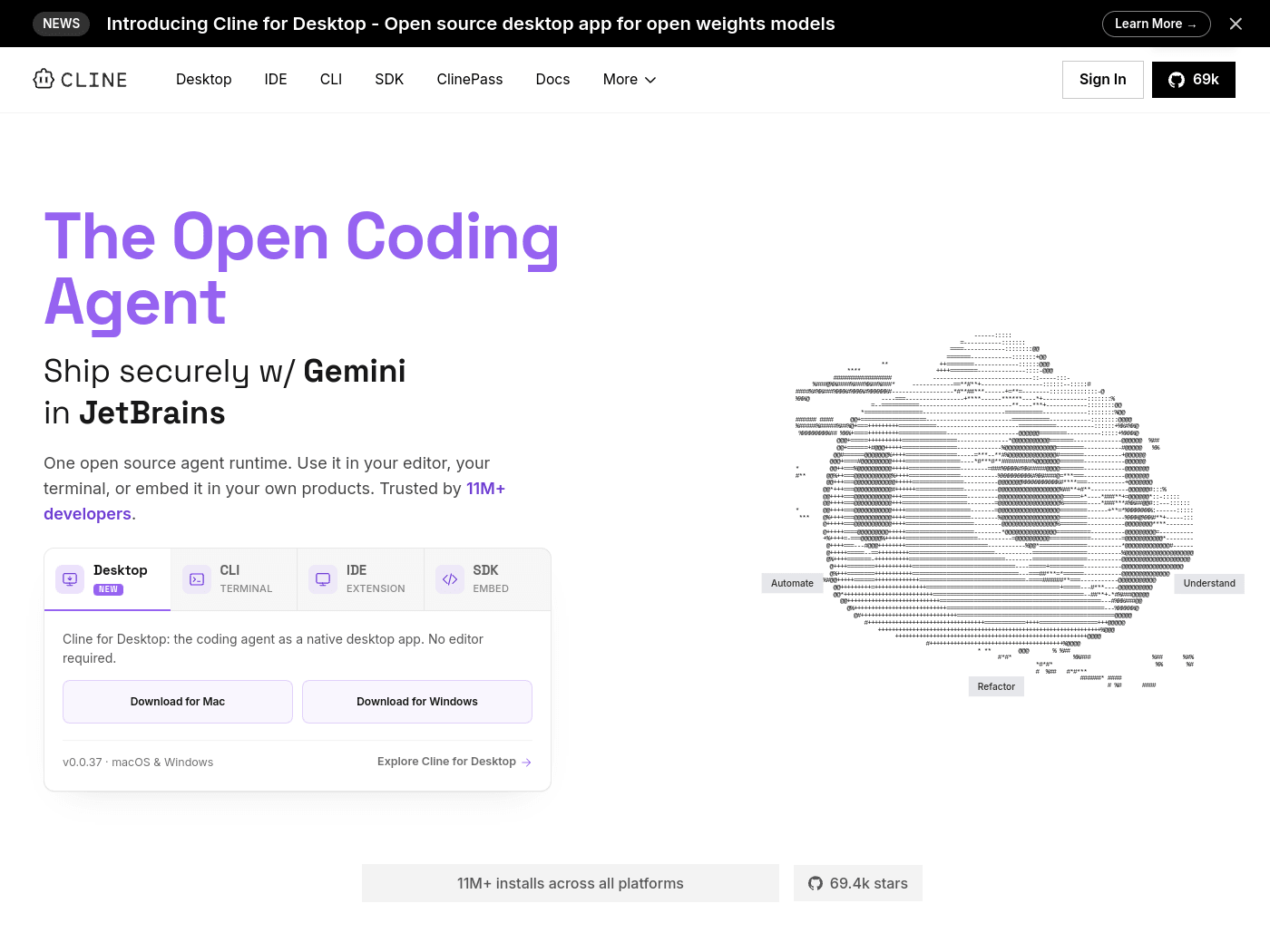
Cline is an open-source AI coding agent for editors, terminals, desktop apps, and SDK embedding. Cline supports Plan/Act modes, multi-file edits, Bash execution, and MCP integration for coding workflows.
Key Uses
- Understand codebases: Cline can help developers inspect project structure and ask questions about files, dependencies, and behavior, which is useful when onboarding into an existing repository.
- Refactor across files: Cline can make coordinated changes across large codebases while keeping imports, types, and behavior consistent. It also provides diffs, checkpoints, and one-click undo.
- Run terminal commands: Cline can execute Bash commands inside the terminal and react to output as it appears, including tests, deployments, and long-running development servers.
- Automate recurring workflows: With Cline CLI, developers can place tasks into scripts, cron jobs, and CI pipelines to run recurring checks, updates, and custom automation.
- Extend through MCP and plugins: Cline can register custom tools and lifecycle hooks through the SDK, and connect MCP servers for databases, APIs, and infrastructure.
- Apply team coding rules: Repositories can include .clinerules files that teach Cline coding standards, architecture choices, and deployment conventions, helping outputs stay consistent across tasks.
Who It Is For
- Individual developers: Cline is suitable for developers who want an AI coding agent inside VS Code, a terminal, or a native desktop app without being limited to one editor.
- Teams refactoring large projects: Teams working on multi-file changes can use Cline to coordinate edits, review diffs, and keep behavior consistent while reducing manual cleanup.
- DevOps and automation engineers: Engineers who need AI-assisted checks in scripts, cron jobs, GitHub Actions, GitLab pipelines, or other CI environments can use Cline CLI for headless workflows.
- Product builders embedding agents: Developers building their own products can use the Cline SDK to embed the open-source agent runtime instead of creating a new agent system from scratch.
- Teams using collaboration tools: Cline can connect to Slack, Discord, Telegram, or Linear, which may suit teams that want coding-agent interactions inside existing communication channels.
Tips for Best Results
- Start with Plan mode: For complex changes, switch to Plan mode first so Cline can propose a strategy. After reviewing the plan, move to Act mode to execute the task with clearer expectations.
- Approve sensitive steps manually: Because Cline can edit files and run Bash commands, keep manual approval enabled for destructive operations, configuration changes, and deployment commands until trust is established.
- Add .clinerules to the repository: Define coding standards, architecture patterns, and deployment conventions in .clinerules so Cline can follow the same rules across repeated tasks and team workflows.
- Match models to tasks: Cline supports Claude, GPT, Gemini, local Ollama / LM Studio, and OpenAI-compatible endpoints. Choose a model based on task complexity, privacy needs, and available API keys or local weights.
- Use checkpoints during long tasks: For multi-file edits or long-running automation, review diffs and checkpoints regularly. The one-click undo feature helps reduce the cost of mistakes.
Limitations
- Autonomy requires caution: Cline can modify projects and execute terminal commands. If auto-approve is enabled, mistakes may affect files, environments, or deployments, so backups or isolated environments are recommended.
- Results depend on the selected model: Cline is model-flexible, but code quality, reasoning, and automation reliability depend on the chosen endpoint, API key access, or local model setup.
- Advanced integrations need setup: MCP servers, plugins, multi-agent teams, schedules, Slack or Linear connections, and CI usage may require configuration, permissions, and testing before production use.
Frequently Asked Questions
How do I start using Cline?
Cline can be used through a desktop app, CLI, IDE extension, or SDK. The desktop app is available for macOS and Windows, while the CLI and IDE paths suit developers who prefer terminal or editor workflows. New users should start with a small task and compare Plan mode with Act mode.
Is Cline free and open source?
Cline is listed as an Apache 2.0 open-source project, and the official page describes it as open source. The tool itself can be downloaded and used without a stated license fee, but users may need to provide their own model API keys or local model resources.
Which AI models does Cline support?
Cline supports Claude, GPT, Gemini, local Ollama / LM Studio, and any OpenAI-compatible endpoint. Users can bring their own keys or local weights, making model selection flexible. Actual performance depends on the selected model and the environment where it runs.
How is Cline different from AI code completion tools?
Cline is designed as an agent rather than only a code-completion assistant. It can edit multiple files, run Bash commands, use checkpoints, connect MCP tools, and move between Plan and Act modes. This makes it more suitable for complete development tasks than simple inline suggestions.
What are common alternatives to Cline?
Alternatives include editor-focused AI coding assistants and code-completion plugins. Cline differs by offering an open-source agent runtime with terminal execution, CLI automation, MCP integration, and SDK embedding. The best choice depends on model preferences, CI needs, and how much autonomy the team wants.