Overview
- Tool name: Replit Agent
- Developer: Replit
- Official website: https://docs.replit.com/replitai/agent
- Category: AI Coding Tools
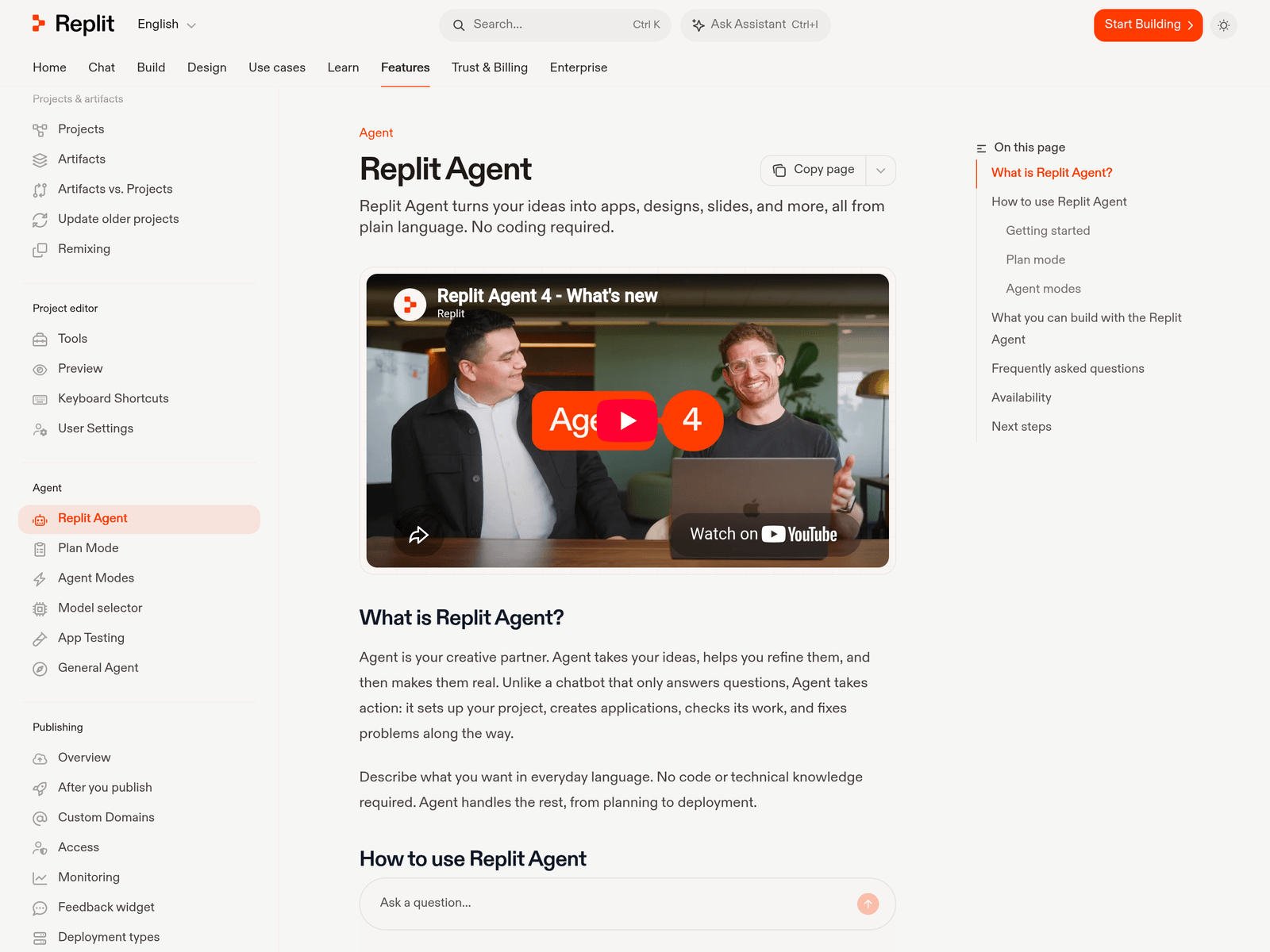
Replit Agent is an autonomous coding agent that runs inside Replit's browser-based development environment. You describe an app in plain language and the agent plans the build, writes the frontend and backend code, provisions a database, installs dependencies, runs the app, fixes what breaks, and publishes it to a live URL — without any local setup. The current version, Agent 4, released in March 2026, added a planning mode, a design canvas for mockups before code, concurrent tasks, and integrations that pull data from Slack, Notion, Linear, and BigQuery into the build.
Key Uses
- Go from idea to deployed app without setup: The whole stack — code, database, hosting, and a URL — lives in one browser tab. There is no environment to configure and nothing to install.
- Prototype an MVP before hiring engineering: Non-technical founders can get a working product in front of users and learn something before committing to a build.
- Build internal tools: Small dashboards, admin panels, and trackers for a handful of users are the sweet spot: low scale, low stakes, high speed.
- Run always-on services: Discord and Slack bots and simple background workers are easy to host because the app never sleeps on Replit's infrastructure.
- Learn by reading generated code: Because the agent writes visible, editable code, it works as a way to see how a full-stack app is put together.
Pricing
- Starter: free, with daily agent credits, Lite build mode, and one published app that expires after 30 days. Good for a first look.
- Core: around $20 per month, including a monthly usage allowance for the strongest models, private workspaces, and more collaborators.
- Pro: about $100 per month, with a much larger allowance, more parallel agents, more collaborators, and credit rollover.
- Enterprise: custom pricing with SSO, admin controls, and dedicated support.
Paid agent modes are billed by effort rather than per prompt, so Replit will not quote a price for an app up front — a simple request costs cents, a multi-hour build costs dollars. Set a spending limit on day one. Check replit.com/pricing for current figures.
Who It Is For
- Non-technical founders: The fastest path from an idea to something a user can actually click.
- Designers and product managers: Ship an interactive prototype instead of handing over static mockups.
- Small teams needing internal tools: Where the user count is low and the maintenance burden is low.
- Students and people learning to build: The browser environment removes setup, which is usually the hardest part of a first project.
How to Use Replit Agent
1. Create a Replit account and open a new workspace in the browser.
2. Describe the app in plain language — what it does, who uses it, and what data it needs to store.
3. Review the plan the agent proposes before it starts writing code, and correct the approach if it is wrong.
4. Let the agent build. It will write code, install dependencies, provision a database, and run the app.
5. Watch it test and fix. The agent runs the app, observes failures, and iterates — you can require approval for paid work if you prefer control.
6. Iterate in chat: ask for a feature, or open the code and edit it yourself.
7. Use checkpoints to roll back a change that went wrong.
8. Deploy to a live URL on Replit hosting, or export the code to GitHub if the project needs to live elsewhere.
Tips for Best Results
- Set a spending limit before the first build. Effort-based billing means an ambitious prompt can cost far more than you expect.
- Use plan mode on anything non-trivial. Reviewing the plan costs little and catches wrong assumptions before they become code.
- Checkpoint often. Rolling back to a known-good state is much cheaper than debugging a long agent thread.
- Keep the first version small. The agent is most reliable on greenfield apps with a clear, narrow scope.
- Review the code before you depend on it. Generated code works, but it is not written to your conventions and accumulates technical debt.
- Plan your exit early. Apps depend on Replit-specific services; migrating later means replacing the database, auth, and hosting.
Limitations
- Effort-based billing makes costs unpredictable. Replit will not quote a price for an app up front, and active builders commonly spend well beyond their base plan.
- Platform lock-in is the main strategic risk: Replit DB, Replit Auth, and Replit hosting all have to be swapped out to migrate.
- Generated code is functional but not idiomatic. Plan to rewrite a meaningful portion before production.
- It is weaker on existing codebases and complex multi-file refactors than tools like Cursor or Claude Code.
- Replit's infrastructure has real scale limits — apps past a few thousand active users hit performance and cost walls.
- The free tier is restrictive: Lite build only and one published app that expires after 30 days.
Frequently Asked Questions
What is Replit Agent?
An autonomous AI coding agent from Replit that builds, tests, and deploys full-stack apps from a plain-language description, entirely inside Replit's browser environment.
How much does it cost?
There is a free Starter plan. Core is around $20 per month and Pro about $100 per month. Paid agent modes are billed by effort on top of the plan, so heavy builds cost more. Check replit.com/pricing for current figures.
Do I need to know how to code?
No. That is the point — you describe the app and the agent writes it. Reviewing the result still benefits from technical judgement.
What is the difference between Free Mode, Power, and Max?
Free Mode handles everyday work within your plan's allowance. Power and Max are paid modes using stronger models, billed by effort. The agent asks before starting paid work.
Can I host the app somewhere else?
Yes, by exporting to GitHub — but apps built on Replit use Replit-specific database, auth, and hosting services, so migrating means replacing each of them.
What is Agent 4?
The current generation of the agent, released in March 2026. It added plan mode, a design canvas for mockups, concurrent tasks, collaborative building in one project, and data integrations with Slack, Notion, Linear, and BigQuery.
Is it good for production apps?
It is strong for prototypes, MVPs, and internal tools. For production systems that need to scale, expect to review and rewrite a substantial share of the generated code.