
Overview
- Tool name: Bolt.new
- Developer: StackBlitz
- Official website: https://bolt.new/
- Category: AI Coding Tools
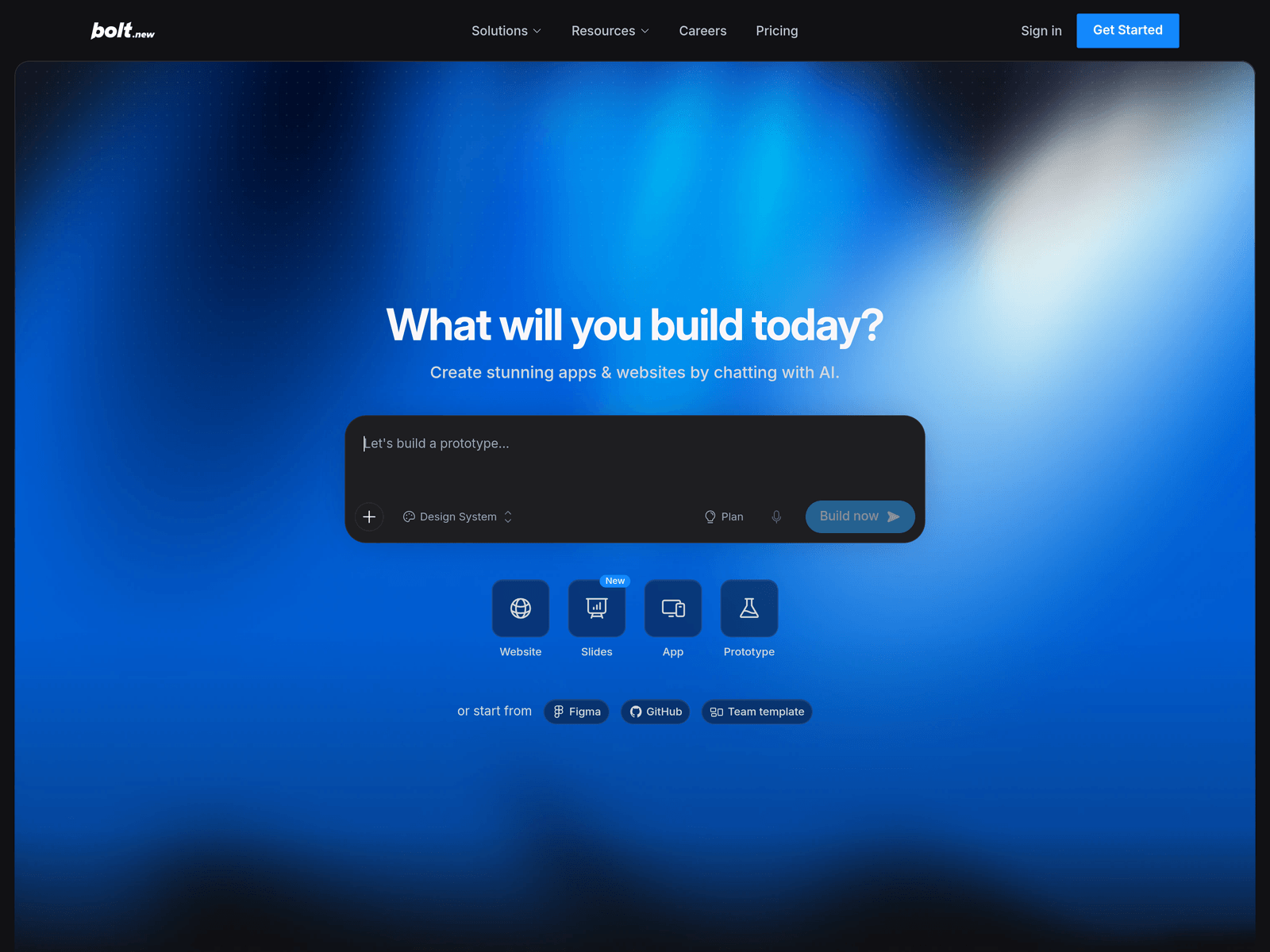
Bolt.new is an AI coding tool from StackBlitz for building websites, apps, and prototypes through chat. It combines model routing, hosting, databases, authentication, and SEO tools in one browser-based workflow.
Key Uses
- AI website building: Generate websites from natural language prompts, suitable for business sites, portfolios, landing pages, and campaign pages without writing frontend code manually.
- AI app creation: Build interactive app prototypes to test product logic, user flows, or internal tools, reducing the time from idea to clickable demo.
- SaaS and prototype starting points: Use production-ready templates such as dashboards, storefronts, and portfolios, then fork and customize them for specific projects.
- Backend and database integration: Access built-in databases, hosting, custom domains, and analytics through Bolt Cloud, avoiding the need to stitch together multiple external platforms.
- User management and authentication: Add enterprise-grade authentication and user management features to projects that require logins, roles, or membership systems.
- SEO optimization: Apply SEO considerations during the build process so that pages are structured for search visibility from launch.
- Automatic model routing: Let Bolt select the appropriate model for each task, balancing quality and cost instead of manually choosing between different coding agents.
Who It Is For
- Product managers: Turn insights into working prototypes within hours and test ideas with teammates before the end of the day.
- Entrepreneurs: Move from landing page to product in a single workflow, launching a business faster without coordinating separate design, development, and hosting tools.
- Marketers: Create high-performing campaign pages with built-in SEO and hosting, useful for short-term promotions or product launches.
- Agencies: Deliver more client projects without increasing headcount by reusing templates and automating routine build tasks.
- Students and independent builders: Learn by turning class ideas or side projects into fully working applications.
- Small businesses: Build custom business apps without hiring developers or paying for large traditional projects.
Tips for Best Results
- Start with a clear goal: Decide whether you need a website, prototype, or full application before prompting, so the AI can plan the structure more accurately.
- Use templates for common project types: Begin with dashboards, storefronts, or portfolio templates when available, then modify them instead of generating everything from scratch.
- Iterate in stages: Build the core flow first, then add databases, authentication, SEO settings, or custom domains step by step to reduce complexity.
- Review generated logic: Bolt automatically tests, refactors, and iterates, but important business rules should still be checked before production use.
- Apply a design system: Use brand styles and reusable components to keep projects consistent instead of recreating layouts for every page.
- Keep the workflow in one place: Take advantage of built-in hosting, databases, and analytics to avoid creating multiple third-party accounts for simple projects.
Limitations
- Human review is still needed for complex projects: Although Bolt claims to handle larger projects and reduce errors, critical logic should be reviewed by a developer before launch.
- Model selection is automated: Users may not fully control which underlying model handles each task, so output quality can vary by use case.
- Platform-dependent infrastructure: Databases, authentication, and hosting are provided through Bolt Cloud, so migration or deep customization should be evaluated in advance.
- Marketing claims need caution: Statements such as “millions of users” or “98% less errors” are not independently verified in the provided material, and actual results may differ.
- Some technical understanding helps: While designed for non-developers, knowing basic concepts like databases, domains, and app structure can improve the building experience.
Frequently Asked Questions
How do I start using Bolt.new?
Visit the official website and click Get Started to create an account. You can begin from a blank project, choose a website, app, or prototype flow, or import from Figma, GitHub, or team templates.
Is Bolt.new free?
The provided material does not clearly state a free tier. Bolt mentions plans such as Standard and Max Pro, so pricing and included features should be checked on the official Pricing page.
What platforms or languages does Bolt.new support?
Bolt.new runs in the browser and supports building websites, apps, and prototypes. It can connect with tools such as GitHub and Figma, but the full list of supported languages or frameworks is not specified in the source material.
How is Bolt.new different from V0 or Replit?
Bolt.new is described as a full-stack AI code tool that combines aspects of Artfacts, V0, and Replit. It focuses on building, running, and scaling web projects in one browser-based environment rather than only generating UI code or providing a cloud IDE.
Is Bolt.new suitable for users with no coding experience?
Yes, the product is aimed at product managers, entrepreneurs, marketers, students, and small businesses. However, for complex or production-critical projects, technical review is still recommended.